

The Breakfast Order Form opens with a friendly welcome and moves through eight questions to capture everything needed to fulfill an order. It starts with contact details — full name, email, and an optional phone number — then asks how the customer wants to receive their order (pick-up or delivery), followed by their preferred date and time. The core of the form is the open-ended order-items question, which lets customers build any combination from the menu, and an optional "Do you have any special requests or dietary notes?" question so the kitchen can accommodate allergies or preferences. After submitting, customers see a confirmation screen letting them know their order has been received and will be prepared shortly.
Try the conversation below to see how this template works
Trusted by over 10,000 customers and growing
Conversations Started
Questions Answered
Forms Created
Relies on the item list and quantity question to receive complete, kitchen-ready orders without back-and-forth messages.
Uses the date, time, and dietary notes questions together to plan and prep multiple orders accurately in advance.
Depends on the pick-up or delivery choice alongside the scheduled date and time questions to coordinate in-room or lobby breakfast service.

AI builds and refines your form through natural conversation no templates, no complex logic, no coding. From a simple text prompt or URL, Dashform generates intelligent flows that adapt automatically.
Dashform turns traditional form-filling into a two-way dialogue. The AI understands intent, remembers context, and asks relevant follow-up questions just like a real human conversation.
Every response is transformed into structured, meaningful, and ready-to-use data. Integrate with your favorite tools.
Everything you need to create amazing forms
Everything you need to know about this template
Don't see exactly what you need? Use our AI Form Generator to create a custom form in seconds. Just describe what you want, and AI will build it for you.
Explore more templates to find the perfect fit
 Other
OtherOrganize patient, insurer, provider, service-date, diagnosis-code, and procedure-fee details for clinician billing review.
 Assessment
Evaluate a support staff member's performance across communication, problem-solving, teamwork, and attendance in eight questions.
 Consent
Collect a legally structured sworn statement with identity details, a formal affirmation, and an electronic signature.
 Assessment
Collect patient symptoms, onset timing, fever, breathing concerns, and exposure history before a medical appointment.
 Order
OrderCollect t-shirt style, sizes, colors, design details, and delivery date in one tidy order form.
 Registration
Register prospective candidates by capturing their contact details, education, experience level, and role interests for your talent pool.
Learn how to get the most out of your forms and templates

AI quiz generation is reliable for drafting questions, not for an unchecked answer key. How it compares with manual quiz writing, and the checks to run before you publish.

AI agents are taking on client intake for service businesses. How agent funnels handle discovery, qualification, and booking, and how the front desk's job changes.
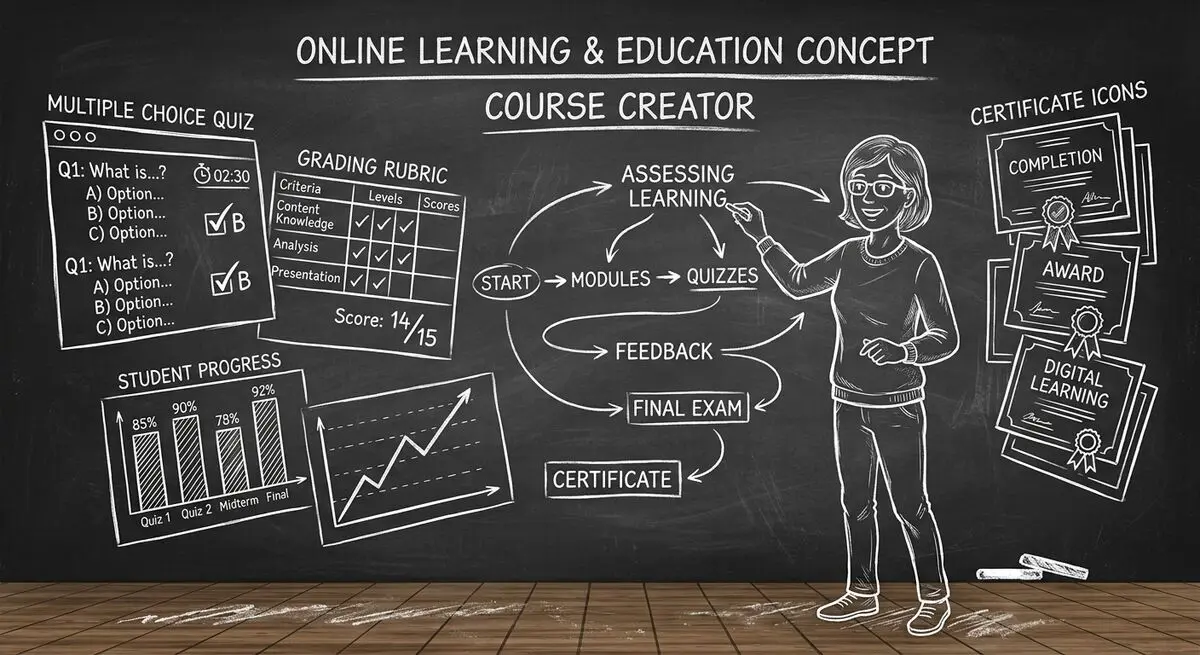
6 AI drafting tools for course creators, with suggestions for reviewing quiz questions, gathering feedback, and collecting enrollment information.
Try the world's first AI-native form and turn every response into action instantly.