The Student Answer Reply Form opens with a prompt to fill in all required fields carefully before walking respondents through six questions. It first collects identity details — full name and student ID — then the "Provide the name or code of the course this reply is for." question and the "Enter the full title of the assignment, exam, or activity." question, so the owner can file each submission against the right course and task. The core of the form is the "Please type or paste your answers here. Ensure all questions are addressed clearly." question, where students write or paste their full responses. An optional "Do you have any additional comments or questions regarding your reply?" question rounds things off, giving students a space to flag concerns without making it a barrier to submission. After submitting, students see a confirmation that their reply has been successfully recorded.
Try the conversation below to see how this template works
Trusted by over 10,000 customers and growing
Conversations Started
Questions Answered
Forms Created
Instructors rely on the course and assignment title questions to sort incoming submissions by class and task without any back-and-forth.
Students use the open-ended answer question to type or paste complete responses from anywhere, with no file upload or login required.
Coordinators depend on the student ID question to log and track submissions accurately across large cohorts.

AI builds and refines your form through natural conversation no templates, no complex logic, no coding. From a simple text prompt or URL, Dashform generates intelligent flows that adapt automatically.
Dashform turns traditional form-filling into a two-way dialogue. The AI understands intent, remembers context, and asks relevant follow-up questions just like a real human conversation.
Every response is transformed into structured, meaningful, and ready-to-use data. Integrate with your favorite tools.
Everything you need to create amazing forms
Everything you need to know about this template
Don't see exactly what you need? Use our AI Form Generator to create a custom form in seconds. Just describe what you want, and AI will build it for you.
Explore more templates to find the perfect fit
 Patient Feedback
Collect patient feedback on psychiatric care, treatment effectiveness, communication, and clinic environment.
 Self Assessment
A seven-question behavioral survey assessing impulsivity, empathy, guilt, manipulation, and emotional range.
 Membership Registration
Register as a PTO member, share your school connection, and tell the organization where you'd like to volunteer.
 Consent
Collect traveler health status, recent travel history, and public health compliance agreements in one streamlined form.
 Food Order
Place a pumpkin cheesecake order by sharing your contact info, quantity, preferred date, and pickup or delivery preference.
 Purchase Order
A structured request form that gives approvers everything they need to review and process a purchase order straight away.
Learn how to get the most out of your forms and templates

Want a Specific.app alternative? Dashform AI Survey offers adaptive logic, AI-generated follow-ups, and flexible workflows for teams seeking more insight.
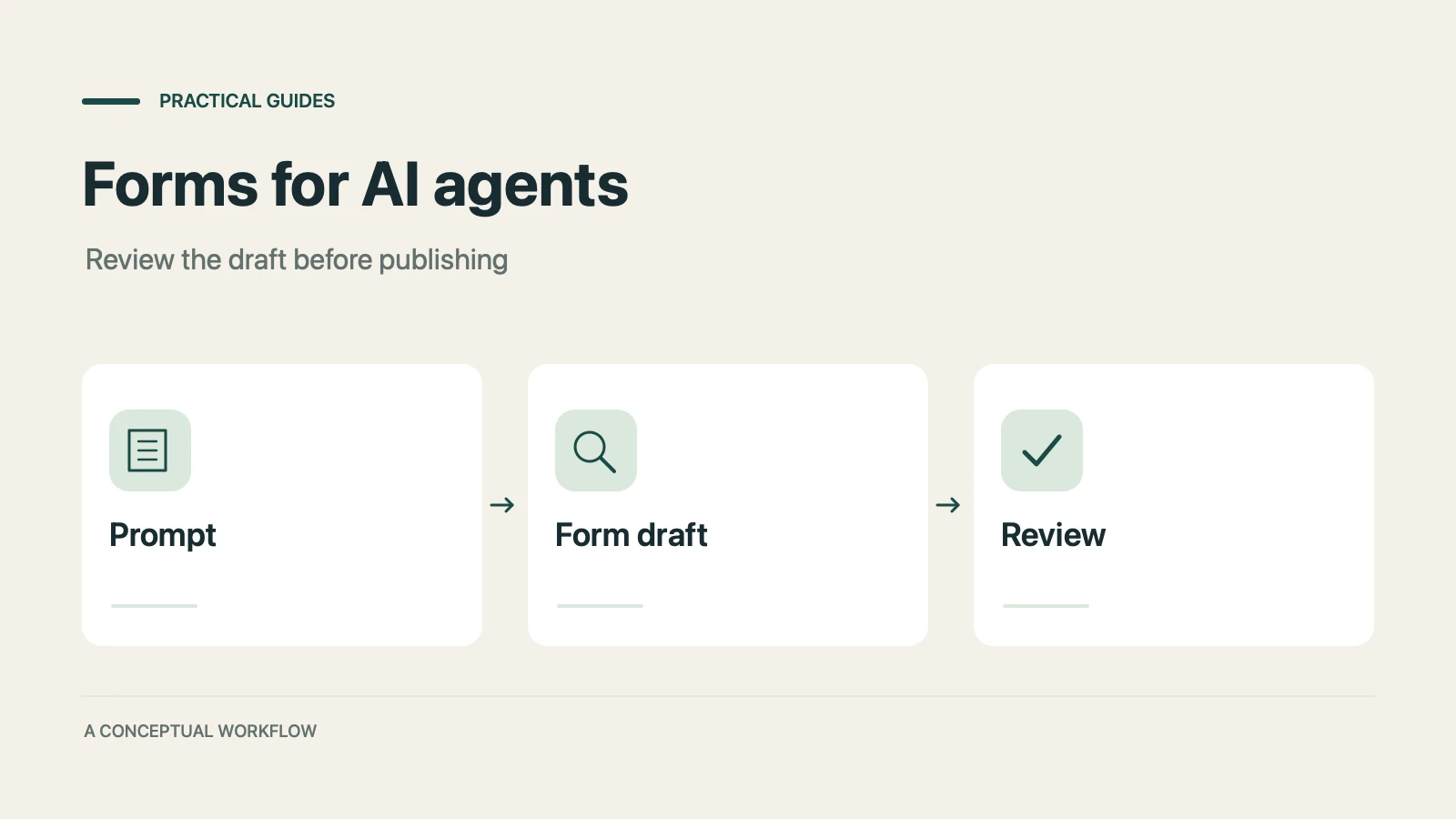
A practical guide to evaluating terminal-based Dashform workflows, checking current commands, reviewing drafts, and publishing with explicit authorization.

Use Dashform's MCP connection in a compatible AI client to draft and edit forms, review the saved result, and publish when ready.
Try the world's first AI-native form and turn every response into action instantly.

