A visitor writes “We need a new website” and leaves an email address. Someone on your team replies about budget. Another asks about timing. By the time you schedule a call, the project details are split across several messages.
A useful client intake process puts the first answers in one place and gives one person responsibility for the next step. You can start with a short form and manual review. The process needs to be clear before it needs to be automated.
This guide was revised September 8, 2026. The examples are fictional agency workflows, not measured claims about proposal speed or close rates.
Make the first form answer a specific decision
The first decision is usually whether your agency can have a useful conversation about this project. You do not yet need a full asset library or a completed implementation brief.
| Ask on the inquiry form | Save for discovery or onboarding |
|---|---|
| Desired business outcome | Detailed requirements and acceptance criteria |
| Service requested | Final scope and exclusions |
| Current website or relevant public reference | Access to systems and private project files |
| Budget range, with a “not sure” option | Commercial terms and payment arrangements |
| Desired start and any fixed deadline | Delivery schedule and dependencies |
| People involved in approval | Named project roles and meeting cadence |
| Contact name and email | The full stakeholder directory |
Explain what happens after submission. “Our team will review your inquiry and email you about the next step” is more useful than a vague thank-you screen. Add a response window only if someone owns it and can meet it.
Give every inquiry an owner and a status
Start with four statuses: received, needs clarification, ready for discovery, and outside the current offer. Assign an owner to each incoming inquiry. A notification without ownership can still leave the prospect waiting.
For each record, keep the original answers, the review decision, the reason, and the next action. A spreadsheet can handle a small volume. Move to a shared system when ownership, follow-ups, or handoffs become difficult to track.
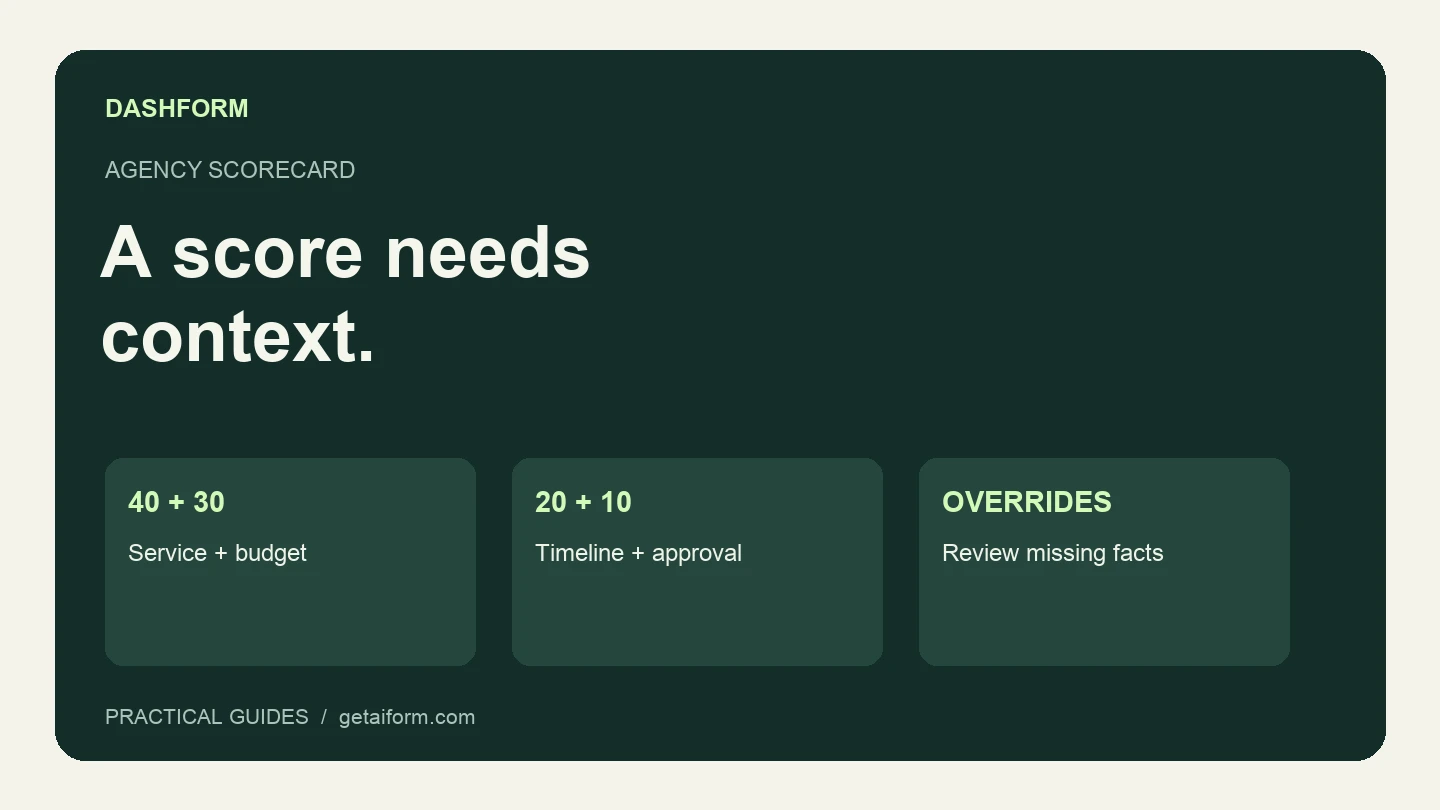
The agency qualification scorecard provides an example rubric. Keep exceptions visible: an unknown budget or an impossible deadline may matter more than a high total.
Ask one clarification that advances the conversation
If the inquiry is plausible but incomplete, ask the question that changes your next decision. Avoid sending a second long questionnaire as a default reply.
For example:
Thanks for outlining the redesign. You mentioned a September launch.
Is that date tied to an event, or is there flexibility? That will help
us check whether our schedule is a fit before arranging a call.
Or, when your actual minimum is already published:
Thanks for sharing the project. Before we arrange a scoping call,
please check the starting budget in our service guide. Does that fit
the range you are considering, or would a smaller first phase help?
Use your own offer and wording. These are examples of follow-up messages, not messages Dashform sends automatically when you paste them into a form.
Prepare discovery from the answers you already have
The call should add detail. Read the intake first, identify what remains uncertain, and use the prospect's stated outcome to start the conversation.
For a website redesign, the unresolved issue might be who supplies content or what must remain in the current platform. Confirm those dependencies before promising a scope. Record any changes to the budget, deadline, or decision process so the eventual proposal reflects the conversation.
If the project is outside your offer, close the loop. A short explanation of the mismatch is better than leaving an inquiry indefinitely in “new.” Offer a referral only when you have a suitable one.
Build the intake in Dashform
The Dashform getting-started guide covers generating a form, editing it, previewing it, and publishing a share link. Here is a brief you can adapt in the form generator:
Create a structured inquiry form for [agency name and services].
Ask about the desired outcome, requested service, current website,
budget range, preferred start, fixed deadline, approval process,
and contact name and email.
Include "Not sure yet" where a prospect may not know the answer.
Don't ask for passwords, private access credentials, or project files.
End with a clear message that a person will review the inquiry.
Do not invent prices, availability, or a response-time guarantee.
Save a draft for review.
Review the questions before publishing. If you configure AI lead scoring, describe your actual fit criteria and inspect its output. If you connect a CRM or webhook, test the destination record and field mapping; that connection is a separate part of the workflow. The API reference describes reply events and integration endpoints.
Hand off the project without losing the intake
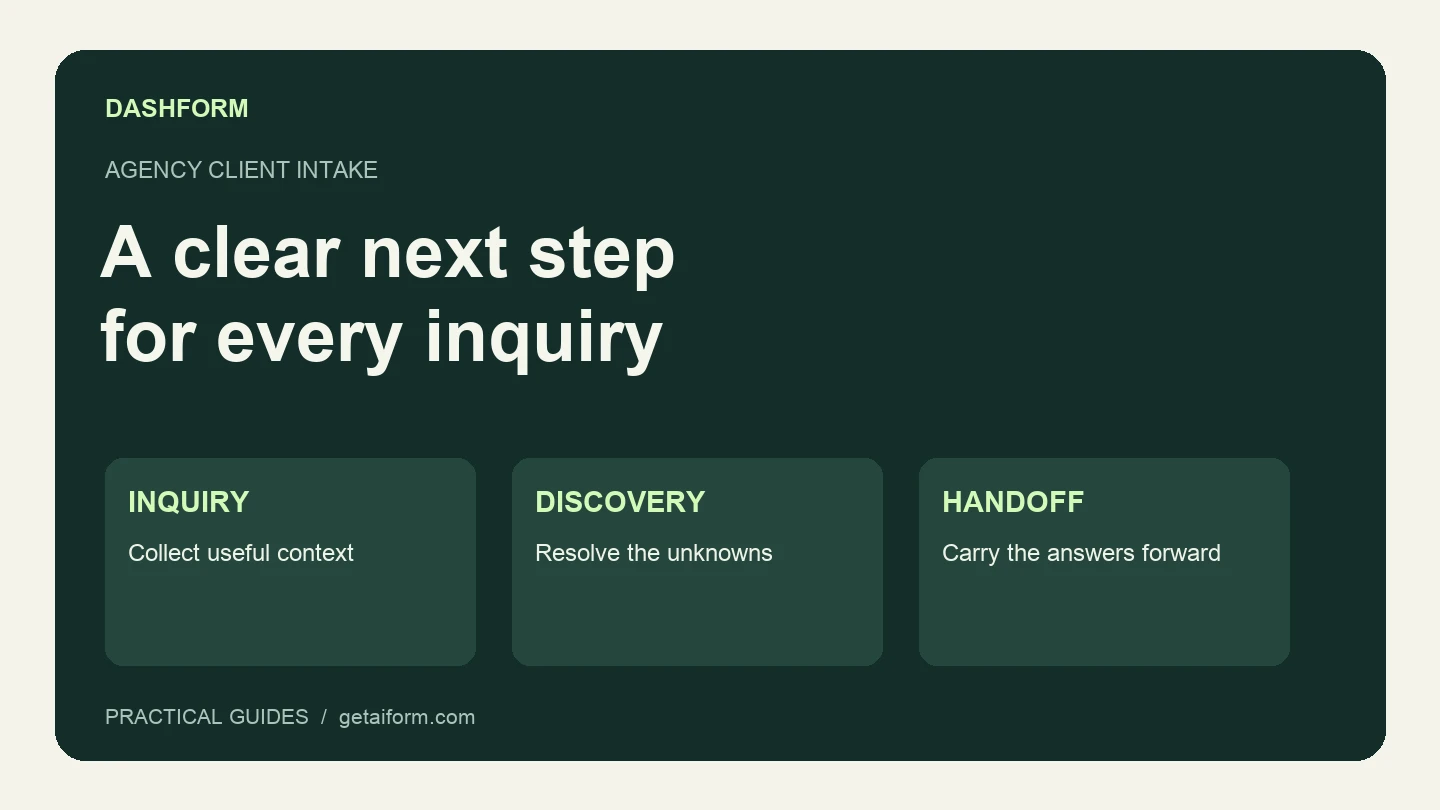
Once a project is agreed, create an onboarding record that links back to the original inquiry. Include the confirmed outcome, approved scope, exclusions, decision-maker, delivery owner, and next milestone. Carry forward the information that is still accurate and mark what changed.
Request account access through the appropriate invitation or access-management process. An intake text field is not a place to collect credentials.
Review where inquiries stall: no assigned owner, an unanswered clarification, or a booking link that goes nowhere. Fix the specific handoff first. Then build or revise your intake form around the questions that help your team make the next decision.