

This videography booking form opens by collecting contact details — name, email, and an optional phone number — before moving into the specifics of the project. It then asks about event type, date, and location so the videographer can immediately assess fit and availability. Questions about coverage duration and deliverables (such as a highlight reel, drone footage, or social media clips) tell the owner exactly how much crew time and post-production work to plan for. The optional "Preferred Visual Style" and "Approximate Budget" questions help match expectations before any conversation begins, and a free-text field at the end lets clients flag anything unusual. After submitting, respondents see a confirmation that their request is under review and that they'll hear back within one to two business days.
Try the conversation below to see how this template works
Trusted by over 10,000 customers and growing
Conversations Started
Questions Answered
Forms Created
The "Event Date" and "Estimated Duration of Coverage" questions — paired with deliverables like 'Full ceremony or event recording' and 'Same-day edit' — give wedding videographers everything they need to check diary availability and quote accurately.
The "Event Type", "Preferred Visual Style", and "Deliverables You're Looking For" questions let corporate producers quickly identify whether a client needs a clean brand shoot, conference coverage, or interview footage — and plan resources accordingly.
The optional "Approximate Budget" question helps solo operators filter projects and prepare realistic proposals before committing to a discovery call, saving time on both sides.

AI builds and refines your form through natural conversation no templates, no complex logic, no coding. From a simple text prompt or URL, Dashform generates intelligent flows that adapt automatically.
Dashform turns traditional form-filling into a two-way dialogue. The AI understands intent, remembers context, and asks relevant follow-up questions just like a real human conversation.
Every response is transformed into structured, meaningful, and ready-to-use data. Integrate with your favorite tools.
Everything you need to create amazing forms
Everything you need to know about this template
Don't see exactly what you need? Use our AI Form Generator to create a custom form in seconds. Just describe what you want, and AI will build it for you.
Explore more templates to find the perfect fit
 Waiver
Collect passenger and trip details, emergency contacts, and choices about operator-supplied risk information, rules, and waiver terms.
 Rsvp
RsvpA six-question RSVP form that collects attendance, guest count, and dietary needs for any party or event.
 Rsvp
RsvpCollect guest attendance, plus-ones, dietary needs, and special requests in one tidy RSVP form.
 General Application
Collect patient and emergency contact details, allergy and medication notes, relevant conditions, and a treatment-consent response for admission review.
 Patient Feedback
A six-question clinic feedback form covering care quality, staff, and facilities — with space for open-ended suggestions.
 Rsvp
RsvpA PHQ-9 symptom questionnaire with four frequency choices for each symptom over the past two weeks, for discussion with a healthcare professional.
Learn how to get the most out of your forms and templates
Connect Claude Code to Dashform, create and inspect a form draft, and understand the difference between reusable skills, MCP access, and publishing.
Compare Dashform and ScoreApp for coaching and agency assessments, including current pricing, scoring differences, and what to check before switching.
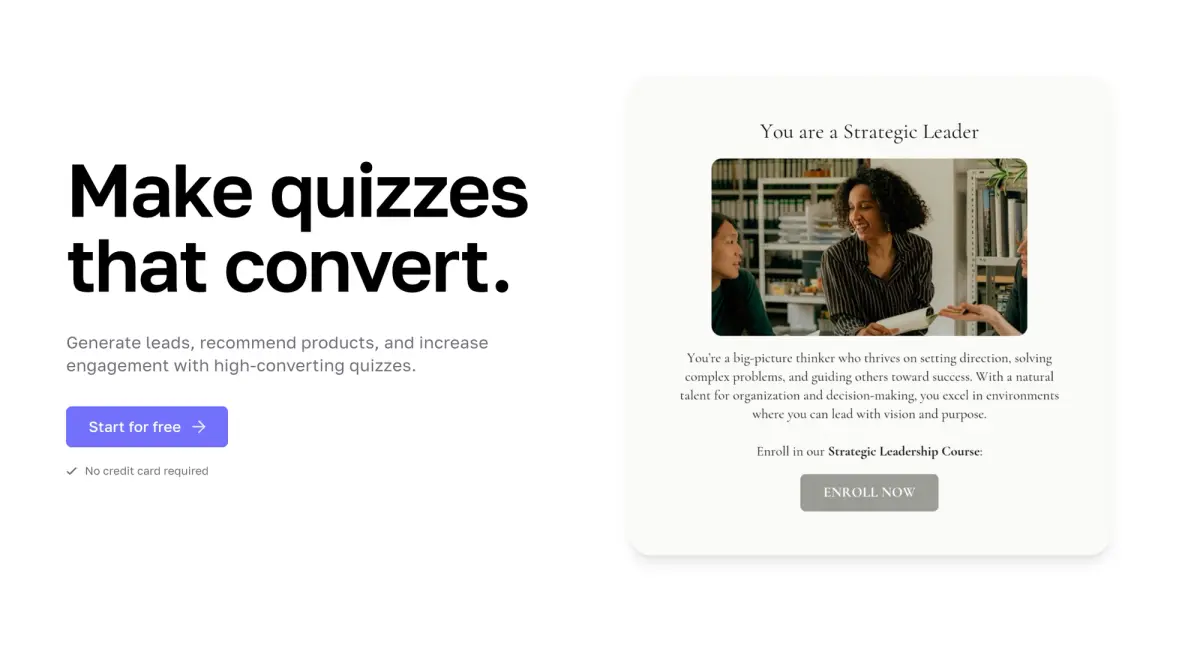
Interact's quiz builder is solid, but its features are spread across paid tiers. Compare Interact and Dashform side by side: AI quiz generation, scoring, branding, and free plan.
Try the world's first AI-native form and turn every response into action instantly.