If your assessment is meant to help you decide who should get a discovery call, the useful comparison is what happens after someone answers it. Do you need a detailed score report for the respondent, an internal judgment about fit, or both?
Dashform is worth trying when you want to turn a business brief into an editable intake form and review leads against your own criteria. ScoreApp is a strong choice when the scorecard itself, including calculated scores and personalized reports, is the product you give visitors. Both offer AI assistance.
This comparison is written by Dashform. Product information was checked on September 8, 2026; it is a review of documented capabilities, not a conversion-rate experiment.
Decide what your assessment needs to return
A coach might ask about a prospect's goal, what they have tried, and when they want to begin. The coach needs enough context to prepare a useful call. An agency may also need to flag a service mismatch before inviting someone to book.
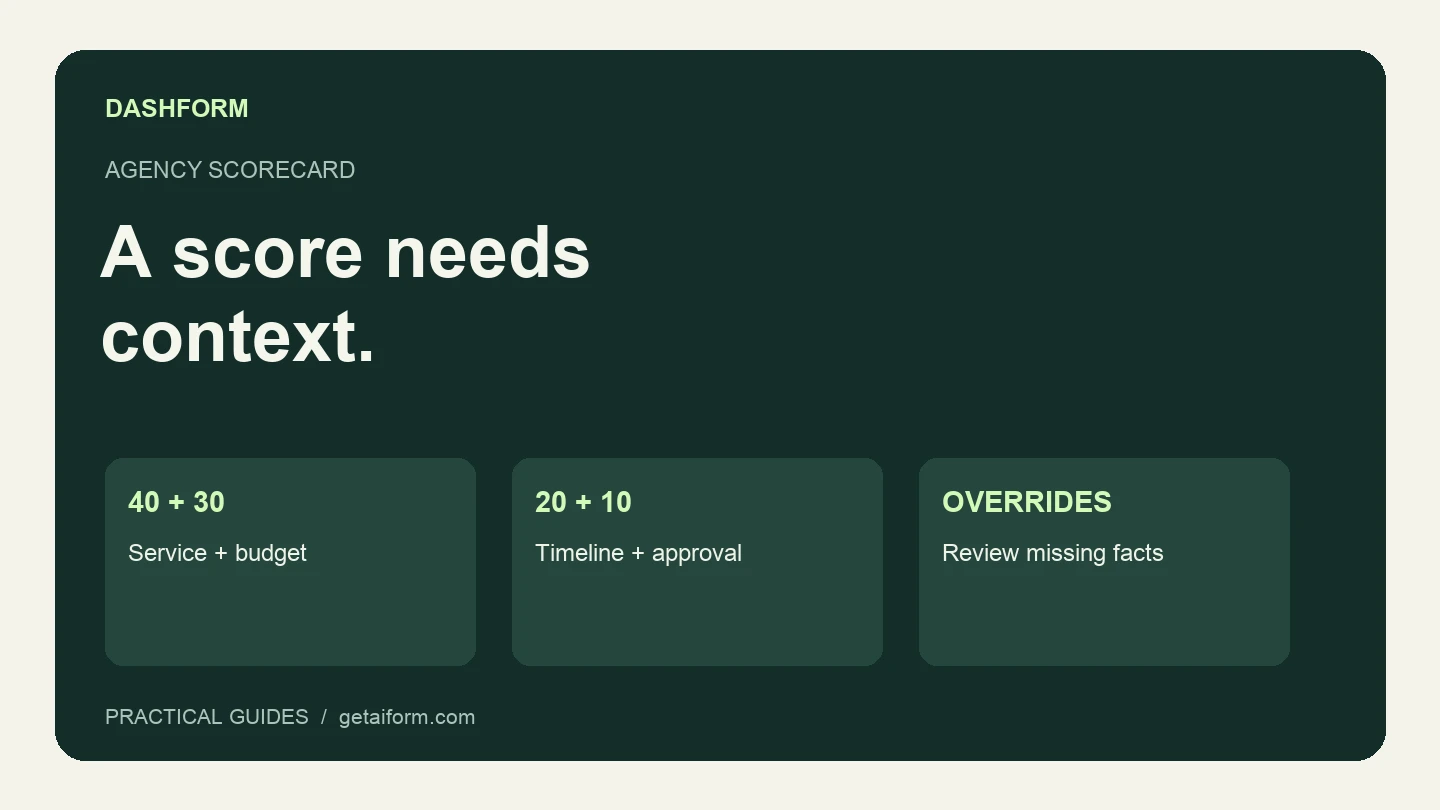
A different assessment might promise a visitor a score of 72 out of 100, several category scores, and a downloadable report. That promise requires consistent calculations and a matching results experience. An internal hot, warm, or cold label doesn't fulfill it.
| Your requirement | What to evaluate |
|---|---|
| Draft questions from a description of your service | Try the same brief in each builder and inspect the questions it produces. |
| Return exact points and category scores | ScoreApp documents multiple calculated scores and dynamic results. Verify equivalent behavior before switching. |
| Review whether an inquiry fits your business | Dashform lets you define hot, warm, and cold criteria for AI lead review. |
| Ask follow-up questions in a conversation | Dashform offers an AI Funnel alongside a structured Logic Funnel. Choose the format deliberately. |
| Keep the form inside an agent-assisted workflow | Dashform provides authenticated MCP tools for creating and editing drafts, then publishing them. |
ScoreApp also documents jump logic and an AI quiz builder. Describing it as a manual-only tool would give you the wrong basis for a purchase. See its plan comparison.
Compare the allowance you will actually use
The figures below are USD prices for monthly billing, checked September 8, 2026. Annual billing and applicable taxes can change the amount you pay.
| Plan | Monthly price | Included monthly responses or replies |
|---|---|---|
| ScoreApp Starter | $39 | 100 responses; 3 live scorecards |
| ScoreApp Business | $99 | 1,000 responses; 10 live scorecards |
| ScoreApp Pro | $149 | 3,000 responses; 30 live scorecards |
| Dashform Hobby | Free | 50 replies; 30 AI credits |
| Dashform Pro | $39 | 500 replies; 250 AI credits |
| Dashform Business | $99 | 2,000 replies; 1,000 AI credits |
Sources: ScoreApp pricing and Dashform pricing.
Dashform's free plan has usage limits. Build a small pilot within those limits, then estimate the replies and AI usage your full campaign will need. A response allowance and an AI credit allowance measure different things; don't treat a credit as a guaranteed completed assessment.
Check the feature that could force an upgrade, too. ScoreApp lists dynamic PDF reports on Business and split testing on Pro. If your existing campaign depends on either, include that dependency in the comparison instead of looking only at the entry price.
A useful pilot for coaches and agencies
Start with one assessment whose purpose you can describe in a sentence. For example, “Help our website agency decide whether an inquiry is ready for a scoping call.”
Paste this into Dashform's form generator:
Create a structured inquiry form for a website design agency.
Ask for the desired project outcome, requested service, current website,
budget range, preferred start date, who will approve the project,
and a contact email. Include "Not sure yet" for budget and timing.
Keep the questions short. Don't invent our prices or availability.
End with a confirmation that the team will review the request.
Save a draft for review before publication.
Replace the generic service and budget options with your actual offer. Then configure the lead criteria separately: what makes an inquiry ready for a call, what needs clarification, and what you cannot serve.
Review a clear fit, an obvious service mismatch, and a plausible inquiry with a missing budget. The last one is easy to mishandle. “Not sure” should usually trigger a question, not an automatic rejection.
If you already use ScoreApp, our assessment rebuild guide provides a mapping worksheet and test cases. Keep your existing assessment running while you check the replacement.
When staying with ScoreApp makes sense
Keep a working ScoreApp setup if its calculated reports, campaign pages, and connected workflows already meet your needs. Switching creates work: questions must be checked, score boundaries reproduced, follow-up behavior rebuilt, and historical data kept accessible.
We would start a Dashform pilot when the job is closer to collecting project context and deciding the next action, especially if you also build forms from briefs through an AI assistant. That is a concrete workflow to compare. A claim that one tool will automatically convert more visitors is not.
For a coaching-specific starting point, use the 15 coaching assessment questions. Select the questions that change your decision, then build your first draft.