This form walks through a vehicle transfer in a logical order: it opens by asking for the vehicle's make, model, and VIN to pin down exactly which asset is changing hands, then collects the full names of the releasing party and the receiving party so there is no ambiguity about who is involved. A release date question follows, placing the transfer on the record at a specific point in time. The form closes with a confirmation question where the submitter must actively choose to authorize the release, giving the owner a clear, documented consent signal. After submitting, respondents see a brief thank-you screen acknowledging that their reply creates a clear record of the transfer.
Try the conversation below to see how this template works
Trusted by over 10,000 customers and growing
Conversations Started
Questions Answered
Forms Created
The make, model, and VIN questions give dealers an instant, searchable record tied to a specific vehicle in their inventory.
The releasing and receiving party questions let fleet managers document internal reassignments or external disposals with named accountability on both sides.
The authorization confirmation question gives private sellers a clear, documented consent signal to keep alongside any paper bill of sale.

AI builds and refines your form through natural conversation no templates, no complex logic, no coding. From a simple text prompt or URL, Dashform generates intelligent flows that adapt automatically.
Dashform turns traditional form-filling into a two-way dialogue. The AI understands intent, remembers context, and asks relevant follow-up questions just like a real human conversation.
Every response is transformed into structured, meaningful, and ready-to-use data. Integrate with your favorite tools.
Everything you need to create amazing forms
Everything you need to know about this template
Don't see exactly what you need? Use our AI Form Generator to create a custom form in seconds. Just describe what you want, and AI will build it for you.
Explore more templates to find the perfect fit
 General Survey
A structured form for medical professionals to document patient visits, symptoms, diagnoses, treatment plans, and follow-up instructions.
 Waiver
Collect participant and provider details, health disclosures, and explicit choices on separately supplied risks, waiver terms, and emergency authorization.
 Product Order
Collect medication name, dosage, quantity, delivery details, and special instructions in one clean order form.
 Application
A ten-question application that collects contact info, membership tier, motivation, and a code-of-conduct agreement.
 Assessment
A structured five-question tool for clinicians to document and rate a patient's mental capacity for a specific healthcare decision.
 Performance Evaluation
A structured supervisor form covering employee performance, well-being, behavioral changes, and support needs in one review.
Learn how to get the most out of your forms and templates
Copy a project discovery form grouped by purpose, see which questions to leave optional, and route each answer to a call, a follow-up, or a polite no.
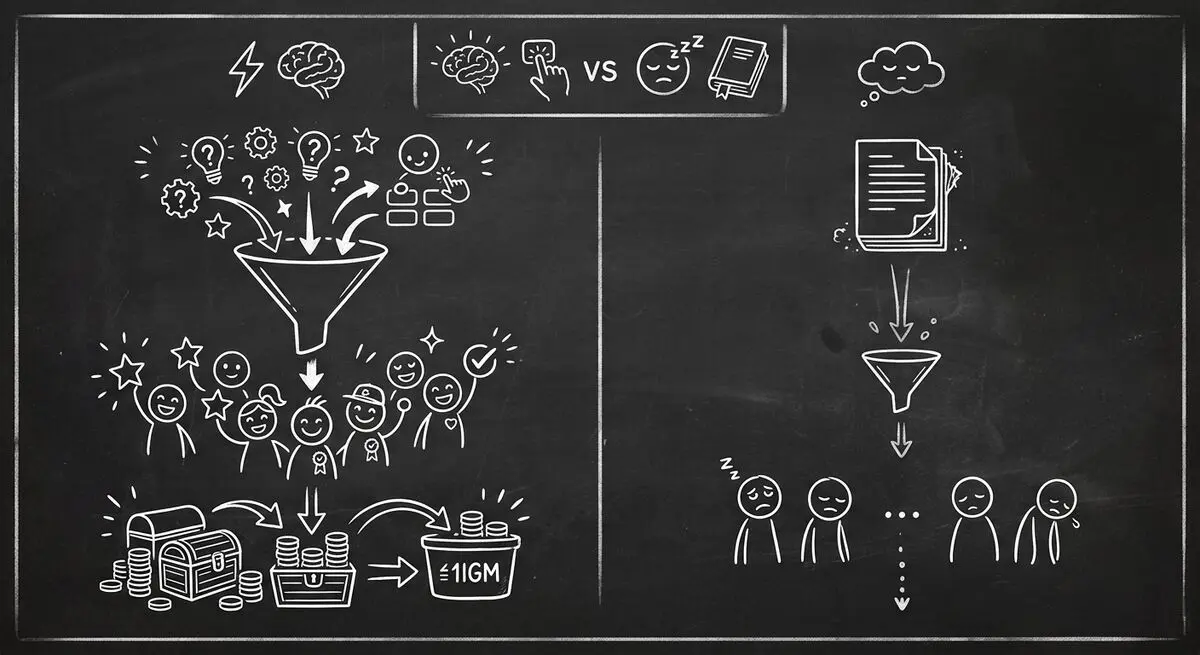
Compare quiz funnels and downloadable resources, interpret platform-specific conversion data, and design a test using your own audience.
Map an existing ScoreApp assessment into a Dashform intake workflow, with a copyable brief, scoring worksheet, test cases, and clear migration limits.
Try the world's first AI-native form and turn every response into action instantly.

