

The Medical Order Form opens with a brief welcome that sets expectations for accuracy, then walks through seven questions covering everything a pharmacy or supplier needs to fulfill a request. It starts with the medication name, dosage, and quantity — the three details that define the order itself — before an optional question capturing special handling or delivery instructions such as refrigeration or urgency. The final three questions gather the orderer's name, a contact phone number or email for confirmation, and a complete delivery address. After submitting, respondents see a confirmation screen letting them know their request has been received and will be processed promptly.
Try the conversation below to see how this template works
Trusted by over 10,000 customers and growing
Conversations Started
Questions Answered
Forms Created
Departments rely on the orderer name, contact, and delivery address questions to route orders to the correct ward or unit without back-and-forth calls.
Pharmacies use the medication name, dosage, and quantity questions to receive complete, unambiguous restock requests from customers or care providers.
Home care teams depend on the special instructions and full delivery address questions to arrange correct handling and accurate doorstep delivery for patients.

AI builds and refines your form through natural conversation no templates, no complex logic, no coding. From a simple text prompt or URL, Dashform generates intelligent flows that adapt automatically.
Dashform turns traditional form-filling into a two-way dialogue. The AI understands intent, remembers context, and asks relevant follow-up questions just like a real human conversation.
Every response is transformed into structured, meaningful, and ready-to-use data. Integrate with your favorite tools.
Everything you need to create amazing forms
Everything you need to know about this template
Don't see exactly what you need? Use our AI Form Generator to create a custom form in seconds. Just describe what you want, and AI will build it for you.
Explore more templates to find the perfect fit
 Client Intake
Gather client details, reputation concerns, objectives, and reporting preferences to kick off a tailored reputation management strategy.
 Hr
HrA five-question workplace survey that measures job satisfaction, work-life balance, and how valued employees feel by their manager and company.
 Hr
HrCollect employee policy-review status, agreement or disagreement, and questions about reporting procedures and consequences.
 Performance Evaluation
Assess employee performance across five key competencies with structured 0–10 ratings from a named evaluator.
 Hr
HrCollect employee preferences on tasks, satisfaction, perks, and workplace improvements in one short form.
 Agreement
Collect signed acknowledgment of laptop usage policies, tie it to a specific device, and confirm each employee's key responsibilities.
Learn how to get the most out of your forms and templates
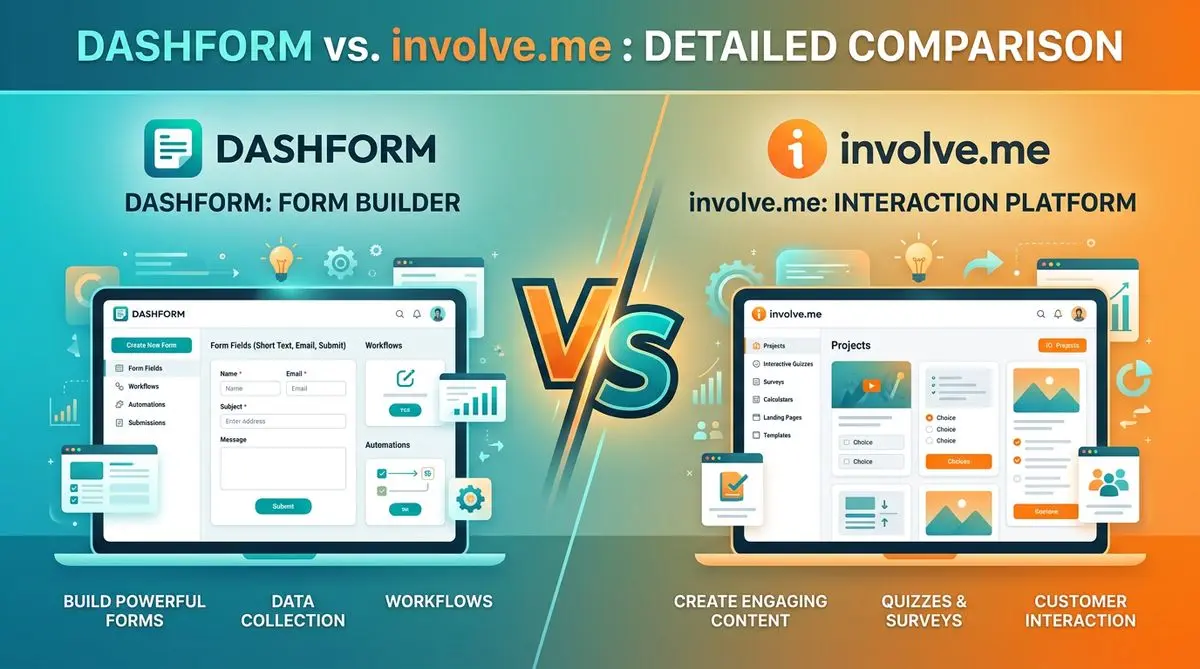
Dashform and involve.me side by side: pricing, AI generation, lead scoring, templates, and integrations, and which fits marketers, coaches, and agencies.
Dashform and LeadQuizzes side by side: templates, AI generation, white-label, lead scoring, and pricing, and which fits marketers and small businesses.

Design agencies often struggle with unqualified leads and time-consuming discovery calls. This article explores how structured intake forms and assessments help agencies qualify clients earlier, streamline workflows, and win better-fit projects.
Try the world's first AI-native form and turn every response into action instantly.