

The Membership Application Form opens by collecting contact details — "Full Name", "Email Address", and optionally "Phone Number" and "Date of Birth" — so the team has everything needed to follow up and verify eligibility. It then asks applicants to select a "Membership Type" from five options, which determines the correct tier for their situation, followed by "How did you hear about us?" to help the organization understand how people find them. The heart of the application is "Why would you like to become a member?" and the optional "Relevant Experience or Background" question, which together give reviewers a picture of who is applying and what they bring. "Areas of Interest" lets applicants flag which programs matter most to them, while the final "Do you agree to abide by the organization's code of conduct and bylaws?" question records whether the applicant agrees before submission. After submitting, applicants see a confirmation message letting them know their application has been received and that the team will be in touch with next steps.
Try the conversation below to see how this template works
Trusted by over 10,000 customers and growing
Conversations Started
Questions Answered
Forms Created
Relies on "Membership Type" and "Do you agree to abide by the organization's code of conduct and bylaws?" to sort applicants into the right tier and record their policy acceptance or refusal for manual review.
Uses "Relevant Experience or Background" and "Why would you like to become a member?" to give membership committees the context they need to evaluate each applicant's fit.
Depends on "Areas of Interest" to match new members with the programs — such as 'Volunteer Opportunities' or 'Workshops & Training' — that suit them from day one.

AI builds and refines your form through natural conversation no templates, no complex logic, no coding. From a simple text prompt or URL, Dashform generates intelligent flows that adapt automatically.
Dashform turns traditional form-filling into a two-way dialogue. The AI understands intent, remembers context, and asks relevant follow-up questions just like a real human conversation.
Every response is transformed into structured, meaningful, and ready-to-use data. Integrate with your favorite tools.
Everything you need to create amazing forms
Everything you need to know about this template
Don't see exactly what you need? Use our AI Form Generator to create a custom form in seconds. Just describe what you want, and AI will build it for you.
Explore more templates to find the perfect fit
 Tracking Log
A structured eight-question handover form for shift staff to log activities, incidents, and priority follow-ups for the next team.
 Hr
HrEight-question employee survey rating work-life balance, collaboration, transparency, growth, values, and inclusion.
 Complaint
A ten-question form for logging complaints with full incident details, prior resolution attempts, and urgency level.
 Quiz
QuizPractice conditional logic with delivery, AND, OR, and fallback scenarios, then compare your reasoning with an ending answer guide.
 Event Registration
Collect attendee details, ticket choice, dietary needs, and optional add-ons in one smooth conference sign-up flow.
 Information Request
Collect verified personal details and explicit data-use consent from individuals in one secure, structured form.
Learn how to get the most out of your forms and templates

Looking for a smarter alternative to Specific.app? Dashform AI Survey offers adaptive logic, AI-generated follow-ups, and flexible workflows designed for teams that need deeper insights and better decision-making.
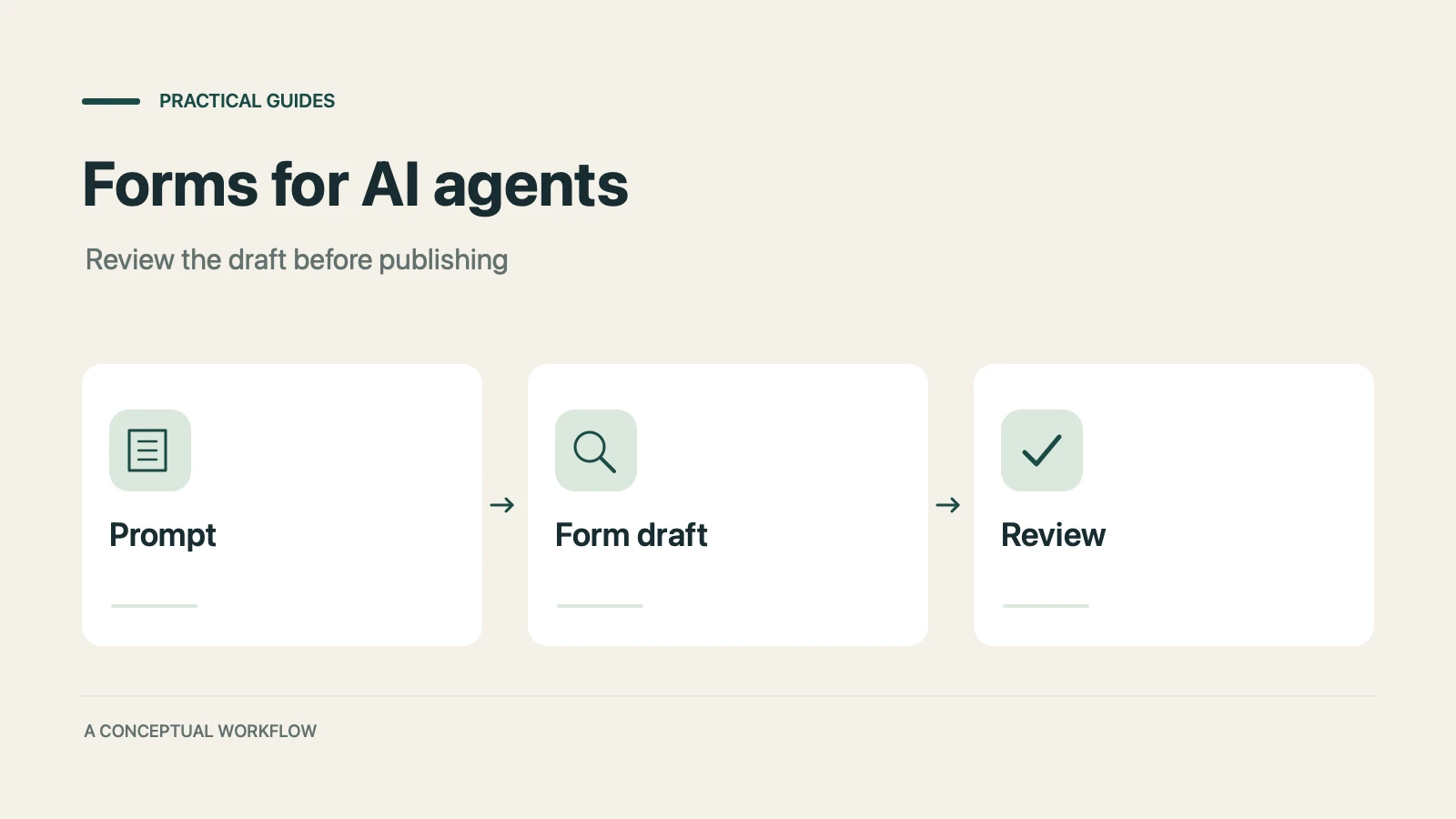
A practical guide to evaluating terminal-based Dashform workflows, checking current commands, reviewing drafts, and publishing with explicit authorization.
Use Dashform's MCP connection in a compatible AI client to draft and edit forms, review the saved result, and publish when ready.
Try the world's first AI-native form and turn every response into action instantly.