

The Uniform Distribution Form opens with a short welcome explaining its purpose — logging uniform issuances to staff — before moving through eight questions. It starts by collecting the employee's full name, ID number, and department to tie the record to the right person. Next, it asks which uniform items are being distributed (choosing from shirt, pants, jacket, hat, shoes, or other apparel), then captures sizes and quantities in a single free-text field so every item is accounted for precisely. The date of distribution is recorded before an optional signature field and a notes field close the form, leaving room for edge cases or special instructions. After submitting, respondents see a confirmation that the distribution has been successfully recorded.
Try the conversation below to see how this template works
Trusted by over 10,000 customers and growing
Conversations Started
Questions Answered
Forms Created
Relies on the "Select the uniform items being distributed." and size/quantity questions to keep an accurate, item-level log of every issuance without manual paperwork.
Uses the employee name, ID, and department questions to attach each uniform record directly to a staff member's profile and department budget.
Depends on the date and optional notes questions to timestamp each distribution and flag anything out of the ordinary, such as replacements or urgent orders.

AI builds and refines your form through natural conversation no templates, no complex logic, no coding. From a simple text prompt or URL, Dashform generates intelligent flows that adapt automatically.
Dashform turns traditional form-filling into a two-way dialogue. The AI understands intent, remembers context, and asks relevant follow-up questions just like a real human conversation.
Every response is transformed into structured, meaningful, and ready-to-use data. Integrate with your favorite tools.
Everything you need to create amazing forms
Everything you need to know about this template
Don't see exactly what you need? Use our AI Form Generator to create a custom form in seconds. Just describe what you want, and AI will build it for you.
Explore more templates to find the perfect fit
 Assessment
Verify your rental property's alarm system status and functionality with this seven-question tenant inspection form.
 General Request
Request social media account verification by submitting your profile details, verification rationale, and ID type in one form.
 Client Intake
Collect the essential personal, contact, and background details needed to open a new social work case.
 Survey
A six-question academic survey covering demographics, community involvement, institutional trust, and social media's impact on society.
 Quiz
QuizA seven-question quiz that matches shoppers to the right sofa based on space, style, budget, use, and comfort priorities.
 Satisfaction Survey
Collect user ratings, feature preferences, and open suggestions to guide software improvements.
Learn how to get the most out of your forms and templates
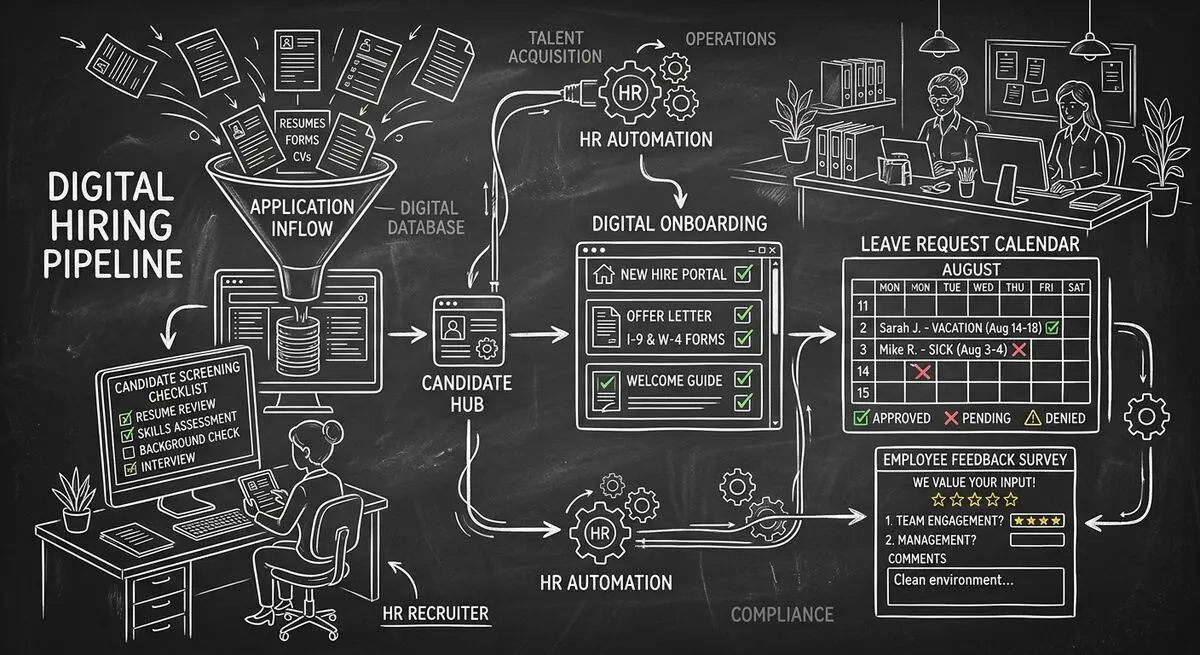
Six Dashform generator starting points for drafting applications, onboarding forms, leave requests, surveys, and feedback, with human review and integration setup.
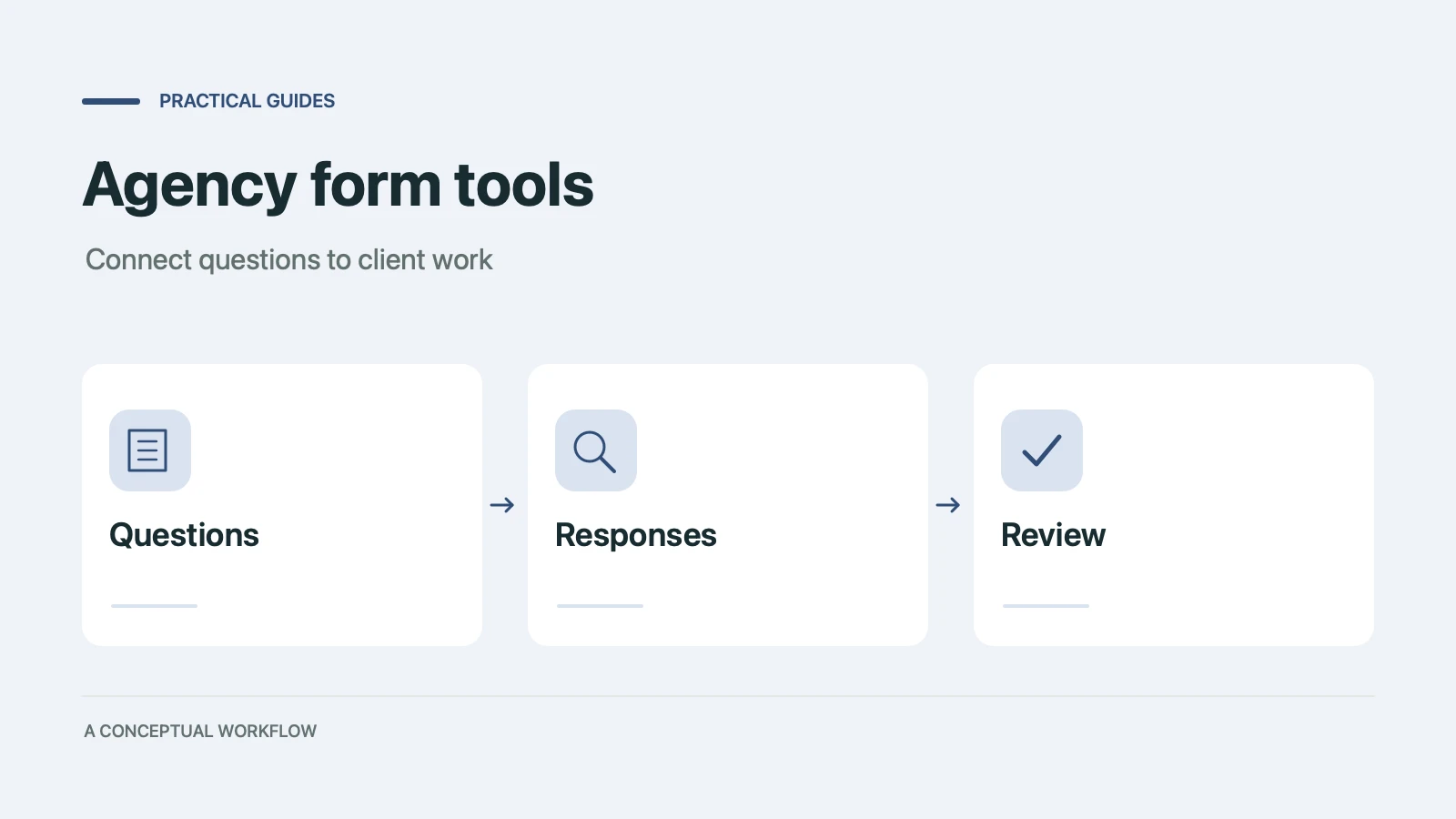
Use six Dashform generator entry points to draft client quizzes, surveys, intake forms, and feedback forms, then review and test the workflow.
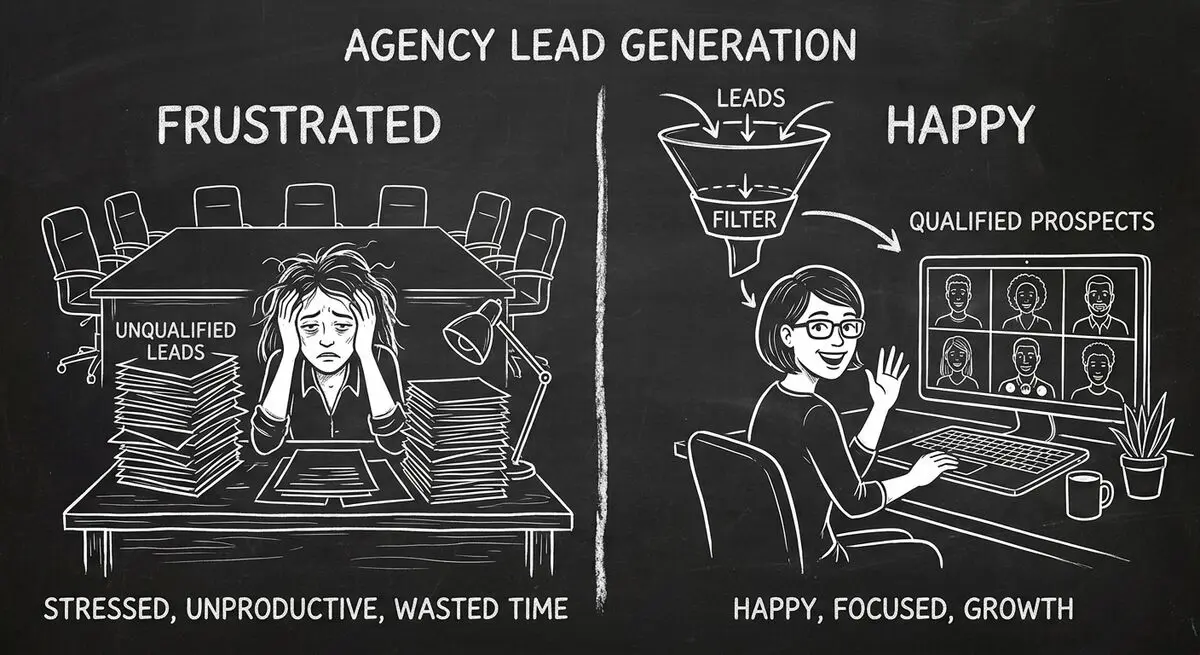
An illustrative playbook for a B2B content marketing agency replacing its static contact form with an AI-powered quiz funnel: the questions, the scoring, the routing, and what to measure in the first 60 days.
Try the world's first AI-native form and turn every response into action instantly.