

This form opens by asking tenants for their full name and the property address, grounding every response in a specific person and place. It then asks what type of alarm system is installed — covering monitored security, local alarm, fire alarm, carbon monoxide detector, or other — before asking whether the system is currently functional. Two optional questions follow: the date of the last test and any concerns about operation or maintenance. The form closes with a confirmation step where the tenant selects 'I Confirm' to acknowledge the accuracy of their answers. After submitting, tenants see a thank-you screen noting that their responses help maintain high safety standards.
Try the conversation below to see how this template works
Trusted by over 10,000 customers and growing
Conversations Started
Questions Answered
Forms Created
Relies on the "What type of alarm system is installed?" and "Is the alarm system currently functional and operating correctly?" questions to build a clear record of alarm status across multiple rental properties.
Uses the "What is the full address of the property being inspected?" question alongside the optional maintenance-concerns question to track and prioritise safety follow-ups across a managed portfolio.
Depends on the "When was the alarm system last tested by you or a professional? (e.g., MM/DD/YYYY)" question to confirm inspection history at the start of a new tenancy.

AI builds and refines your form through natural conversation no templates, no complex logic, no coding. From a simple text prompt or URL, Dashform generates intelligent flows that adapt automatically.
Dashform turns traditional form-filling into a two-way dialogue. The AI understands intent, remembers context, and asks relevant follow-up questions just like a real human conversation.
Every response is transformed into structured, meaningful, and ready-to-use data. Integrate with your favorite tools.
Everything you need to create amazing forms
Everything you need to know about this template
Don't see exactly what you need? Use our AI Form Generator to create a custom form in seconds. Just describe what you want, and AI will build it for you.
Explore more templates to find the perfect fit
 Satisfaction Survey
Collect structured post-event feedback across six rating areas plus open comments and a referral question.
 Waiver
Collect participant details, emergency contacts, and three key liability acknowledgements before your event.
 Tracking Log
Document the lawful destruction of sensitive inventory or drugs with a date, item description, method, reason, and authorized personnel.
 Exit Interview
Gather honest, structured feedback from departing employees to understand why they're leaving and how to improve retention.
 General Request
Submit an employee expense request with category, amount, business purpose, and receipt confirmation for review.
 Customer Feedback
Collect structured customer feedback on satisfaction, service quality, staff, and likelihood to recommend.
Learn how to get the most out of your forms and templates
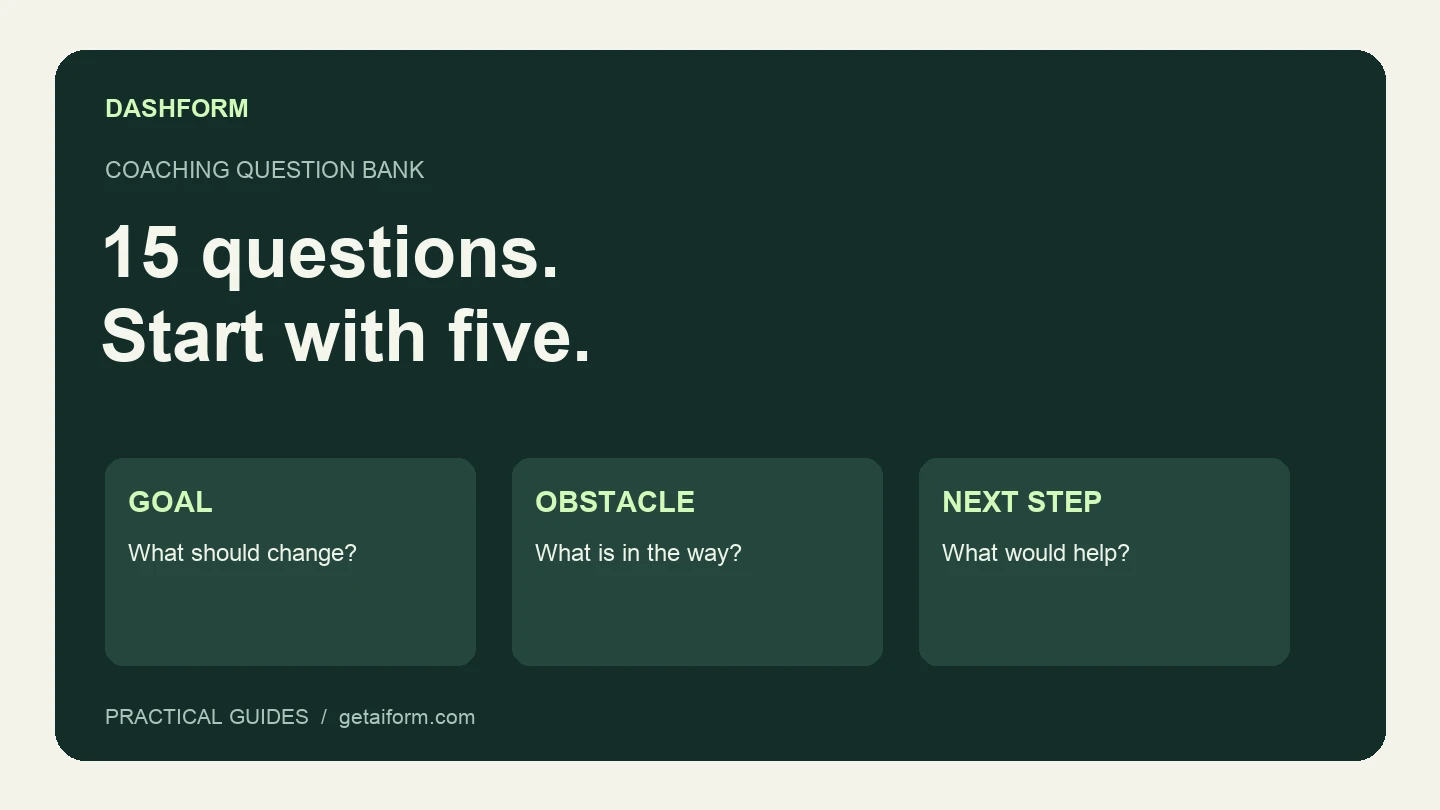
A practical coaching question bank with a five-question discovery form, example answers, follow-up guidance, and a copyable Dashform prompt.

The questions to ask a new coaching client before the first session, grouped by purpose, with which to make optional, what to leave out, and a template to start from.
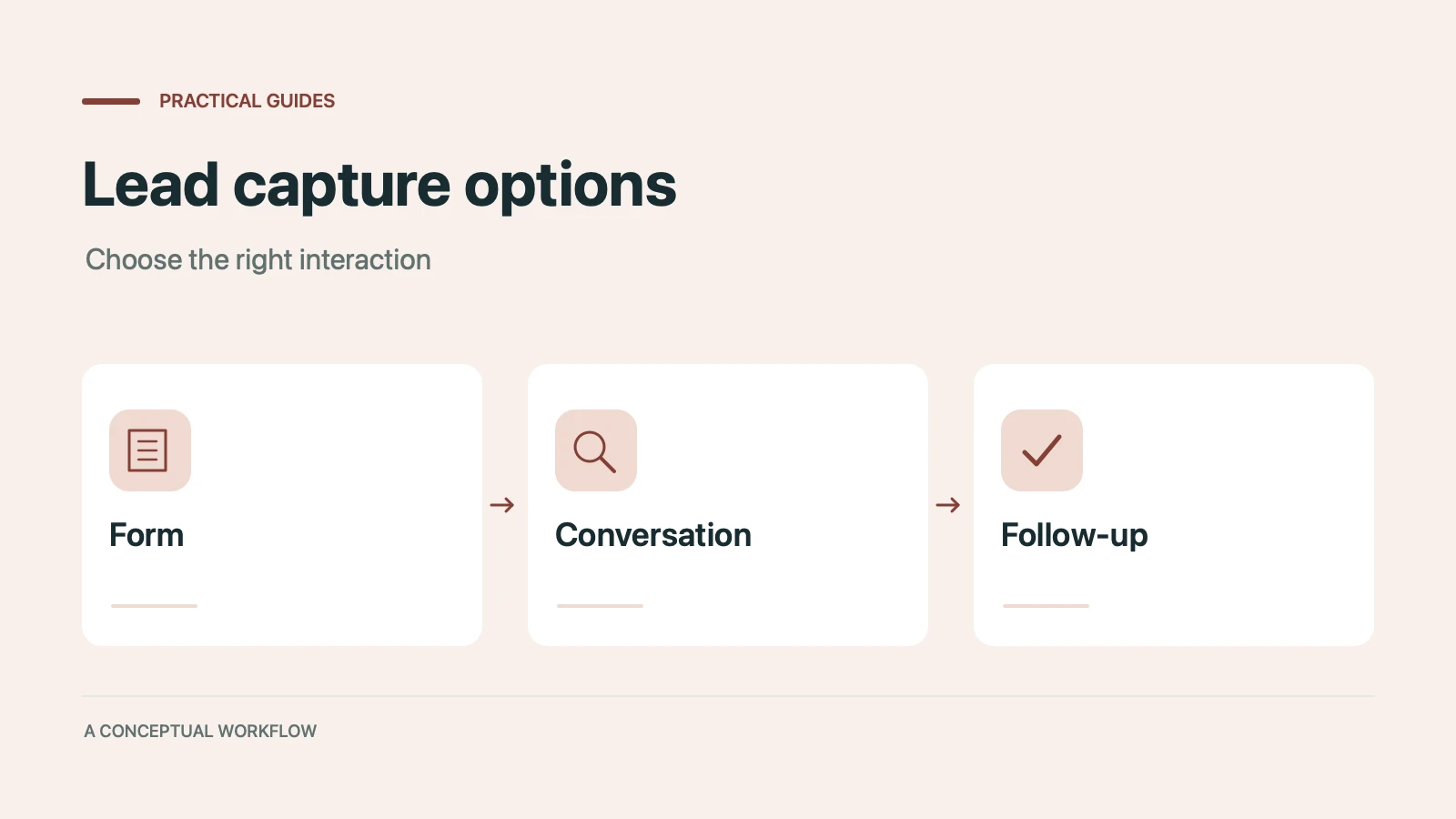
Static forms, AI chatbots, and conversational AI forms compared for lead capture: where each works, where each breaks, and the hybrid stack that combines them.
Try the world's first AI-native form and turn every response into action instantly.