This seven-question survey starts with two rating questions — "How satisfied are you overall with our software application?" and "How easy is our software to use and navigate?" — to establish a baseline picture of user experience before diving deeper. It then asks "Which software features do you find most useful, and why?" to pinpoint where the software delivers real value, followed by "Are there any features you wish our software had?" so respondents can flag gaps in their own words. A five-star "How likely are you to recommend our software to a colleague or friend?" question measures advocacy, and an open "Do you have any additional comments or suggestions for us?" field catches anything not covered elsewhere. Finally, "Would you be open to being contacted for further feedback?" lets willing respondents raise their hand for a follow-up. After submitting, respondents see a thank-you screen confirming their input will be used to improve the software.
Try the conversation below to see how this template works
Trusted by over 10,000 customers and growing
Conversations Started
Questions Answered
Forms Created
Relies on the overall satisfaction and ease-of-use rating questions to benchmark user experience across releases and prioritise roadmap decisions.
Uses the "Would you be open to being contacted for further feedback?" question to build a shortlist of engaged users ready for deeper conversations.
Draws on the written feature-usefulness, feature-wishes, and additional-comments questions — to surface qualitative insights that ratings alone can't provide.

AI builds and refines your form through natural conversation no templates, no complex logic, no coding. From a simple text prompt or URL, Dashform generates intelligent flows that adapt automatically.
Dashform turns traditional form-filling into a two-way dialogue. The AI understands intent, remembers context, and asks relevant follow-up questions just like a real human conversation.
Every response is transformed into structured, meaningful, and ready-to-use data. Integrate with your favorite tools.
Everything you need to create amazing forms
Everything you need to know about this template
Don't see exactly what you need? Use our AI Form Generator to create a custom form in seconds. Just describe what you want, and AI will build it for you.
Explore more templates to find the perfect fit
 Waiver
A five-step electronic waiver collecting COVID-19 symptom self-certification, contact history, risk acknowledgement, and a typed signature.
 Client Intake
Transfers COVID-19 patient records between acute and post-acute care facilities, capturing identity, status, and physician details.
 Application
Apply for financial relief scholarship support by describing your COVID-19 academic and financial impact.
 Tracking Log
A post-discharge health check for patients to report symptoms, well-being, and follow-up needs after leaving hospital with a COVID-19 vaccination.
 Signup
Sign up for a COVID-19 vaccine waitlist by sharing your contact details, health conditions, and occupation for priority placement.
 Payment
Outline payment preferences for an order or invoice without entering card numbers or making a charge.
Learn how to get the most out of your forms and templates
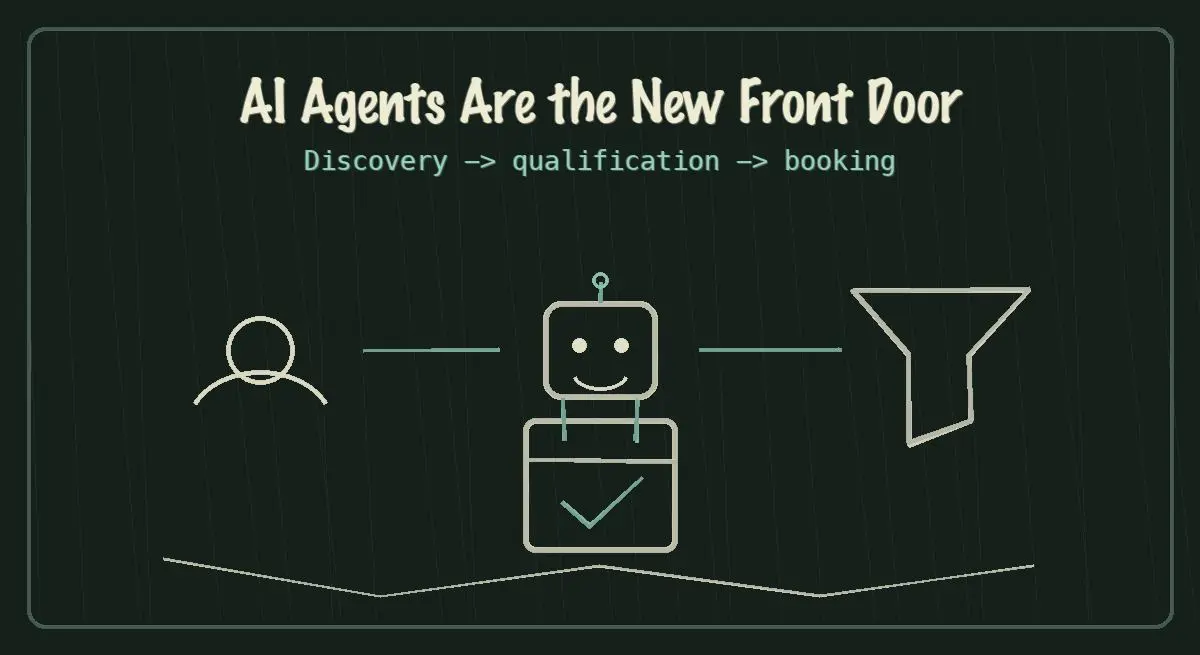
AI agents are becoming the new front door for local service discovery. Learn how to make your business discoverable, qualified, and bookable in 2026.
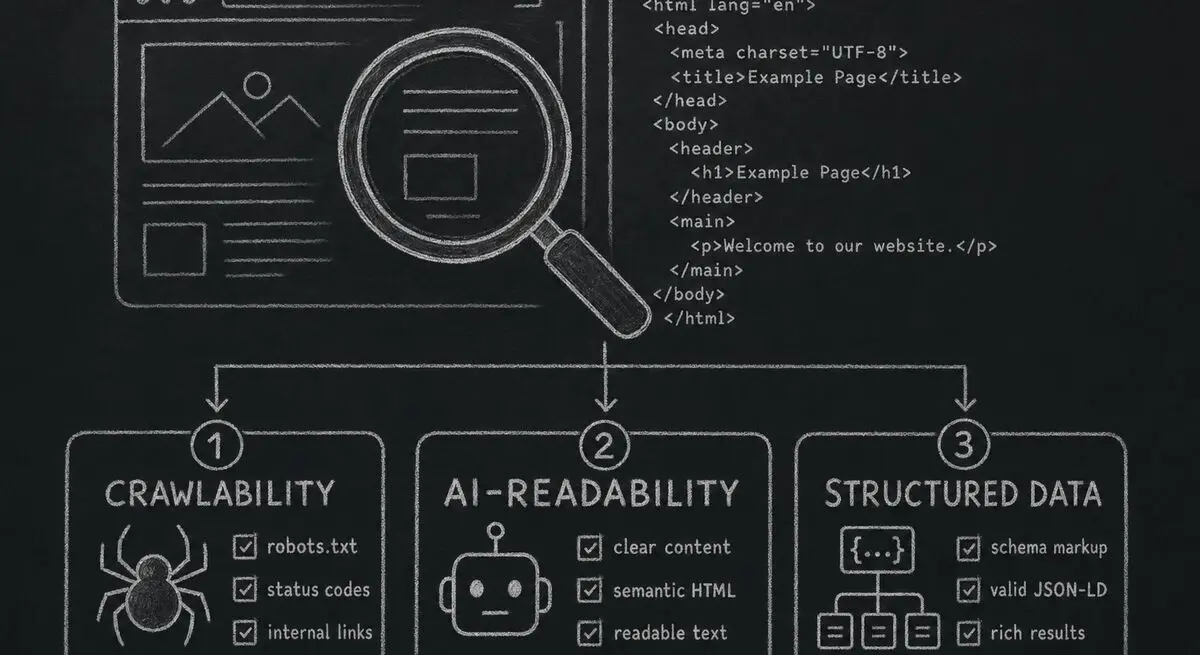
How Dashform computes technical agent readiness, groups its checks into Readiness Layers, and presents Findings without predicting traffic or revenue.

Add a header image in Google Forms and review Dashform's logo, theme, and step-background options for branded forms.
Try the world's first AI-native form and turn every response into action instantly.

