The Social Worker Intake Form opens with a brief welcome explaining that responses help the team understand each person's needs, then works through eight required questions in a logical order. It starts with identity and contact details — full legal name, date of birth, phone number and email address, and an emergency contact — before moving to the reasons for seeking services and current living situation, which give the social worker immediate context for the first meeting. The form then asks about any medical conditions or health concerns, ensuring nothing clinically relevant is missed, and closes with a consent question confirming the person agrees to receive services. After submitting, respondents see a confirmation screen thanking them and confirming their information was received.
Try the conversation below to see how this template works
Trusted by over 10,000 customers and growing
Conversations Started
Questions Answered
Forms Created
Rely on the "Briefly describe your primary reason for seeking social work services at this time." question to arrive at every first meeting already briefed on what the client needs most urgently.
Use the "Are there any medical conditions or health concerns we should be aware of?" question to flag anything that requires coordination with healthcare providers before services begin.
Depend on the "What best describes your current living situation?" question to instantly identify clients who are homeless or unsheltered and prioritise their cases accordingly.

AI builds and refines your form through natural conversation no templates, no complex logic, no coding. From a simple text prompt or URL, Dashform generates intelligent flows that adapt automatically.
Dashform turns traditional form-filling into a two-way dialogue. The AI understands intent, remembers context, and asks relevant follow-up questions just like a real human conversation.
Every response is transformed into structured, meaningful, and ready-to-use data. Integrate with your favorite tools.
Everything you need to create amazing forms
Everything you need to know about this template
Don't see exactly what you need? Use our AI Form Generator to create a custom form in seconds. Just describe what you want, and AI will build it for you.
Explore more templates to find the perfect fit
 Invoice
Organize account details, meter readings, charges, and a due date for separate utility billing review.
 Appointment Booking
Capture every key detail for an upcoming trip: destination, dates, transport, budget, and group size, all in one place.
 Consent
Document a patient's decision to decline a vaccine, confirm informed consent, and record relevant context for the provider.
 Product Order
Order one or more Valentine DIY kits, set quantities, add personalizations, and choose your delivery method in one quick form.
 Assessment
Collect address, unit type, condition, amenities, and market rent estimates to keep rental property valuations accurate and up to date.
 Tracking Log
Log a full van inspection — VIN, mileage, condition, lights, tires, and safety equipment — in one quick form.
Learn how to get the most out of your forms and templates
Weighing Dashform as a Heyflow alternative? Compare AI drafting, qualification, ad tracking, and pricing, then run the pilot brief before you switch.
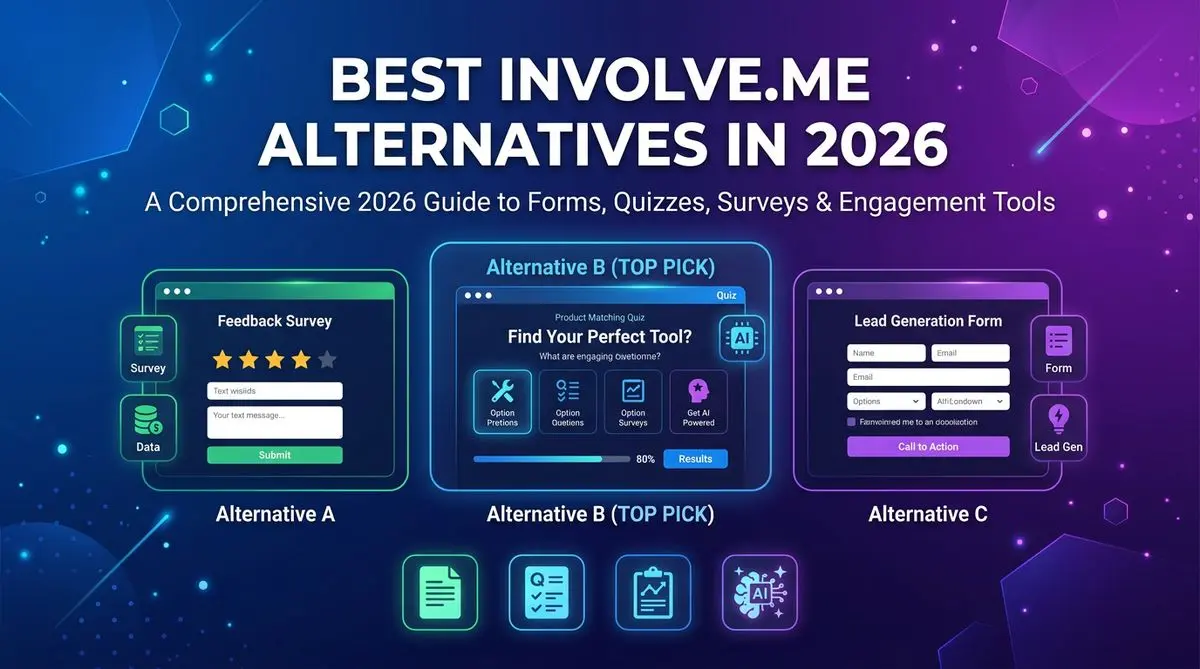
Compare 7 involve.me alternatives (Dashform, Outgrow, Interact, LeadQuizzes, ScoreApp, Typeform, Tally) by best use, free plan, and white-label.

LeadQuizzes' interface is dated and its plans cap responses. 7 alternatives with AI quiz generation, automatic lead scoring, and modern UX, compared.
Try the world's first AI-native form and turn every response into action instantly.

