

This form opens by collecting contact details — name, email, and phone number — followed by a service address, so the right technician can be dispatched to the right location. The "Type of Plumbing Issue" question and the "Please describe the issue in detail" question work together: the first gives the team a quick category to act on, while the second captures the specifics that help them arrive with the correct tools and parts. The "How urgent is this issue?" question lets the team prioritize emergency callouts ahead of flexible bookings, and the scheduling pair — "Preferred Appointment Date" and "Preferred Time of Day" — lets respondents suggest a time that suits them without locking anything in. A final open-ended question invites notes about access codes, pets, or parking so there are no surprises on arrival. After submitting, respondents see a confirmation telling them the team will be in touch within one business day, with a nudge to call the hotline directly for emergencies.
Try the conversation below to see how this template works
Trusted by over 10,000 customers and growing
Conversations Started
Questions Answered
Forms Created
The urgency and issue-type questions let the team triage and route jobs before picking up the phone, saving time on every booking.
The "Service Address" question and the arrival-notes question make it straightforward to log jobs across multiple properties, including any access or parking quirks.
The scheduling pair — "Preferred Appointment Date" and "Preferred Time of Day" — helps coordinate technician visits around building occupancy and business hours.

AI builds and refines your form through natural conversation no templates, no complex logic, no coding. From a simple text prompt or URL, Dashform generates intelligent flows that adapt automatically.
Dashform turns traditional form-filling into a two-way dialogue. The AI understands intent, remembers context, and asks relevant follow-up questions just like a real human conversation.
Every response is transformed into structured, meaningful, and ready-to-use data. Integrate with your favorite tools.
Everything you need to create amazing forms
Everything you need to know about this template
Don't see exactly what you need? Use our AI Form Generator to create a custom form in seconds. Just describe what you want, and AI will build it for you.
Explore more templates to find the perfect fit
 Hr
HrCollect employee acknowledgement, comprehension, and commitment for a workplace contact quarantine notification.
 Waiver
A concise yoga liability waiver collecting health details, risk acknowledgment, and a typed signature before class.
 Event Registration
Collect names, emails, and topic interests for a Zoom webinar; arrange Zoom registration and joining-link delivery separately.
 Client Intake
A friendly, seven-question form that collects basic personal details and contact preferences from anyone you need to get to know.
 Agreement
Collect guest details, stay dates, and a terms agreement before check-in — all in one tidy form.
 General Application
Collect identity, contact, income, and account-type details to open a new bank account quickly and accurately.
Learn how to get the most out of your forms and templates
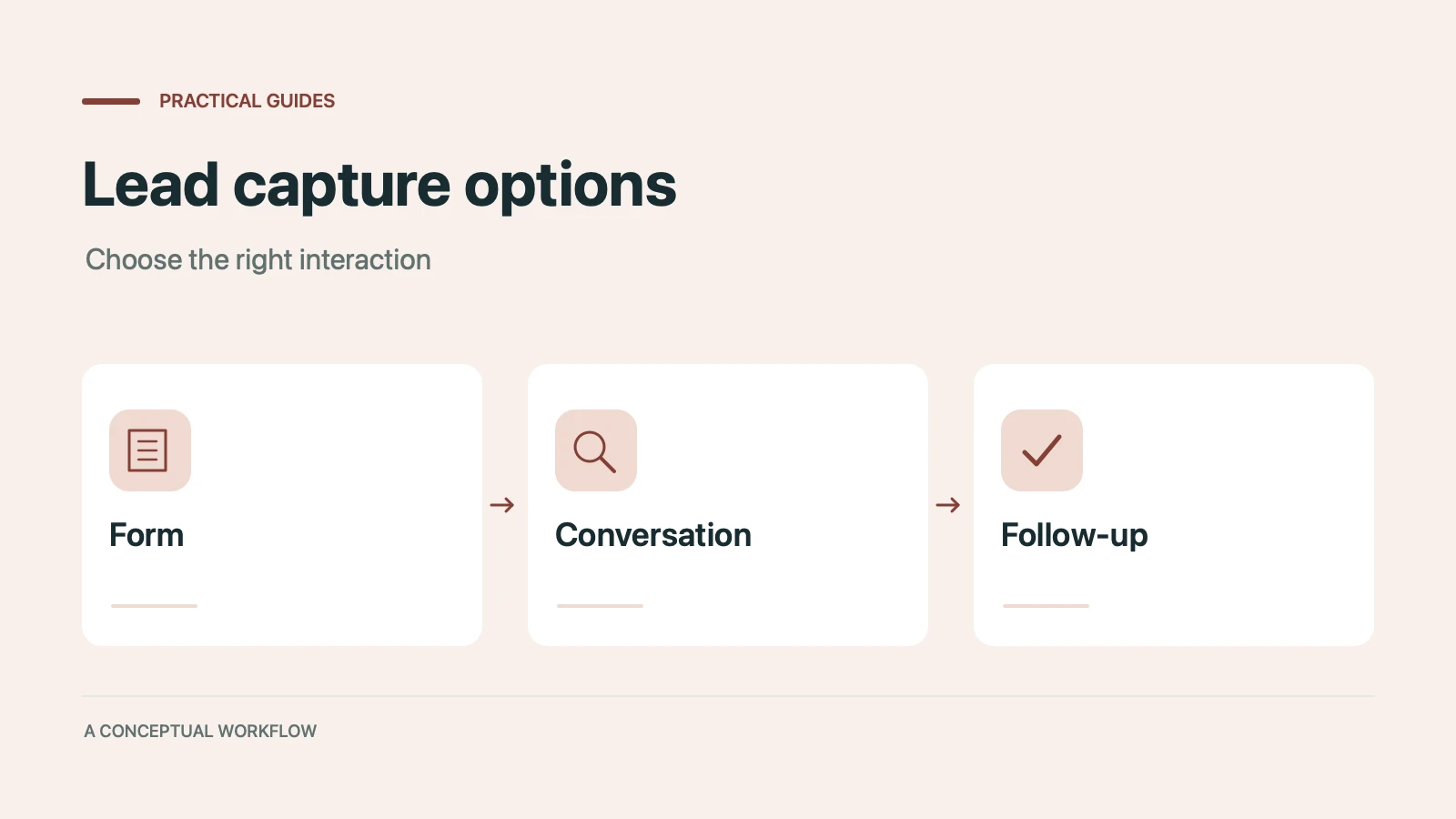
Static forms, AI chatbots, and conversational AI forms compared for lead capture: where each works, where each breaks, and the hybrid stack that combines them.

Call-to-action button examples grouped by goal, with best practices for placement, color, copy, and A/B testing.
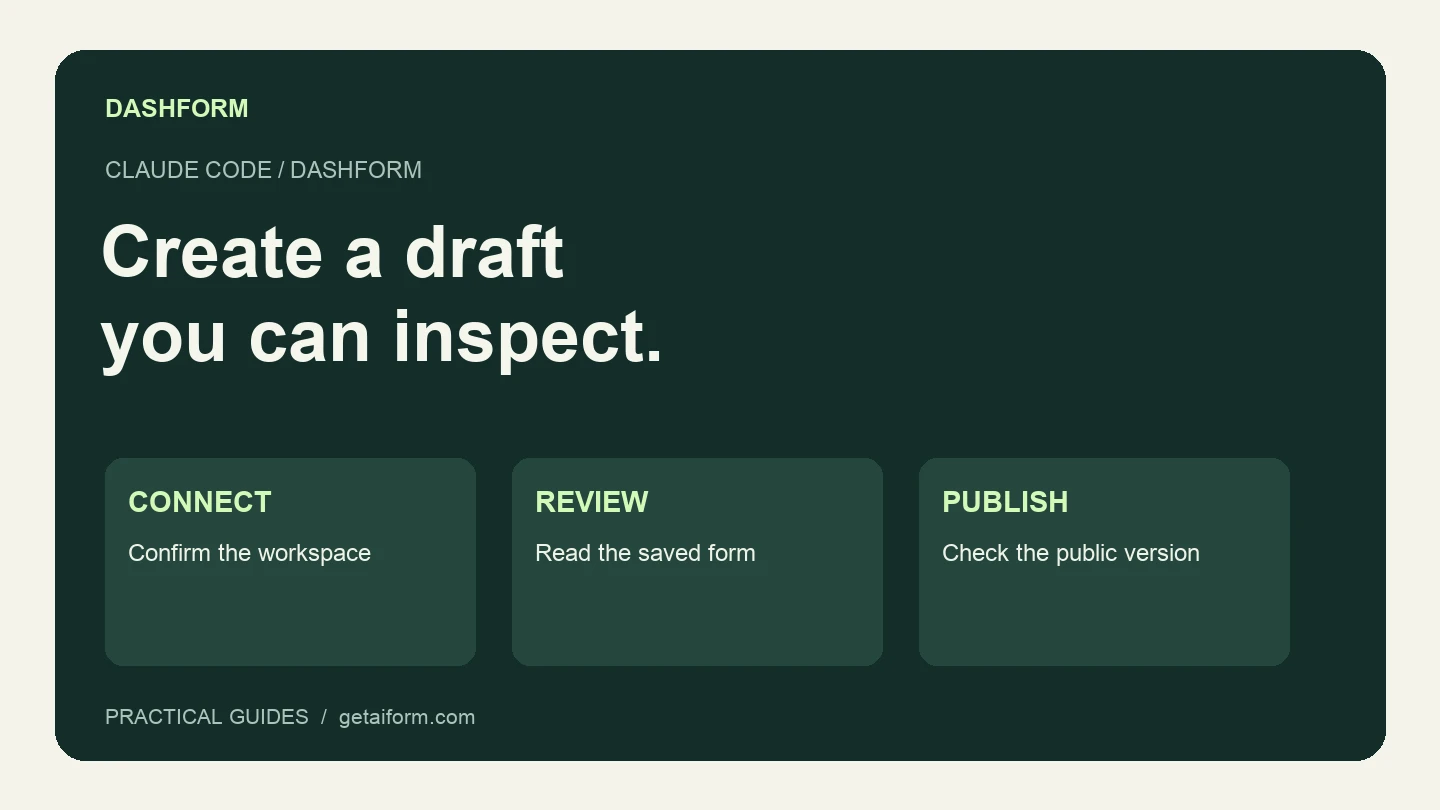
Connect Claude Code to Dashform, create and inspect a form draft, and understand the difference between reusable skills, MCP access, and publishing.
Try the world's first AI-native form and turn every response into action instantly.