

The Pledge Form opens with a welcome screen thanking the respondent for considering a contribution, then collects contact details through the "What is your full name?", "What is your email address?", and "What is your phone number? (Optional)" questions — the last being optional so donors aren't put off by a hard requirement. The "What amount would you like to pledge?" and "How often would you like to contribute?" questions together define the full value of a pledge, distinguishing one-time gifts from recurring ones. The "Would you like to receive updates on our activities and impact?" question lets donors opt into ongoing communication without assuming consent. Finally, the "By typing your full name, you agree to your pledge commitment." question acts as a digital confirmation, reinforcing the seriousness of the pledge before submission. After submitting, donors see a warm thank-you screen confirming their pledge was received and that someone will be in touch shortly.
Try the conversation below to see how this template works
Trusted by over 10,000 customers and growing
Conversations Started
Questions Answered
Forms Created
The recurring-frequency options and digital-name confirmation in this form make it easy to lock in reliable donor commitments rather than one-off gifts.
The optional phone field and communications opt-in question let campaign organisers collect only what they need and follow up with interested supporters.
The open-ended pledge-amount question and annual frequency option suit congregations that run yearly giving drives or tithing commitments.

AI builds and refines your form through natural conversation no templates, no complex logic, no coding. From a simple text prompt or URL, Dashform generates intelligent flows that adapt automatically.
Dashform turns traditional form-filling into a two-way dialogue. The AI understands intent, remembers context, and asks relevant follow-up questions just like a real human conversation.
Every response is transformed into structured, meaningful, and ready-to-use data. Integrate with your favorite tools.
Everything you need to create amazing forms
Everything you need to know about this template
Don't see exactly what you need? Use our AI Form Generator to create a custom form in seconds. Just describe what you want, and AI will build it for you.
Explore more templates to find the perfect fit
 Event Registration
Register for Casino Night by confirming attendance, party size, dietary needs, and favourite games in one quick form.
 Survey
A seven-question survey covering a cat's age, diet, activity level, behavior, and vet visit history.
 Professions
Tell a caterer your event type, guest count, service style, and dietary needs so they can send back a tailored proposal.
 Feedback
Collect staff ratings, cleanliness scores, and suggestions to keep the office coffee machine running at its best.
 General Application
Collect, categorize, and prioritize incoming service requests with contact details, service type, and urgency level.
 Checklist
Record cell tower observations, equipment checks, and maintenance concerns, including components not assessed or not confirmed functioning.
Learn how to get the most out of your forms and templates
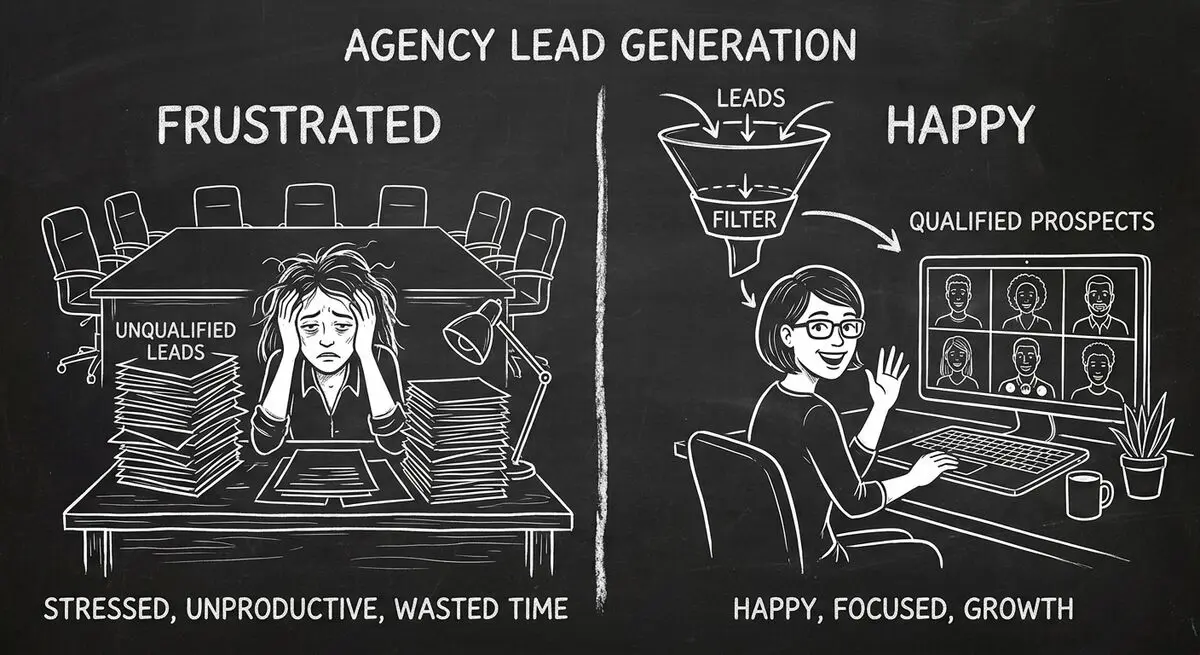
An illustrative playbook for a B2B content marketing agency replacing its static contact form with an AI-powered quiz funnel: the questions, the scoring, the routing, and what to measure in the first 60 days.
7 AI form builders compared on generation quality, scoring depth, integrations, and free plans: Dashform, Typeform, Jotform, Fillout, Heyflow, Tally, and involve.me.
Draft intake questions for clinician review, distinguish administrative forms from validated assessments, and plan privacy and scheduling requirements.
Try the world's first AI-native form and turn every response into action instantly.