This form collects eight pieces of essential student information, starting with the student's full legal name and date of birth to establish a precise identity record, then moving to grade level so staff can assign the student to the correct classroom. It continues with the parent or guardian's full name, email address, and phone number — grouped together so contact details stay organized — before closing with an emergency contact name and phone number for safety situations. Each field is required, ensuring no record is incomplete. After submitting, respondents see a confirmation message letting them know their details have been successfully recorded.
Try the conversation below to see how this template works
Trusted by over 10,000 customers and growing
Conversations Started
Questions Answered
Forms Created
They rely on the "Please select the student's current or upcoming grade level." question to route each record to the right classroom or homeroom without any follow-up.
They depend on the parent or guardian name, email, and phone number questions to have ready-to-use contact details for routine communication from day one.
They count on the "Please provide the full name of an emergency contact." and "What is the phone number for the emergency contact?" questions to act quickly when a student needs urgent attention.

AI builds and refines your form through natural conversation no templates, no complex logic, no coding. From a simple text prompt or URL, Dashform generates intelligent flows that adapt automatically.
Dashform turns traditional form-filling into a two-way dialogue. The AI understands intent, remembers context, and asks relevant follow-up questions just like a real human conversation.
Every response is transformed into structured, meaningful, and ready-to-use data. Integrate with your favorite tools.
Everything you need to create amazing forms
Everything you need to know about this template
Don't see exactly what you need? Use our AI Form Generator to create a custom form in seconds. Just describe what you want, and AI will build it for you.
Explore more templates to find the perfect fit
 Subscription
Collect plan choices, billing preferences, and content interests from new subscribers in one clean form.
 Checklist
A step-by-step packing checklist covering documents, clothing, toiletries, and electronics for any trip type.
 General Application
Collect camper details, guardian contacts, health notes, and session choice in one tidy admission form.
 Other
Organize patient, insurer, provider, service-date, diagnosis-code, and procedure-fee details for clinician billing review.
 Assessment
Evaluate a support staff member's performance across communication, problem-solving, teamwork, and attendance in eight questions.
 Consent
Collect a legally structured sworn statement with identity details, a formal affirmation, and an electronic signature.
Learn how to get the most out of your forms and templates
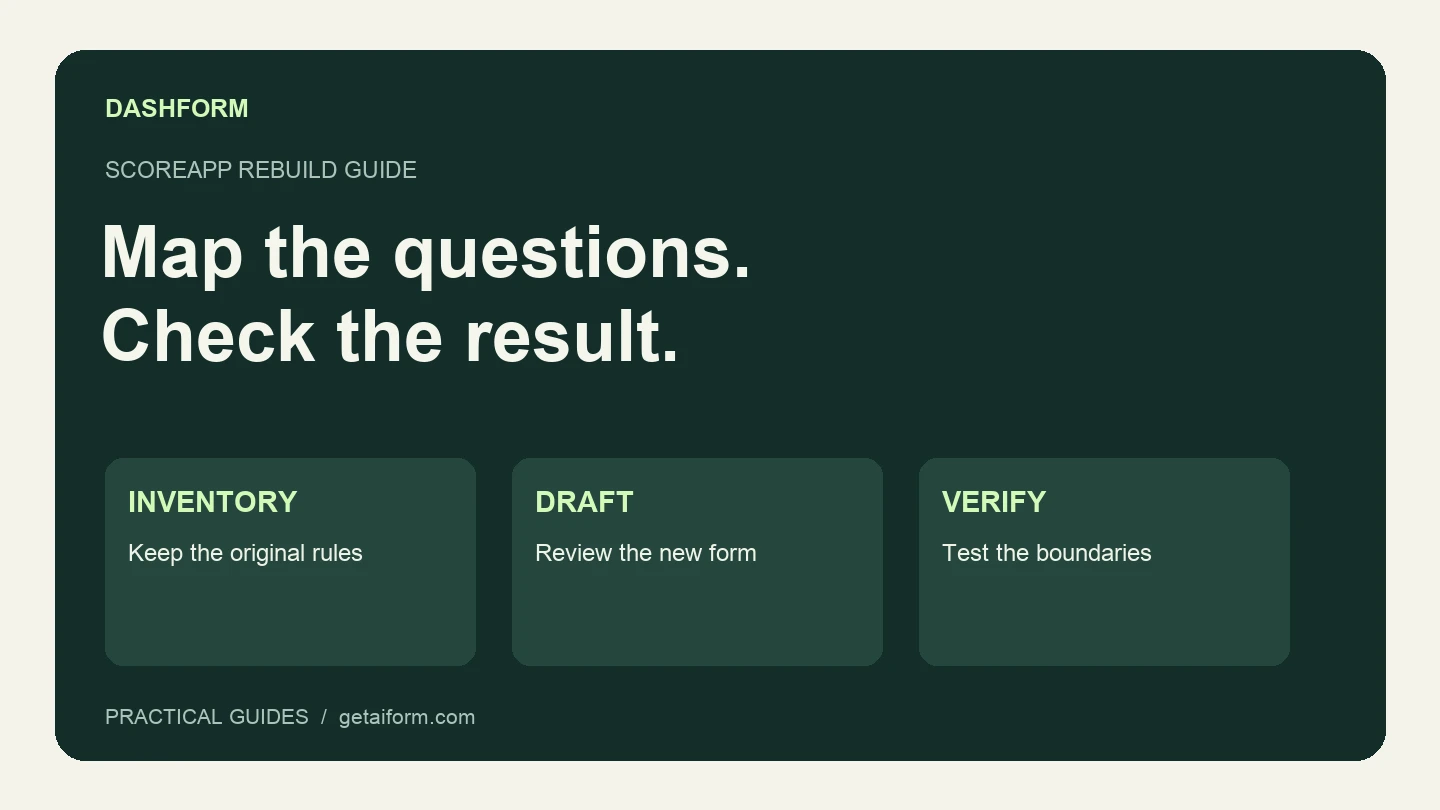
Map an existing ScoreApp assessment into a Dashform intake workflow, with a copyable brief, scoring worksheet, test cases, and clear migration limits.
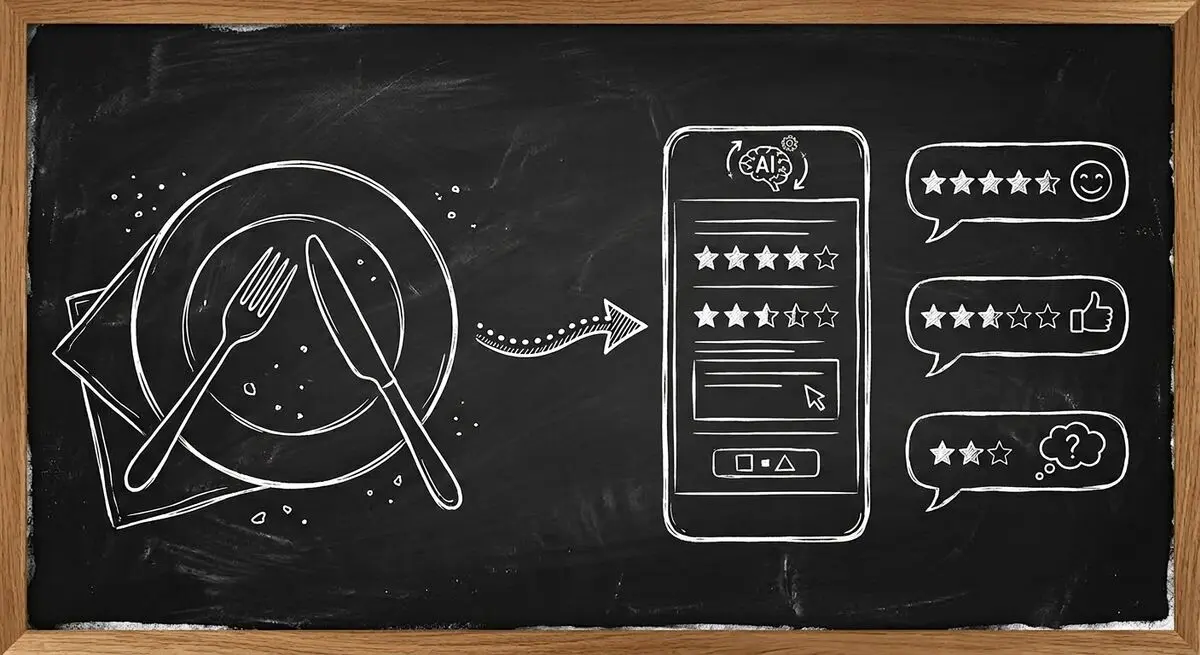
How restaurants use AI feedback forms and QR codes to read guest sentiment live, fix problems before they become public reviews, and win guests back.

Restaurant reputation tips: respond to reviews professionally, manage negative ones, and use AI feedback forms to protect and grow your restaurant's name.
Try the world's first AI-native form and turn every response into action instantly.

