

This Service Agreement Form opens by collecting the client's identity — full name, email, optional phone number, and company name — before moving into the substance of the engagement. The "Type of Service Requested" question narrows the category of work, and "Describe the Scope of Work" gives the client space to define exactly what is expected, reducing ambiguity before work begins. Three scheduling and payment questions — "Agreed Start Date", "Agreed End / Completion Date", and "Payment Structure" — lock in the commercial terms both parties have agreed on. The form closes with an explicit consent question requiring the client to confirm they have read and accepted the terms, making their agreement a deliberate, recorded act. After submitting, clients see a confirmation screen noting that their submission has been recorded and inviting them to reach out with any questions before work commences.
Try the conversation below to see how this template works
Trusted by over 10,000 customers and growing
Conversations Started
Questions Answered
Forms Created
Relies on the "Describe the Scope of Work" and "Payment Structure" questions to document exactly what has been agreed, protecting both sides before a project kicks off.
Uses the "Type of Service Requested" question to route and categorise incoming agreements across multiple service lines — from 'Maintenance & Repairs' to 'Marketing' — without needing separate forms.
Depends on the identity and company questions alongside the consent question to create a clean, recorded paper trail that confirms client approval of the terms before work commences.

AI builds and refines your form through natural conversation no templates, no complex logic, no coding. From a simple text prompt or URL, Dashform generates intelligent flows that adapt automatically.
Dashform turns traditional form-filling into a two-way dialogue. The AI understands intent, remembers context, and asks relevant follow-up questions just like a real human conversation.
Every response is transformed into structured, meaningful, and ready-to-use data. Integrate with your favorite tools.
Everything you need to create amazing forms
Everything you need to know about this template
Don't see exactly what you need? Use our AI Form Generator to create a custom form in seconds. Just describe what you want, and AI will build it for you.
Explore more templates to find the perfect fit
 Registration
Collect contact details, stall preferences, and logistical needs from stallholders ahead of your event.
 Tracking Log
A structured daily log for IT staff to record task IDs, time spent, work descriptions, statuses, and blockers.
 Product Order
Order exclusive state football championship t-shirts by choosing your design, size, quantity, and payment method in one simple form.
 Product Order
Order your favourite scented statement candles, specify quantities, add personal touches, and submit your delivery details in one simple form.
 Signup
Collect company details, contact info, and inquiry purpose from businesses reaching out to work with you.
 Request
Request emergency transportation assistance by sharing your location, contact details, and situation in one quick form.
Learn how to get the most out of your forms and templates
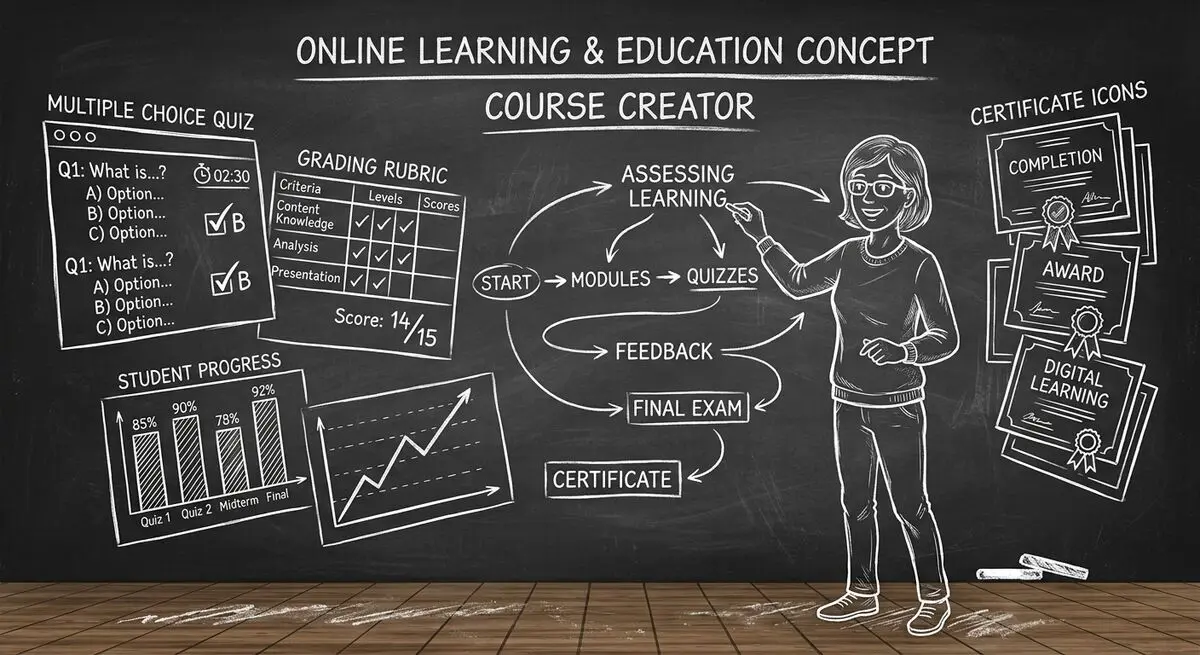
6 AI drafting tools for course creators, with suggestions for reviewing quiz questions, gathering feedback, and collecting enrollment information.
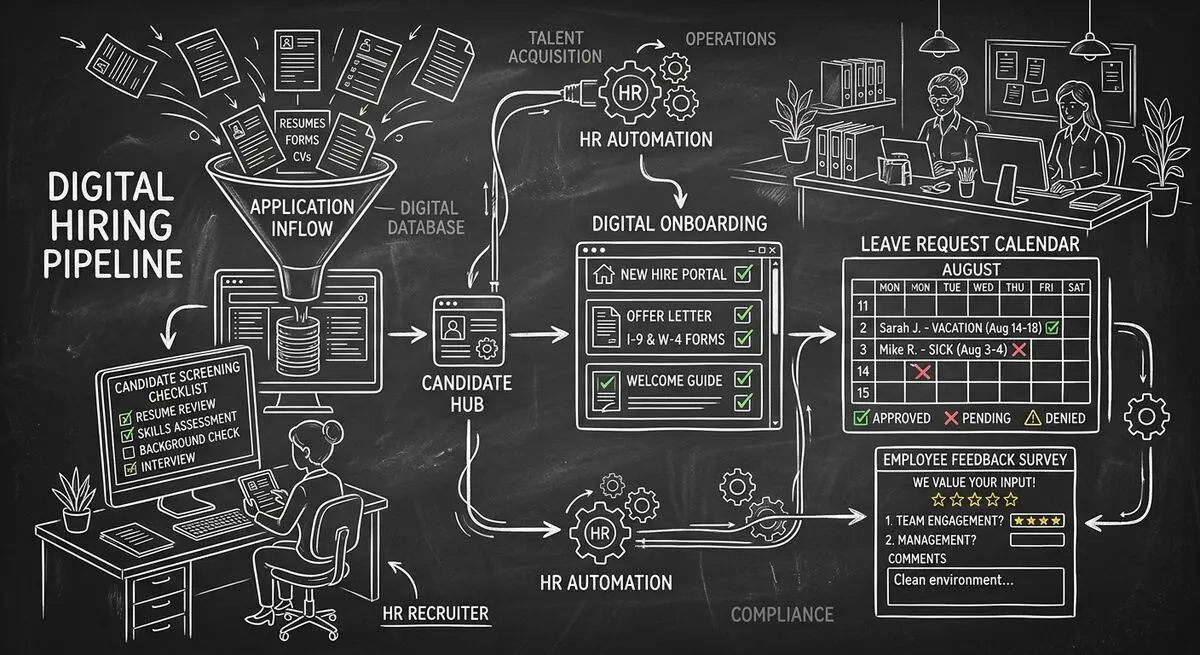
Six Dashform generator starting points for drafting applications, onboarding forms, leave requests, surveys, and feedback, with human review and integration setup.
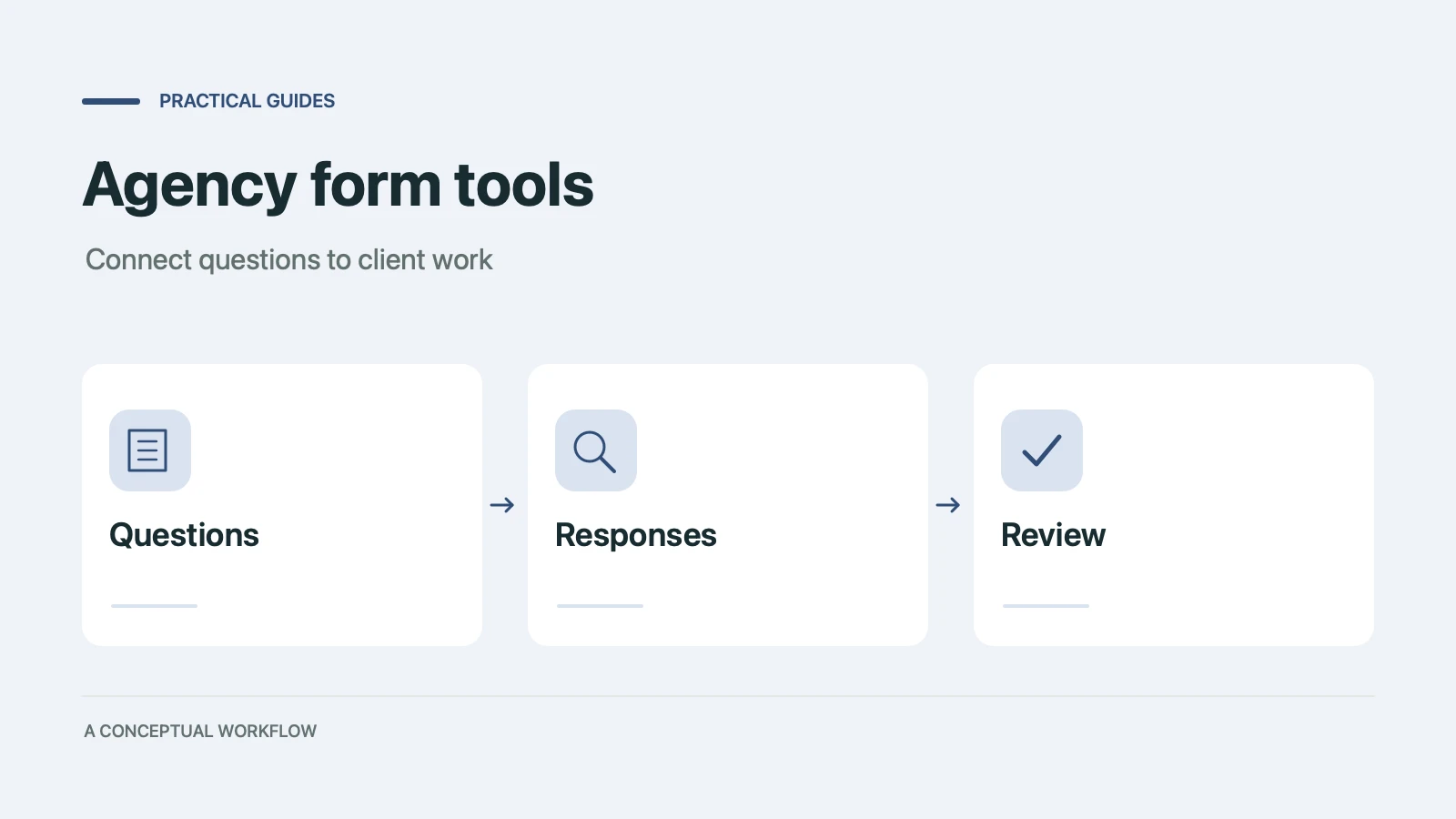
Use six Dashform generator entry points to draft client quizzes, surveys, intake forms, and feedback forms, then review and test the workflow.
Try the world's first AI-native form and turn every response into action instantly.