

The TM Registration Form opens with a welcome screen explaining what applicants need to provide, then works through seven required questions in a logical sequence. It starts by collecting the applicant's full legal name, primary contact name, and contact email, establishing who is filing before moving to the mark itself. The "What is the exact name or word mark you wish to register as a trademark?" question pins down the precise mark, followed by the "Which type of trademark are you seeking to register?" question, which covers word marks, design marks, combined marks, and slogans so the reviewer knows what form the mark takes. The "Provide a detailed description of the goods or services with which the trademark will be used." question gives the classification context needed to assess scope, and the final "Is the trademark currently in use in commerce, or do you intend to use it?" question determines the filing basis. After submitting, applicants see a confirmation screen thanking them and letting them know the team will be in touch if anything further is needed.
Try the conversation below to see how this template works
Trusted by over 10,000 customers and growing
Conversations Started
Questions Answered
Forms Created
The applicant details, mark type, and goods or services description questions gather exactly the intake information needed to open a new trademark file without a back-and-forth consultation.
The "Which type of trademark are you seeking to register?" question and the goods or services description help agencies quickly triage new client requests and assign the right specialist.
The "Is the trademark currently in use in commerce, or do you intend to use it?" question lets internal teams capture the filing basis upfront, keeping the registration pipeline organised from the start.

AI builds and refines your form through natural conversation no templates, no complex logic, no coding. From a simple text prompt or URL, Dashform generates intelligent flows that adapt automatically.
Dashform turns traditional form-filling into a two-way dialogue. The AI understands intent, remembers context, and asks relevant follow-up questions just like a real human conversation.
Every response is transformed into structured, meaningful, and ready-to-use data. Integrate with your favorite tools.
Everything you need to create amazing forms
Everything you need to know about this template
Don't see exactly what you need? Use our AI Form Generator to create a custom form in seconds. Just describe what you want, and AI will build it for you.
Explore more templates to find the perfect fit
 Assessment
Evaluate a support staff member's performance across communication, problem-solving, teamwork, and attendance in eight questions.
 Consent
Collect a legally structured sworn statement with identity details, a formal affirmation, and an electronic signature.
 Assessment
Collect patient symptoms, onset timing, fever, breathing concerns, and exposure history before a medical appointment.
 Order
OrderCollect t-shirt style, sizes, colors, design details, and delivery date in one tidy order form.
 Registration
Register prospective candidates by capturing their contact details, education, experience level, and role interests for your talent pool.
 Event Registration
Register for a talent show audition slot by sharing your contact details, act, and scheduling preferences.
Learn how to get the most out of your forms and templates

Design agencies often struggle with unqualified leads and time-consuming discovery calls. This article explores how structured intake forms and assessments help agencies qualify clients earlier, streamline workflows, and win better-fit projects.

Stop spending hours on unqualified discovery calls. AI intake forms qualify fitness clients on goals, budget, and commitment before they book.
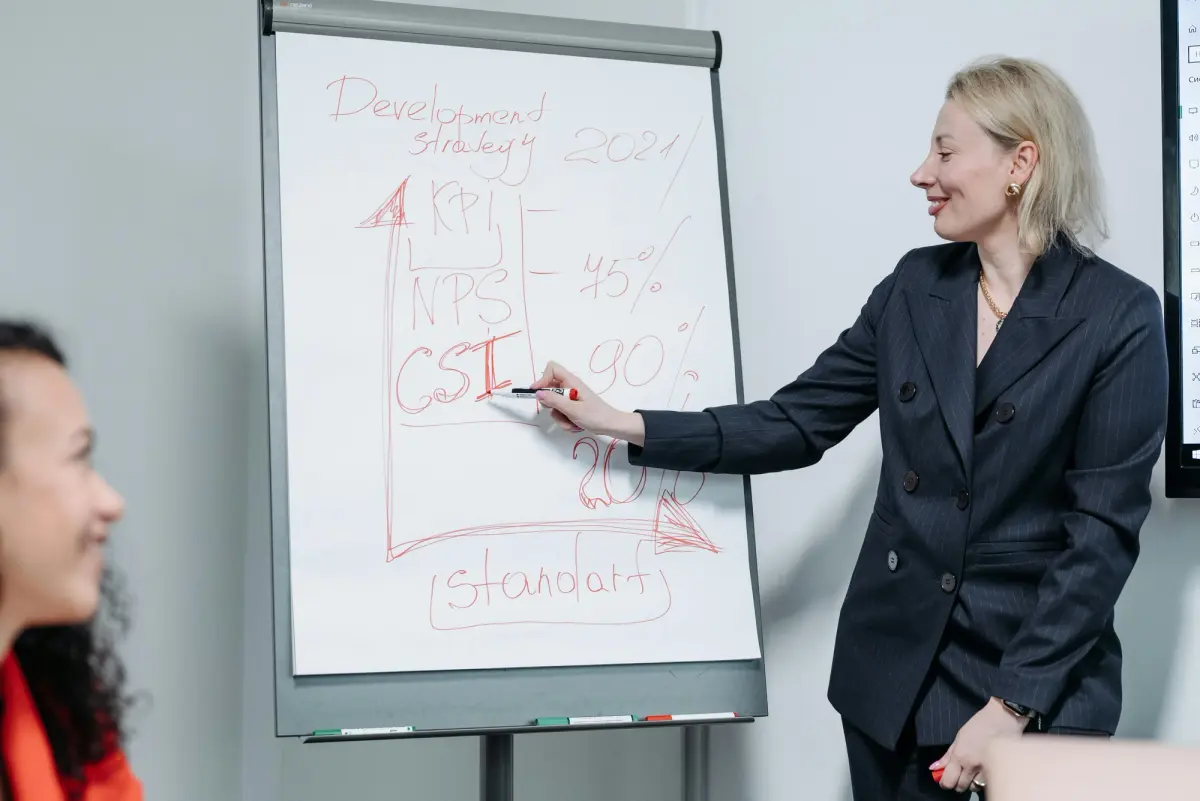
Learn how to create a free NPS survey in minutes with Dashform. Measure customer loyalty, collect actionable feedback, and improve retention — without expensive enterprise software.
Try the world's first AI-native form and turn every response into action instantly.