

This ten-question form opens by collecting contact details — name, email, and an optional phone number — before asking for the service address so the handyman knows where the job is located. The "Type of Job" question offers nine common categories, from 'Plumbing (minor)' to 'General Maintenance', letting the owner route or prepare for the visit before a single call is made. "Describe the Work Needed" follows immediately so the customer can add detail beyond the category, and "How Urgent Is This Job?" signals whether the job needs same-day attention or is purely planned ahead. Three optional questions — a preferred date, a preferred time of day, and any access or safety notes — round out the form without blocking submission. After submitting, customers see a thank-you screen summarising what the handyman can review; the form does not send an automatic confirmation email.
Try the conversation below to see how this template works
Trusted by over 10,000 customers and growing
Conversations Started
Questions Answered
Forms Created
Relies on the "Type of Job" and "Describe the Work Needed" questions to arrive at every job already knowing what tools and materials to bring.
Uses the "Service Address" and "How Urgent Is This Job?" questions to log and prioritise maintenance requests across multiple units from one form.
Depends on the scheduling trio — "Preferred Appointment Date", "Preferred Time of Day", and urgency — to assign the right technician and slot without a back-and-forth phone call.

AI builds and refines your form through natural conversation no templates, no complex logic, no coding. From a simple text prompt or URL, Dashform generates intelligent flows that adapt automatically.
Dashform turns traditional form-filling into a two-way dialogue. The AI understands intent, remembers context, and asks relevant follow-up questions just like a real human conversation.
Every response is transformed into structured, meaningful, and ready-to-use data. Integrate with your favorite tools.
Everything you need to create amazing forms
Everything you need to know about this template
Don't see exactly what you need? Use our AI Form Generator to create a custom form in seconds. Just describe what you want, and AI will build it for you.
Explore more templates to find the perfect fit
 Consent
Collect traveler health status, recent travel history, and public health compliance agreements in one streamlined form.
 Food Order
Place a pumpkin cheesecake order by sharing your contact info, quantity, preferred date, and pickup or delivery preference.
 Purchase Order
A structured request form that gives approvers everything they need to review and process a purchase order straight away.
 Evaluation
Report a product or part defect with severity, scope, and corrective action recommendations for fast QA triage.
 Quote Request
Collect project details, timeline, and budget from prospective clients so you can prepare and send an accurate quote.
 Other
OtherEnter raffle ticket preferences and a requested quantity for an organizer to review separately.
Learn how to get the most out of your forms and templates

6 AI drafting tools for course creators, with suggestions for reviewing quiz questions, gathering feedback, and collecting enrollment information.
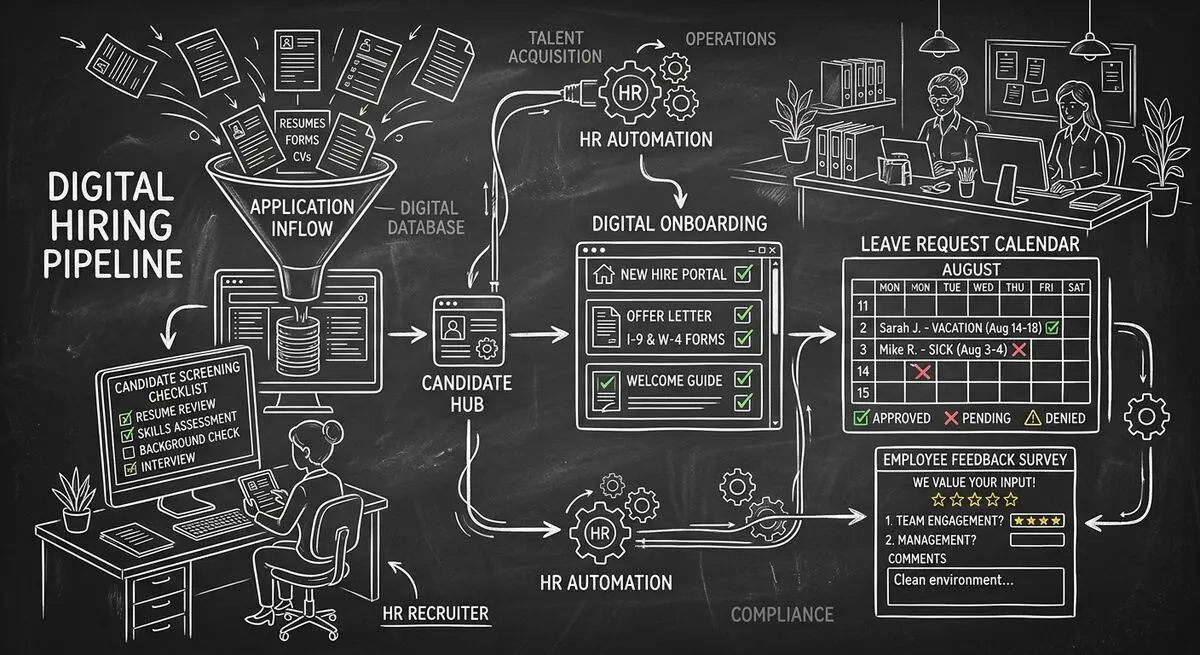
Six Dashform generator starting points for drafting applications, onboarding forms, leave requests, surveys, and feedback, with human review and integration setup.
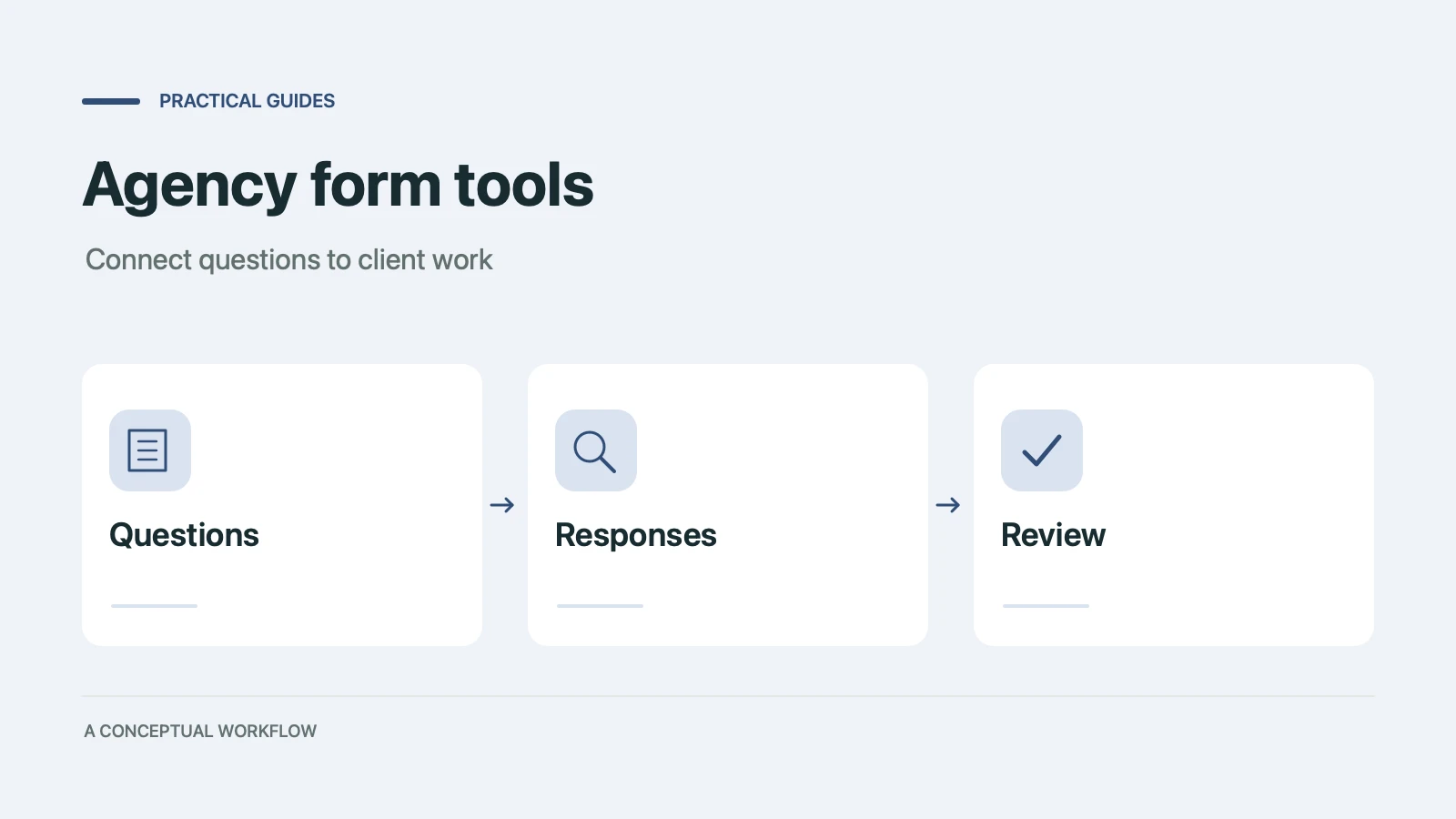
Use six Dashform generator entry points to draft client quizzes, surveys, intake forms, and feedback forms, then review and test the workflow.
Try the world's first AI-native form and turn every response into action instantly.