This eight-question portfolio form opens by collecting contact details — full name, email, phone, and location — before moving into professional identity with a title or area of expertise question. It then builds the substantive picture: key technical skills, two or three described work samples or projects with optional links, and a summary of relevant experience and previous roles. The optional "What is your educational background (degrees, certifications, training)?" and "Please provide professional references (name, relationship, contact info)." questions let respondents add supporting credentials without blocking those whose strengths lie in practical experience. The form closes with the "What is your current availability?" question, giving reviewers an immediate sense of hiring timeline. After submitting, respondents see a confirmation that their portfolio has been received and that they will be contacted regarding opportunities.
Try the conversation below to see how this template works
Trusted by over 10,000 customers and growing
Conversations Started
Questions Answered
Forms Created
Rely on the "Please describe 2-3 of your best work samples or projects (include links if available)." and "What is your current availability?" questions to quickly filter candidates by demonstrated output and hiring timeline.
Use the "What are your key technical skills and competencies?" and "What is your professional title or area of expertise?" questions to tag and roster freelancers across disciplines for fast client matching.
Lean on the optional "What is your educational background (degrees, certifications, training)?" question alongside the work samples section to help students present academic credentials and early-career projects together.

AI builds and refines your form through natural conversation no templates, no complex logic, no coding. From a simple text prompt or URL, Dashform generates intelligent flows that adapt automatically.
Dashform turns traditional form-filling into a two-way dialogue. The AI understands intent, remembers context, and asks relevant follow-up questions just like a real human conversation.
Every response is transformed into structured, meaningful, and ready-to-use data. Integrate with your favorite tools.
Everything you need to create amazing forms
Everything you need to know about this template
Don't see exactly what you need? Use our AI Form Generator to create a custom form in seconds. Just describe what you want, and AI will build it for you.
Explore more templates to find the perfect fit
 Booking
Schedule a contract review session and give the legal team everything they need to prepare before you meet.
 File Upload
Collect a contract document link, agreement details, effective date, and sender authorization for review.
 Legal
Collect both parties' details, dates, and key terms to generate a ready-to-use contract document.
 Quote Request
Collect contact details, project type, description, timeline, and budget so contractors can prepare an accurate quote.
 Food Order
A simple seven-question form for placing a cookie order, from variety selection to delivery date.
 Consent
Formally request permission to use copyrighted material, covering scope, purpose, exclusivity, and contact details.
Learn how to get the most out of your forms and templates

Create a free NPS survey in minutes with Dashform. Measure customer loyalty, gather actionable feedback, and improve retention without enterprise software.
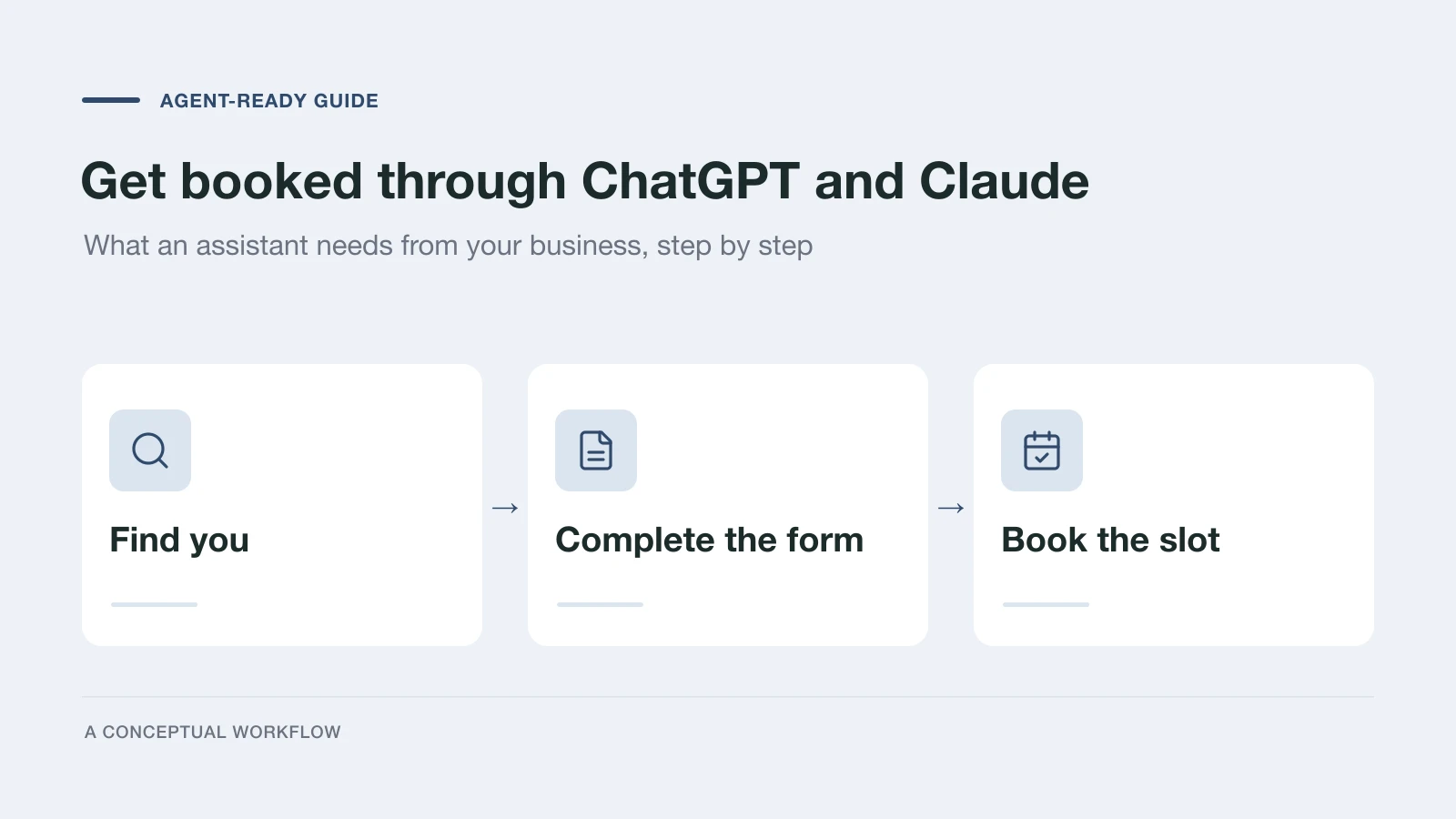
What ChatGPT and Claude need before they can recommend your business and send a booking request: crawler access, clear facts, and a form they can complete.
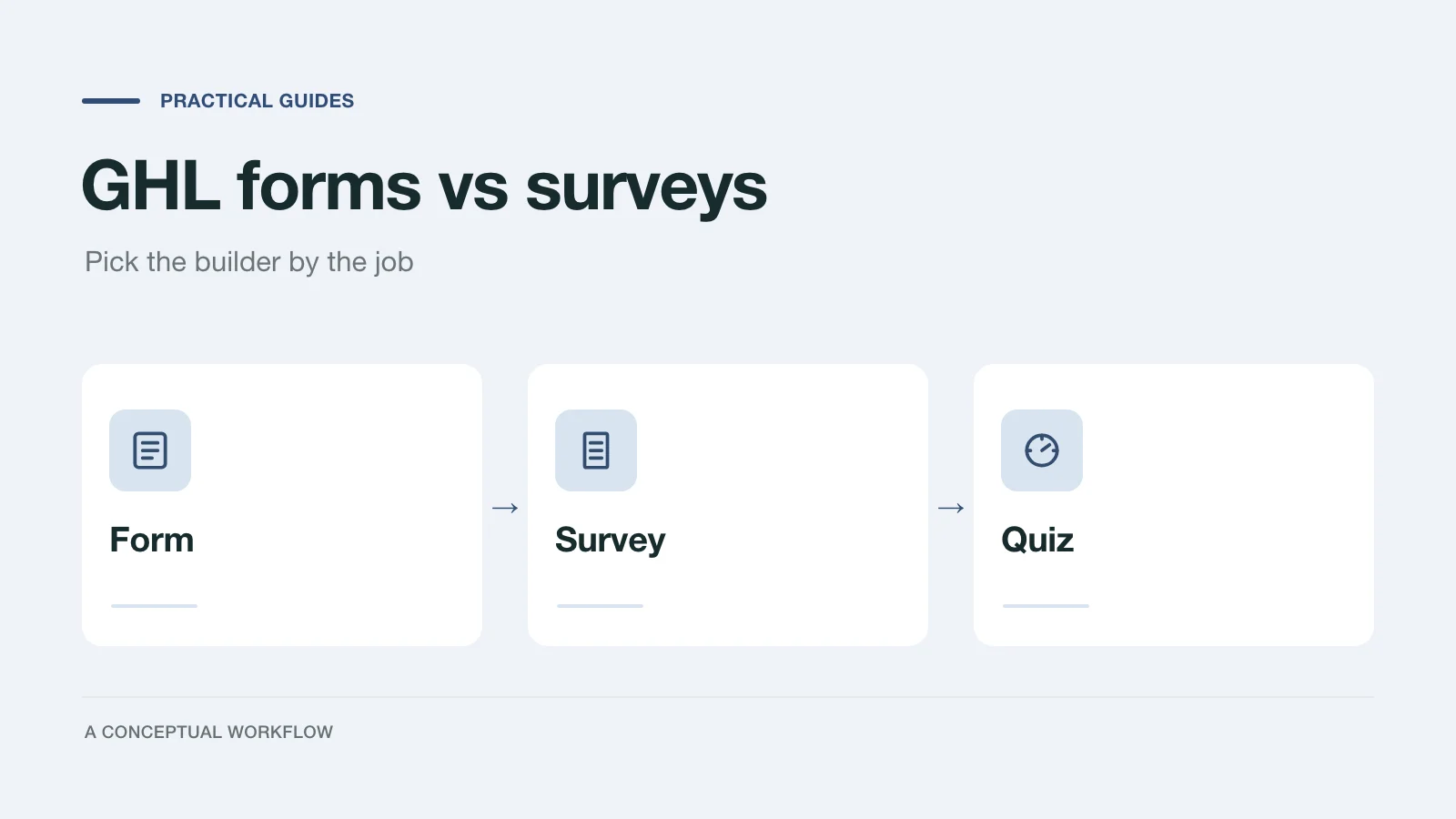
What GoHighLevel Forms and Surveys each do, where their conditional logic stops, and a decision table for lead capture, qualification, booking and quizzes.
Try the world's first AI-native form and turn every response into action instantly.

