

This seven-question library registration form opens by collecting the applicant's full legal name, active email address, and optional phone number — the contact details needed to set up and reach the new account. It then asks for date of birth to verify eligibility and full residential address to confirm local membership criteria. Next, the "Which type of membership are you applying for?" question lets the applicant choose from five categories — Public Member, Student, Faculty, Staff, or Researcher — so staff can apply the correct borrowing privileges from the start. The form closes with the "Do you agree to the library's terms and conditions?" question, a required acknowledgement before any application can be submitted. After submitting, applicants see a confirmation screen thanking them and letting them know that activation details will follow shortly.
Try the conversation below to see how this template works
Trusted by over 10,000 customers and growing
Conversations Started
Questions Answered
Forms Created
The membership type question — with its Public Member, Student, Faculty, Staff, and Researcher options — lets a public library funnel each applicant into the right borrowing tier without manual sorting.
The Student, Faculty, Researcher, and Staff options in the "Which type of membership are you applying for?" question map directly to typical academic library access levels, making on-campus registration straightforward.
The combination of legal name, date of birth, residential address, and contact details gives administrators everything they need to verify identity and set up a complete member record in one submission.

AI builds and refines your form through natural conversation no templates, no complex logic, no coding. From a simple text prompt or URL, Dashform generates intelligent flows that adapt automatically.
Dashform turns traditional form-filling into a two-way dialogue. The AI understands intent, remembers context, and asks relevant follow-up questions just like a real human conversation.
Every response is transformed into structured, meaningful, and ready-to-use data. Integrate with your favorite tools.
Everything you need to create amazing forms
Everything you need to know about this template
Don't see exactly what you need? Use our AI Form Generator to create a custom form in seconds. Just describe what you want, and AI will build it for you.
Explore more templates to find the perfect fit
 Course Registration
Register for an upcoming physics course by sharing your contact details, academic background, and preferred course level.
 Patient Feedback
Collect patient ratings on experience, therapist quality, and facility comfort, plus treatment effectiveness and likelihood to recommend.
 Travel
Collect passenger details, travel dates, route, and cabin preference so your team can find and confirm the best flight options.
 Donation
Collect donor names, contact details, pledge amounts, and payment frequency with a simple digital commitment form.
 Professions
Request a plumbing technician by describing your issue, setting your urgency level, and picking a preferred appointment slot.
 Waiver
Collect legally clear consent from podcast guests before publishing their audio, video, or written contributions.
Learn how to get the most out of your forms and templates
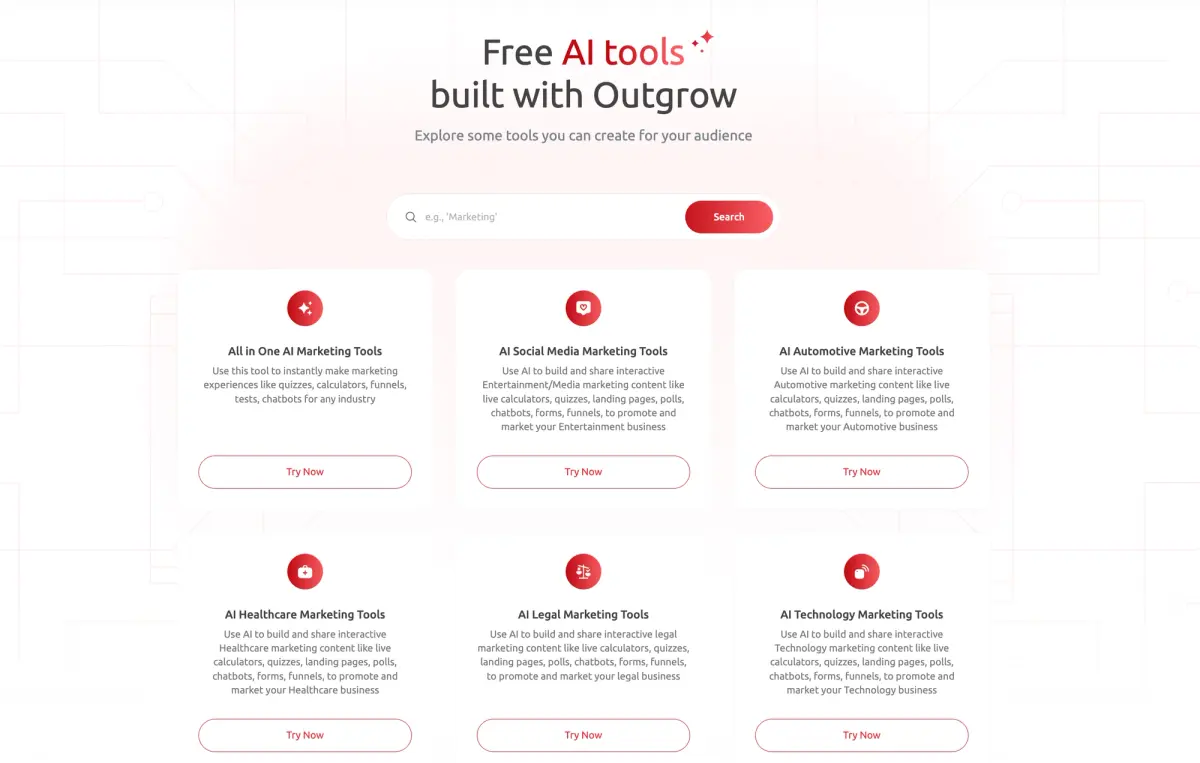
Compare Dashform and Outgrow by drafting workflow, qualification requirements, branding, and current plan allowances. Test the features your campaign needs before switching.
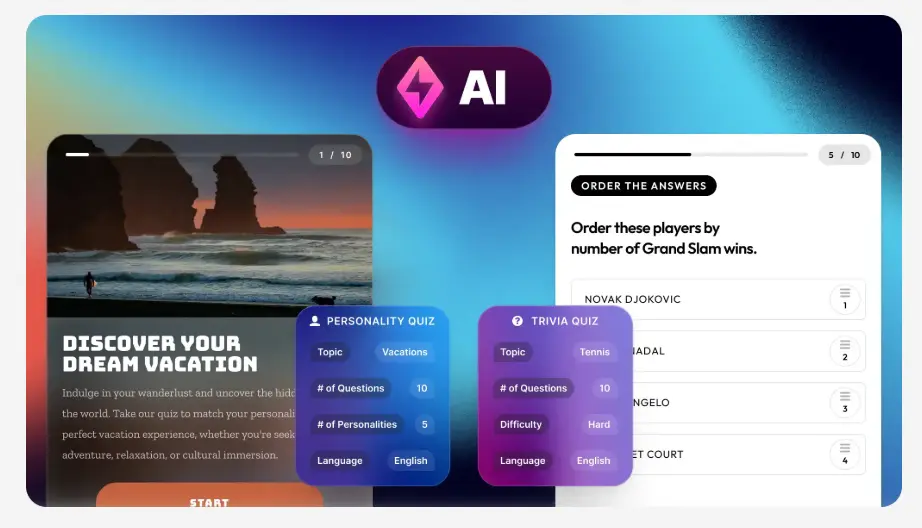
Evaluate Dashform and Riddle for quiz drafting, question logic, result content, branding, and publishing with a practical workflow checklist.

Looking for a smarter alternative to Specific.app? Dashform AI Survey offers adaptive logic, AI-generated follow-ups, and flexible workflows designed for teams that need deeper insights and better decision-making.
Try the world's first AI-native form and turn every response into action instantly.