

This pre-order form opens with a welcome screen explaining that replies help Good Hart prepare for a smooth launch, then collects contact details through the "What is your full name?", "What is your email address?", and "What is your phone number (optional)?" questions — phone being optional since it's a nice-to-have for follow-up, not a requirement. The "Please provide your full shipping address for delivery." question comes next, followed by a free-text item selection step where customers describe the products and quantities they want from the September release. The "How would you prefer to receive your pre-order?" question then lets customers choose between standard shipping and local pickup, and the form closes with the "Please acknowledge:" question confirming that payment is handled separately. After submitting, customers see a confirmation screen telling them Good Hart will be in touch shortly with purchase and delivery details.
Try the conversation below to see how this template works
Trusted by over 10,000 customers and growing
Conversations Started
Questions Answered
Forms Created
Relies on the free-text item selection step and the "How would you prefer to receive your pre-order?" question to capture exactly what each customer wants and how to get it to them.
Uses the item and quantity step to gauge demand before a release, helping plan production without committing to a payment system inside the form.
Depends on the "How would you prefer to receive your pre-order?" question to split customers between shipping and in-store pickup, making launch-day logistics easier to manage.

AI builds and refines your form through natural conversation no templates, no complex logic, no coding. From a simple text prompt or URL, Dashform generates intelligent flows that adapt automatically.
Dashform turns traditional form-filling into a two-way dialogue. The AI understands intent, remembers context, and asks relevant follow-up questions just like a real human conversation.
Every response is transformed into structured, meaningful, and ready-to-use data. Integrate with your favorite tools.
Everything you need to create amazing forms
Everything you need to know about this template
Don't see exactly what you need? Use our AI Form Generator to create a custom form in seconds. Just describe what you want, and AI will build it for you.
Explore more templates to find the perfect fit
 Quiz
QuizA seven-question quiz that matches shoppers to the right sofa based on space, style, budget, use, and comfort priorities.
 Satisfaction Survey
Collect user ratings, feature preferences, and open suggestions to guide software improvements.
 Quote Request
Request a personalized solar panel quote by sharing your property details, roof type, energy usage, and installation timeline.
 Education
A structured Greek life sign-up form collecting contact info, academics, involvement, and motivation from prospective members.
 Rsvp
RsvpCollect speaker confirmations, session details, logistical needs, and terms agreement in one tidy form.
 General Application
Collect applicant details and confirm all required documents before a sports academy admission is reviewed.
Learn how to get the most out of your forms and templates
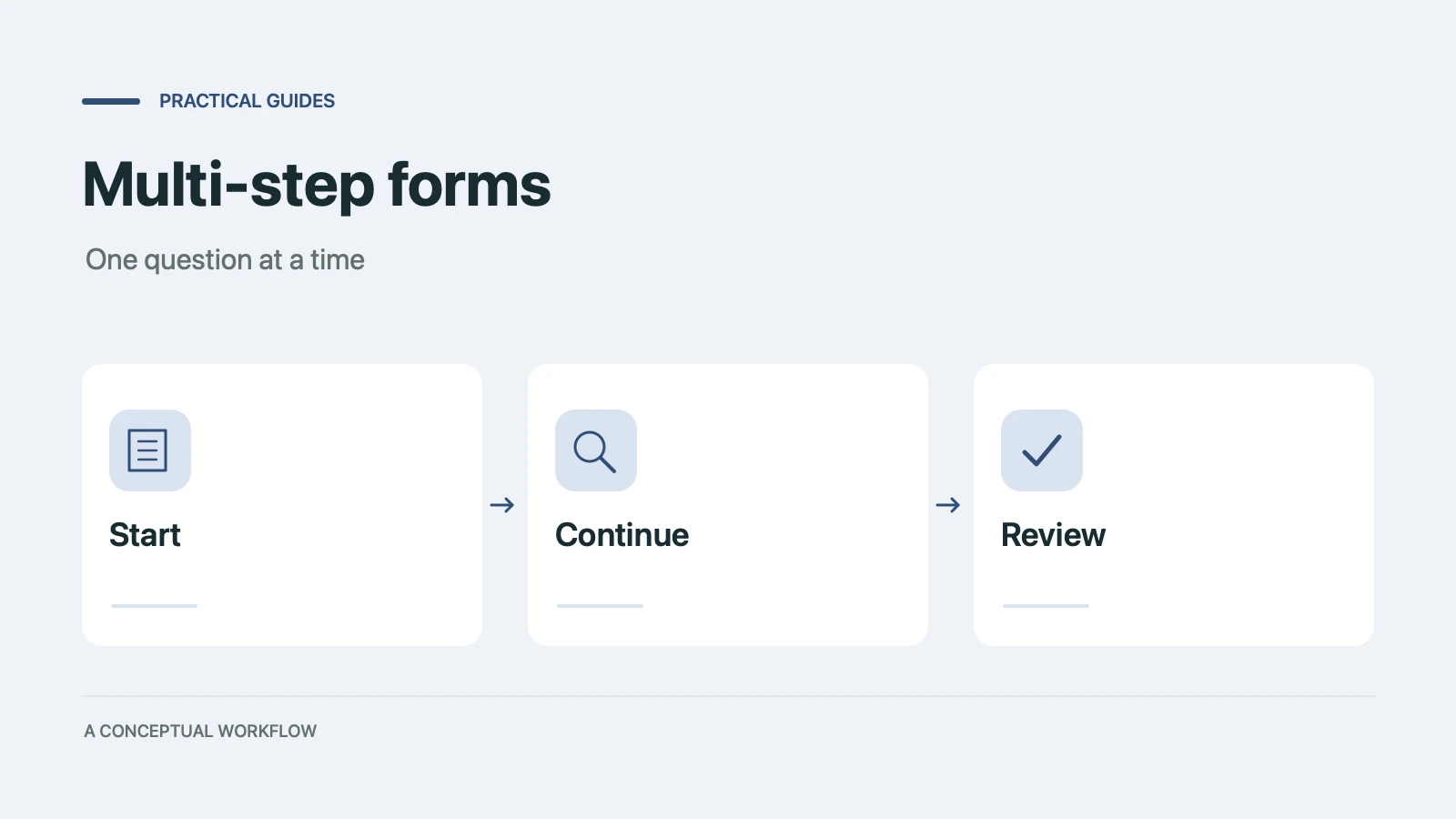
When splitting a long form into steps helps conversion and when it doesn't, the research and psychology behind it, and a step-by-step playbook to build one in any form builder.

A proposed financial advisory intake workflow using Dashform and a separately configured OpenClaw agent, with advisor review and explicit integration boundaries.

How solo and mid-size firms can use OpenClaw and Dashform to qualify case intake around the clock, so attorneys spend consultations on viable cases. Step-by-step setup.
Try the world's first AI-native form and turn every response into action instantly.