The Graduation Party Registration Form opens with a warm welcome and then collects the respondent's full name and email address — the essentials needed to identify and follow up with each guest. The "Will you be attending the graduation party?" question comes next as a clear yes/no gate: organizers immediately know who is coming and who isn't, without any ambiguity. For confirmed attendees, three optional follow-up questions ask about guest count, dietary restrictions or allergies, and any special requests, giving organizers everything they need for catering and event logistics. After submitting, guests see a friendly confirmation thanking them and expressing excitement to celebrate together.
Try the conversation below to see how this template works
Trusted by over 10,000 customers and growing
Conversations Started
Questions Answered
Forms Created
Relies on the "Will you be attending the graduation party?" and "How many guests (including yourself) will be attending?" questions to get a firm headcount before the event.
Depends on the "Do you or your guests have any dietary restrictions or allergies?" question to plan menus and avoid serving anything that could cause a problem for guests.
Uses the "Do you have any special requests or notes for the organizers?" question to catch accessibility needs, seating preferences, or logistics requests early.

AI builds and refines your form through natural conversation no templates, no complex logic, no coding. From a simple text prompt or URL, Dashform generates intelligent flows that adapt automatically.
Dashform turns traditional form-filling into a two-way dialogue. The AI understands intent, remembers context, and asks relevant follow-up questions just like a real human conversation.
Every response is transformed into structured, meaningful, and ready-to-use data. Integrate with your favorite tools.
Everything you need to create amazing forms
Everything you need to know about this template
Don't see exactly what you need? Use our AI Form Generator to create a custom form in seconds. Just describe what you want, and AI will build it for you.
Explore more templates to find the perfect fit
 Consent
Collect parent consent, emergency contacts, and health details before bounce house activities.
 Assessment
A structured eight-question quiz to evaluate brand awareness, consistency, differentiation, and customer perception.
 Survey
Measure brand awareness, perception, and advocacy with seven focused questions covering familiarity, word association, and ratings.
 Food Order
Take breakfast pick-up and delivery orders online, complete with item lists, quantities, and dietary notes.
 Food Order
Order breakfast packages by date, time, quantity, and package type, with room for dietary needs and delivery notes.
 Survey
Eight-question survey helping couples gather availability, budget comfort, roles, and style preferences from each bridesmaid.
Learn how to get the most out of your forms and templates

Step-by-step Facebook quiz creation: question types that convert, image setup, embedding, lead capture. Free with an AI quiz generator.

Draft an AI quiz lead magnet in Dashform, review its branches and Endings, configure email delivery, and measure results against your current lead magnet.
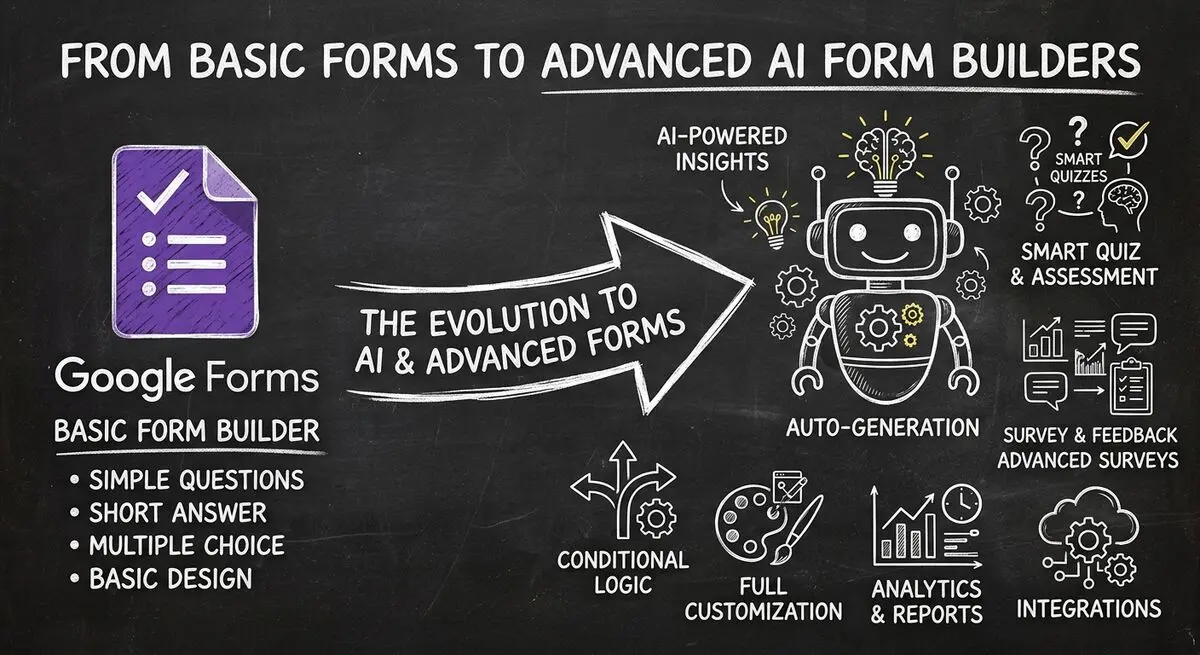
Set up a Google Forms quiz, configure answer keys and grade release, test the respondent experience, and evaluate alternatives for other quiz workflows.
Try the world's first AI-native form and turn every response into action instantly.

