The Transformers Team Coach Explore form opens with a welcome screen inviting respondents to reflect on their goals, commitment, and support system before asking seven questions. It begins with the "Please describe your primary weight loss and health goals. What do you hope to achieve?" question so the coach immediately understands what the respondent is working toward, then gauges motivation with a 1-to-5 rating and lets respondents select every factor — from regular check-ins to personal accountability — that will help them stay on track. Three open-ended questions follow, covering anticipated challenges, how the program fits into daily life, and any prior experience with health programs. A single-choice question identifies the respondent's primary support network, from family to an online community. After submitting, respondents see a confirmation screen thanking them and letting them know their coach will review their answers and reach out soon to discuss a personalized plan.
Try the conversation below to see how this template works
Trusted by over 10,000 customers and growing
Conversations Started
Questions Answered
Forms Created
The "Please describe your primary weight loss and health goals. What do you hope to achieve?" question gives coaches the context they need to build a personalized plan before the first session.
The motivation rating and commitment-factors question together show coordinators where each participant's engagement level sits and which program supports — such as structured meal plans or check-ins — to prioritize.
The "How do you envision this program integrating into your current daily routine?" question gives participants a structured way to think through practical fit before they start, setting realistic expectations from day one.

AI builds and refines your form through natural conversation no templates, no complex logic, no coding. From a simple text prompt or URL, Dashform generates intelligent flows that adapt automatically.
Dashform turns traditional form-filling into a two-way dialogue. The AI understands intent, remembers context, and asks relevant follow-up questions just like a real human conversation.
Every response is transformed into structured, meaningful, and ready-to-use data. Integrate with your favorite tools.
Everything you need to create amazing forms
Everything you need to know about this template
Don't see exactly what you need? Use our AI Form Generator to create a custom form in seconds. Just describe what you want, and AI will build it for you.
Explore more templates to find the perfect fit
 Order
Collect garment type, size, color, quantity, shipping address, and payment method in one clean order form.
 Customer Feedback
Collect honest post-visit ratings, cleanliness feedback, staff scores, and improvement ideas from club members and guests.
 Rsvp
A clean, six-question RSVP form for cocktail events — confirms attendance, collects guest counts, and captures dietary needs.
 Application
A straightforward college application covering personal details, course choice, education background, and a personal statement.
 Application
Apply for commercial building insurance by sharing your property details, construction type, claims history, and desired start date.
 Request
Submit a commission approval request with payee details, sales figures, rate, and supporting documentation.
Learn how to get the most out of your forms and templates
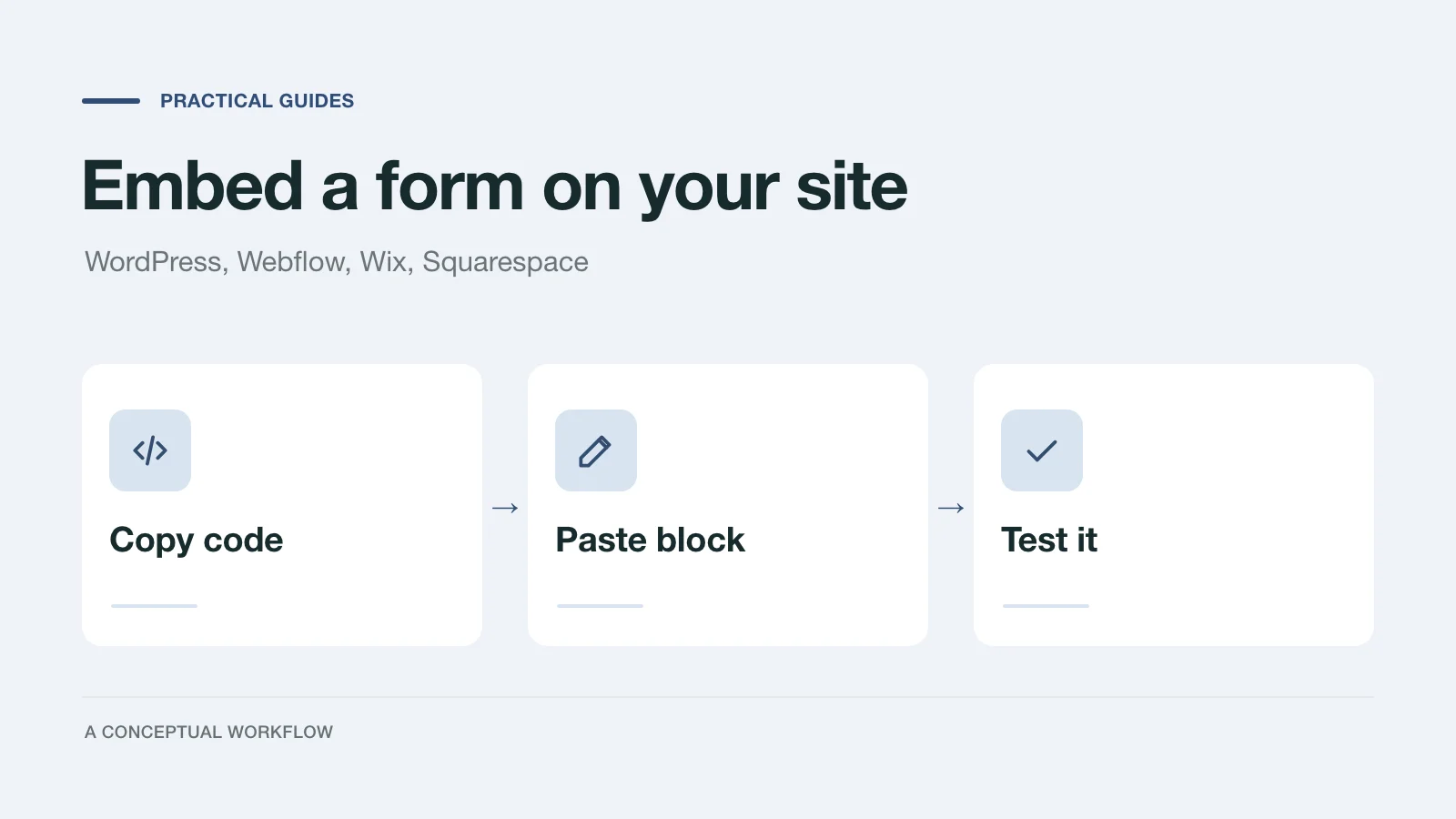
Exact steps to embed a form on WordPress, Webflow, Wix and Squarespace: which block to add, where to paste the code, plan limits, and a test checklist.

Stop spending hours on unqualified discovery calls. AI intake forms qualify fitness clients on goals, budget, and commitment before they book.
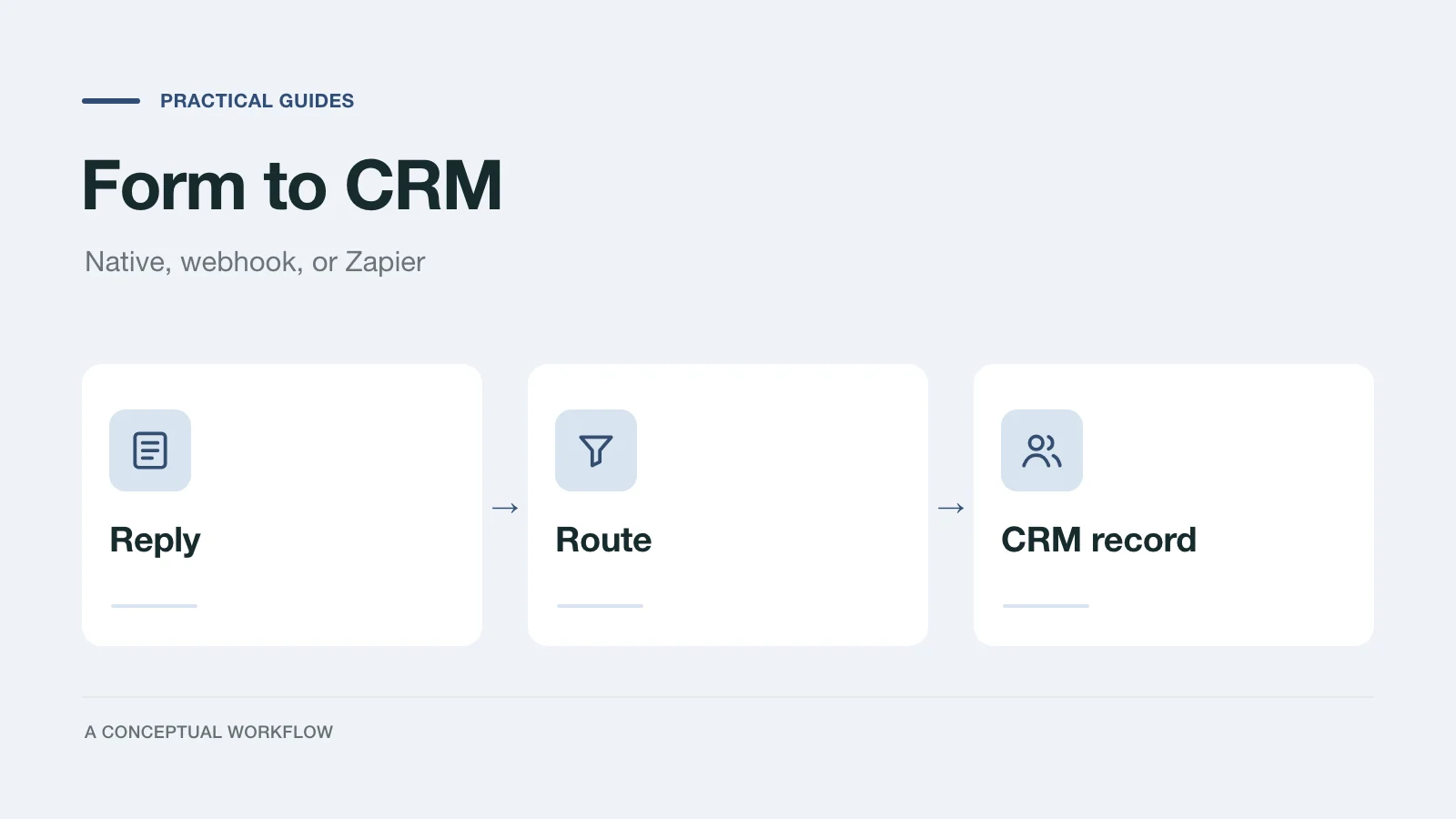
Compare three ways to send form submissions to your CRM (native, webhook, Zapier) by setup, failures, and duplicates, with two worked HubSpot builds.
Try the world's first AI-native form and turn every response into action instantly.

