The Musicians Contract form opens with a welcome screen explaining that the agreement will cover the terms of a performance booking, then walks through eight required questions in a logical order: artist identity and contact details first, then event specifics, performance duration, compensation and payment schedule, equipment responsibility, technical requirements, and finally cancellation terms. Each question captures a distinct piece of the contract so that both the booker and the artist have a complete, shared record of what was agreed. The equipment responsibility question offers four clear options — from the venue supplying everything to shared arrangements — so there is no ambiguity about who brings what. After submitting, respondents see a reminder to review all terms carefully before signing and to keep a copy for their records.
Try the conversation below to see how this template works
Trusted by over 10,000 customers and growing
Conversations Started
Questions Answered
Forms Created
Rely on the "What are the event details (name, date, time, venue, address)?" and "What is the total compensation amount and payment schedule?" questions to document every booking commitment before the event date.
Use the "What are the technical requirements (stage size, power outlets, sound check time, etc.)?" and "Who is responsible for providing sound equipment?" questions to make sure their production needs are agreed in writing ahead of time.
Depend on the "What are the terms for cancellation by either party?" question alongside the compensation and contact questions to protect their artists and manage risk across multiple bookings.

AI builds and refines your form through natural conversation no templates, no complex logic, no coding. From a simple text prompt or URL, Dashform generates intelligent flows that adapt automatically.
Dashform turns traditional form-filling into a two-way dialogue. The AI understands intent, remembers context, and asks relevant follow-up questions just like a real human conversation.
Every response is transformed into structured, meaningful, and ready-to-use data. Integrate with your favorite tools.
Everything you need to create amazing forms
Everything you need to know about this template
Don't see exactly what you need? Use our AI Form Generator to create a custom form in seconds. Just describe what you want, and AI will build it for you.
Explore more templates to find the perfect fit
 Survey
An eight-question survey capturing chocolate type preferences, flavors, buying habits, and market satisfaction.
 Application
Apply to volunteer for the Christmas Cheer Program by sharing your contact details, motivation, role preferences, and availability.
 Registration
Gather Christmas giveaway contact details, a rule-agreement choice, and an optional prize-category preference.
 Membership Registration
Collect contact details, attendance history, and ministry interests from people joining your church community.
 Event Registration
Register for an upcoming church service or event, including date choice, group size, and any accessibility or childcare needs.
 Request
Let students formally submit concerns and suggestions to their Class Council with this structured petition form.
Learn how to get the most out of your forms and templates
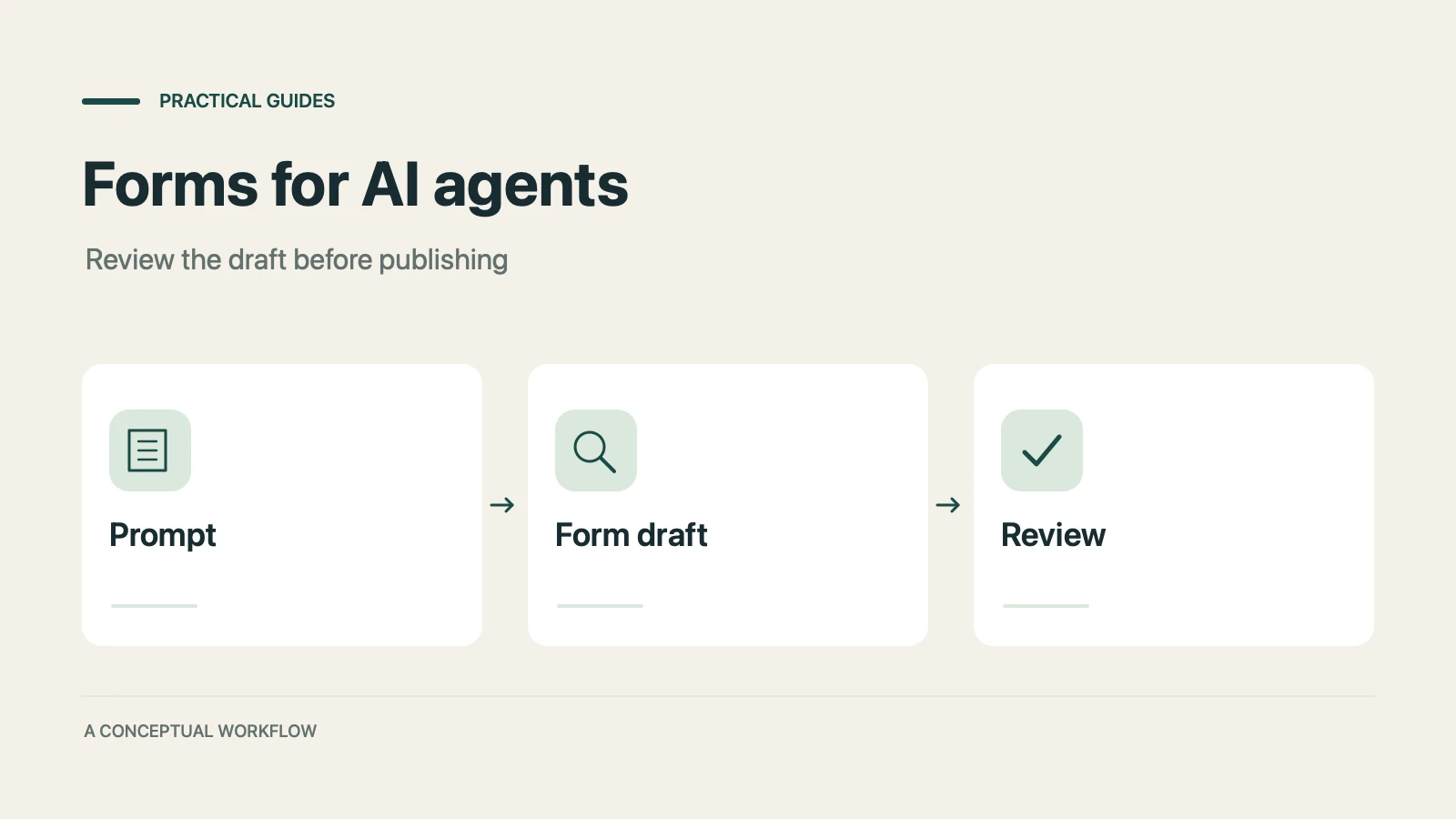
A practical guide to evaluating terminal-based Dashform workflows, checking current commands, reviewing drafts, and publishing with explicit authorization.
Use Dashform's MCP connection in a compatible AI client to draft and edit forms, review the saved result, and publish when ready.
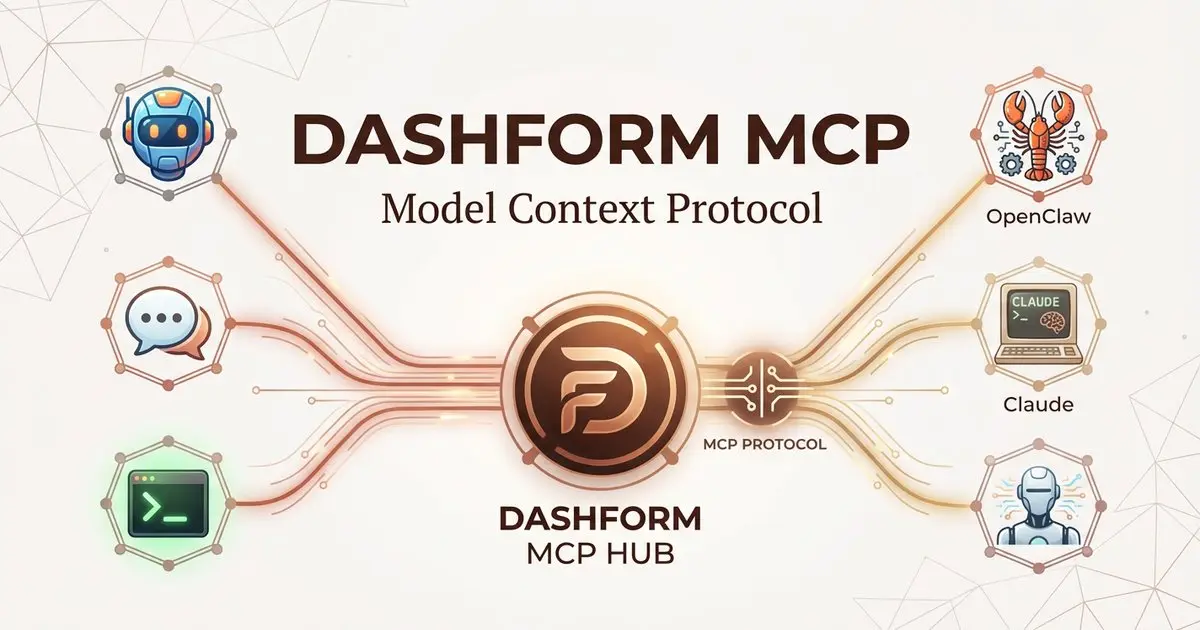
Dashform supports MCP. Connect OpenClaw, Claude Code, LangChain, or any MCP agent to build forms, surveys, and quiz funnels through getaiform.com/api/mcp.
Try the world's first AI-native form and turn every response into action instantly.

