This eight-question form collects the information both parties need to draft a marriage contract, whether before or after the wedding. It opens by gathering the full legal names and addresses of each party, then asks what type of agreement is being made — prenuptial or postnuptial — so the document is framed correctly from the start. The next two required questions cover property ownership and division, then financial arrangements including income, accounts, investments, and debts, giving both parties a structured way to record what can otherwise be difficult to discuss. Two optional questions follow for spousal support or alimony terms and any special provisions such as business interests or inheritance, keeping the form concise for couples who don't need those sections. The form closes with the "Do both parties acknowledge that they should seek independent legal counsel before signing?" question, a safeguard that confirms both parties are aware of their right to separate legal advice. After submitting, respondents see a confirmation screen advising them to consult a legal professional before treating the document as final.
Try the conversation below to see how this template works
Trusted by over 10,000 customers and growing
Conversations Started
Questions Answered
Forms Created
They rely on the "What type of agreement is this?" question and the property and financial arrangement questions to record agreed terms clearly before the wedding.
They use the postnuptial option in the "What type of agreement is this?" question alongside the optional spousal support and special provisions questions to document arrangements made after marriage.
They use the two party identification questions and the legal counsel acknowledgement question to gather all the structured input they need before drafting or reviewing a formal agreement.

AI builds and refines your form through natural conversation no templates, no complex logic, no coding. From a simple text prompt or URL, Dashform generates intelligent flows that adapt automatically.
Dashform turns traditional form-filling into a two-way dialogue. The AI understands intent, remembers context, and asks relevant follow-up questions just like a real human conversation.
Every response is transformed into structured, meaningful, and ready-to-use data. Integrate with your favorite tools.
Everything you need to create amazing forms
Everything you need to know about this template
Don't see exactly what you need? Use our AI Form Generator to create a custom form in seconds. Just describe what you want, and AI will build it for you.
Explore more templates to find the perfect fit
 Product Order
Order groceries online by selecting delivery timing, product categories, and providing your address in one simple form.
 Event Registration
Register a whole group for an event or program in one quick submission.
 Consent
Collect a named participant's group therapy understanding, confidentiality choices, attendance position, and consent or refusal.
 Assessment
Collect firearm type, make, model, serial number, condition, and special features for a thorough appraisal.
 Agreement
Record a private firearm sale with seller and buyer details, full weapon specs, agreed price, and a legal eligibility confirmation.
 Survey
A five-question survey capturing public opinion on gun control laws, their effectiveness, and specific policy support.
Learn how to get the most out of your forms and templates

AI forms generate from a sentence, ask follow-up questions, and qualify leads as they collect data. How they work, when to use one, and when to skip it.
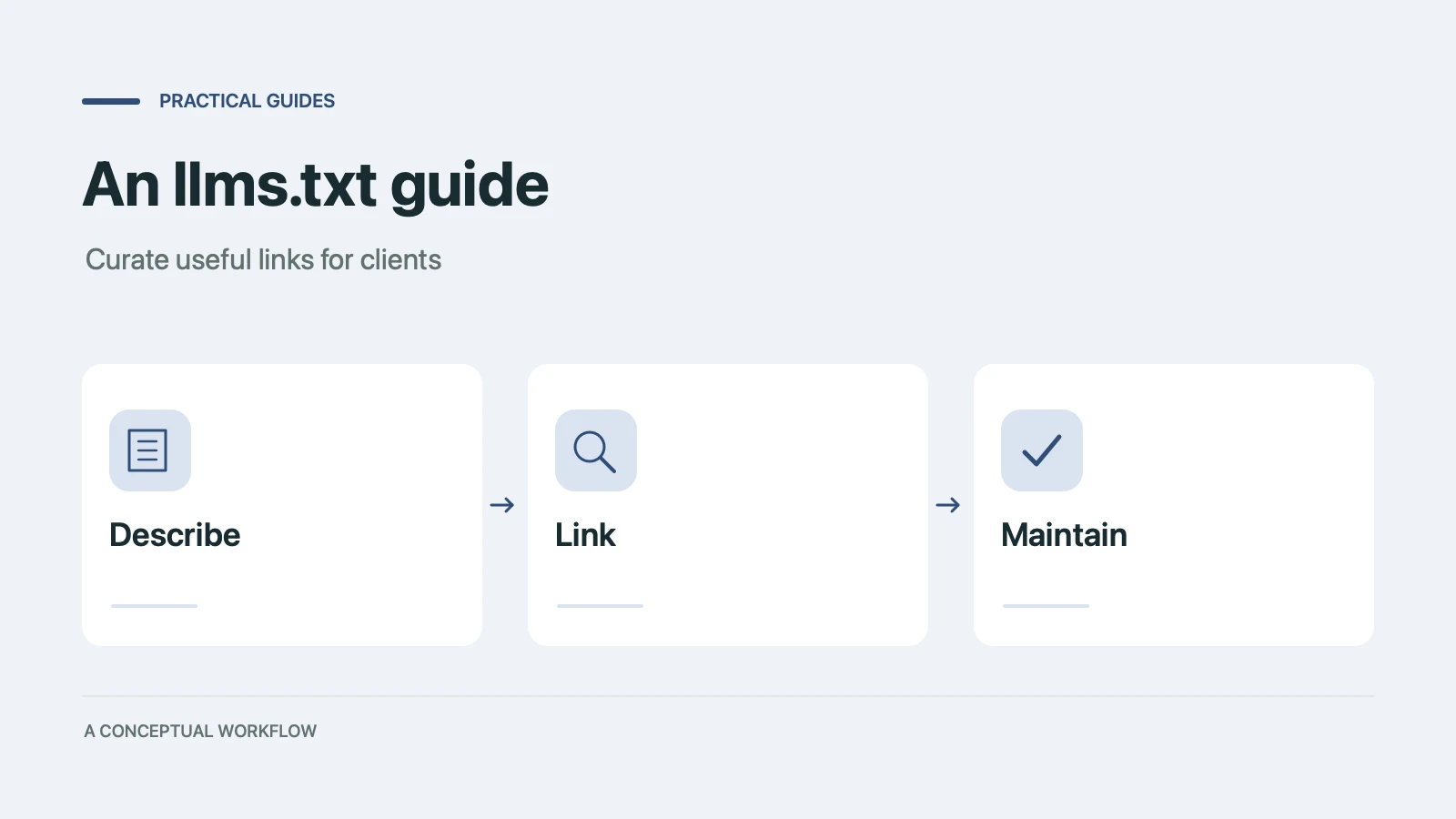
Learn the proposed llms.txt format, see illustrative industry content, and test an optional site summary without assuming broad AI support or a lift.

Evaluate Dashform alongside GoHighLevel for lead intake, configured qualification, and CRM handoffs without assuming a complete platform replacement.
Try the world's first AI-native form and turn every response into action instantly.

