This form opens by asking "Are you reporting a lost or found item?" so every response is immediately tagged as a loss or a find. It then collects a detailed item description, the specific location on the premises, and the date and approximate time — the four details most likely to confirm a match. Contact questions follow: full name, email address, and an optional phone number. A final open-ended question gives reporters room to add anything else that might help. After submitting, respondents see a confirmation telling them the team will review the report and be in touch if a match is found or more information is needed.
Try the conversation below to see how this template works
Trusted by over 10,000 customers and growing
Conversations Started
Questions Answered
Forms Created
Guests rely on the location and time questions to pinpoint exactly where and when an item went missing across large, multi-area properties.
Staff use the detailed description and specific location fields to match items handed in from classrooms, common areas, and sports facilities.
The 'Found Item' option in "Are you reporting a lost or found item?" lets staff and attendees log handed-in items as quickly as losses are reported.

AI builds and refines your form through natural conversation no templates, no complex logic, no coding. From a simple text prompt or URL, Dashform generates intelligent flows that adapt automatically.
Dashform turns traditional form-filling into a two-way dialogue. The AI understands intent, remembers context, and asks relevant follow-up questions just like a real human conversation.
Every response is transformed into structured, meaningful, and ready-to-use data. Integrate with your favorite tools.
Everything you need to create amazing forms
Everything you need to know about this template
Don't see exactly what you need? Use our AI Form Generator to create a custom form in seconds. Just describe what you want, and AI will build it for you.
Explore more templates to find the perfect fit
 Survey
Gather first impressions, usability ratings, and improvement ideas from product testers in six focused questions.
 Invoice
Organize account details, meter readings, charges, and a due date for separate utility billing review.
 Appointment Booking
Capture every key detail for an upcoming trip: destination, dates, transport, budget, and group size, all in one place.
 Consent
Document a patient's decision to decline a vaccine, confirm informed consent, and record relevant context for the provider.
 Product Order
Order one or more Valentine DIY kits, set quantities, add personalizations, and choose your delivery method in one quick form.
 Assessment
Collect address, unit type, condition, amenities, and market rent estimates to keep rental property valuations accurate and up to date.
Learn how to get the most out of your forms and templates
Many websites block AI crawlers unknowingly. The 12 AI bots that visit, how to check robots.txt, and fixes to be visible to ChatGPT, Claude, and Gemini.
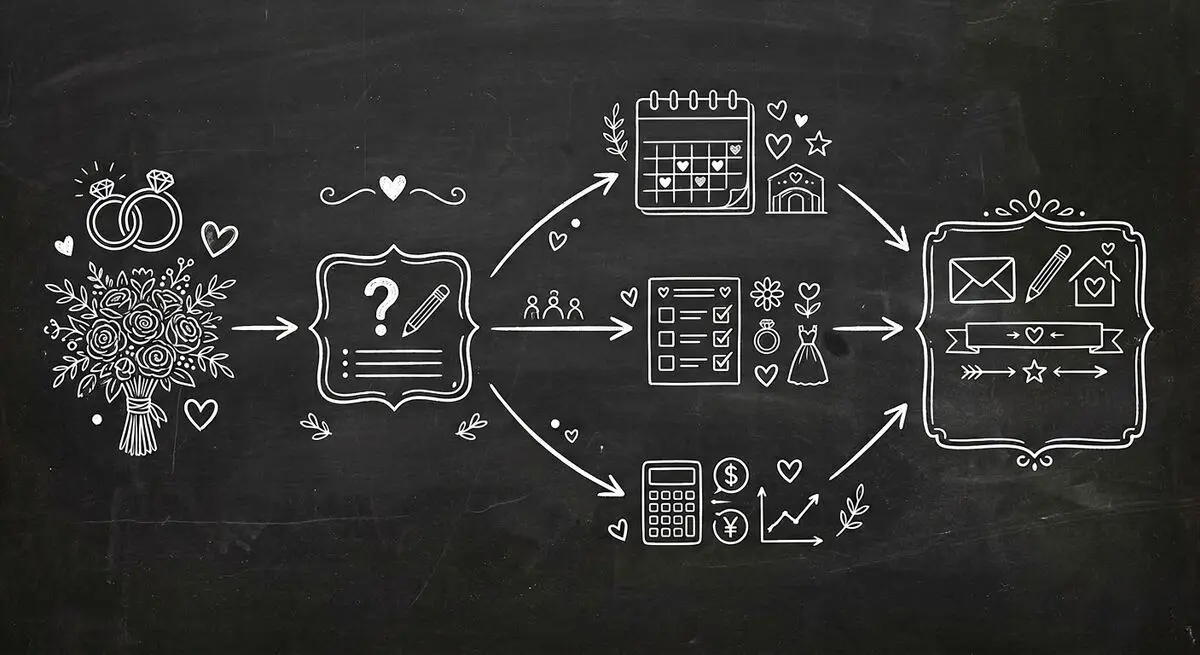
How wedding planners can use AI quiz funnels to attract and qualify couples by style, budget, and timeline, and arrive at consultations prepared.
A conversational form asks one question at a time, like a person would. The three kinds, worked examples, and when they beat a regular form or don't.
Try the world's first AI-native form and turn every response into action instantly.

