The Jewelry Appraisal Form opens by asking for the owner's full name, then walks through seven questions to capture everything a professional appraiser needs. It asks what type of item is being submitted — ring, necklace, watch, and more — followed by the metal type with karat and alloy options for precision. Two open-ended questions invite descriptions of any gemstones and the item's approximate weight, giving appraisers the material detail that drives accurate valuation. The "What is the overall condition?" question anchors the physical assessment, while the final question about appraisal purpose — insurance, estate planning, resale, and others — ensures the report is framed correctly for its intended use. After submitting, respondents see a confirmation screen letting them know a detailed appraisal report is on its way.
Try the conversation below to see how this template works
Trusted by over 10,000 customers and growing
Conversations Started
Questions Answered
Forms Created
Relies on the metal type, gemstone description, and weight questions to gather the material specifications needed before examining a piece.
Uses the "What is the purpose of this appraisal?" and condition questions to route submissions correctly and attach accurate replacement values to policies.
Depends on the owner name, item type, and appraisal purpose questions to document assets clearly for estate inventories and legal filings.

AI builds and refines your form through natural conversation no templates, no complex logic, no coding. From a simple text prompt or URL, Dashform generates intelligent flows that adapt automatically.
Dashform turns traditional form-filling into a two-way dialogue. The AI understands intent, remembers context, and asks relevant follow-up questions just like a real human conversation.
Every response is transformed into structured, meaningful, and ready-to-use data. Integrate with your favorite tools.
Everything you need to create amazing forms
Everything you need to know about this template
Don't see exactly what you need? Use our AI Form Generator to create a custom form in seconds. Just describe what you want, and AI will build it for you.
Explore more templates to find the perfect fit
 Agreement
Collect student housing details, emergency contacts, and formal agreement acceptance in one streamlined form.
 Agreement
Collect signed handbook acknowledgments from students and parents at the start of the school year.
 Survey
A five-question survey that uncovers why students stay or leave, covering satisfaction, support, social life, and key retention factors.
 Registration
Collect key details about a student's training program, from dates and type to skills gained and self-rated performance.
 Order
Submit subcontractor work orders with project details, scope, urgency, and contact info in one streamlined form.
 Agreement
Collect all key terms for a sublease — parties, dates, rent, deposit, and landlord consent — ready to draft an agreement.
Learn how to get the most out of your forms and templates
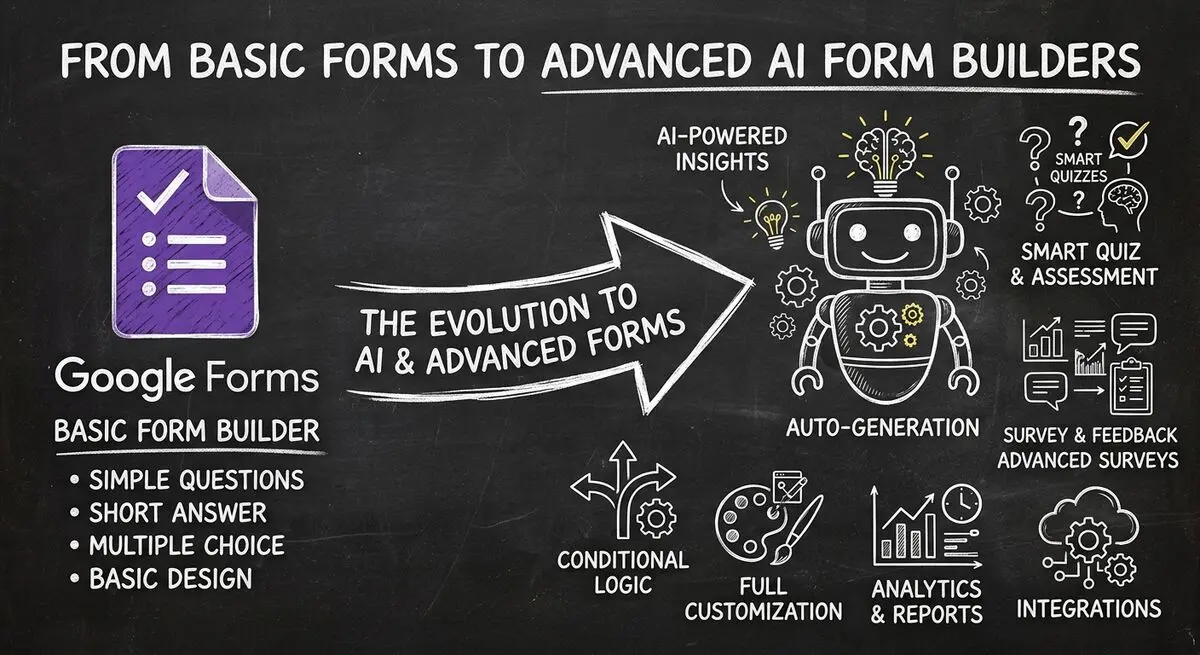
Google Forms 2026 features compared with Dashform: conditional logic, question types, AI generation, integrations, and when Google Forms is enough.
Many consumers now ask AI assistants for local picks as well as Google. Why SEO alone can't reach that discovery, and how to be visible to AI agents.

GPT-5.4 can operate a computer like a person. How computer use agents can automate each funnel stage, from lead capture to onboarding, beside your tools.
Try the world's first AI-native form and turn every response into action instantly.

