

This form opens by asking for your own Discord username and then the username of the person you're reporting, so moderators can verify both parties involved. Next comes a multiple-choice question asking what type of violation occurred — options range from 'Spam/Scam' and 'Harassment/Hate Speech' to 'Impersonation' and 'Rule Breaking (Server Specific)' — which helps the moderation team triage reports quickly. The "When did the incident occur? (Please include date and time, if possible)" question and the detailed description question that follows it give moderators the timeline and context they need to investigate accurately. An optional evidence question closes the form, inviting links to screenshots or video before the end screen confirms the report has been received and will be reviewed.
Try the conversation below to see how this template works
Trusted by over 10,000 customers and growing
Conversations Started
Questions Answered
Forms Created
Relies on the 'What type of violation are you reporting?' question to triage incoming reports by category before reading the full incident description.
Uses the 'Please describe the incident in detail. Include any relevant context or conversations.' question to build a clear record of incidents for audits or escalations.
Uses the reported user's Discord username to identify the account involved, keeping it separate from the member submitting the report.

AI builds and refines your form through natural conversation no templates, no complex logic, no coding. From a simple text prompt or URL, Dashform generates intelligent flows that adapt automatically.
Dashform turns traditional form-filling into a two-way dialogue. The AI understands intent, remembers context, and asks relevant follow-up questions just like a real human conversation.
Every response is transformed into structured, meaningful, and ready-to-use data. Integrate with your favorite tools.
Everything you need to create amazing forms
Everything you need to know about this template
Don't see exactly what you need? Use our AI Form Generator to create a custom form in seconds. Just describe what you want, and AI will build it for you.
Explore more templates to find the perfect fit
 Registration
Collect key details about a student's training program, from dates and type to skills gained and self-rated performance.
 Order
OrderSubmit subcontractor work orders with project details, scope, urgency, and contact info in one streamlined form.
 Agreement
Collect all key terms for a sublease — parties, dates, rent, deposit, and landlord consent — ready to draft an agreement.
 Subscription
Collect plan choices, billing preferences, and content interests from new subscribers in one clean form.
 Checklist
A step-by-step packing checklist covering documents, clothing, toiletries, and electronics for any trip type.
 General Application
Collect camper details, guardian contacts, health notes, and session choice in one tidy admission form.
Learn how to get the most out of your forms and templates
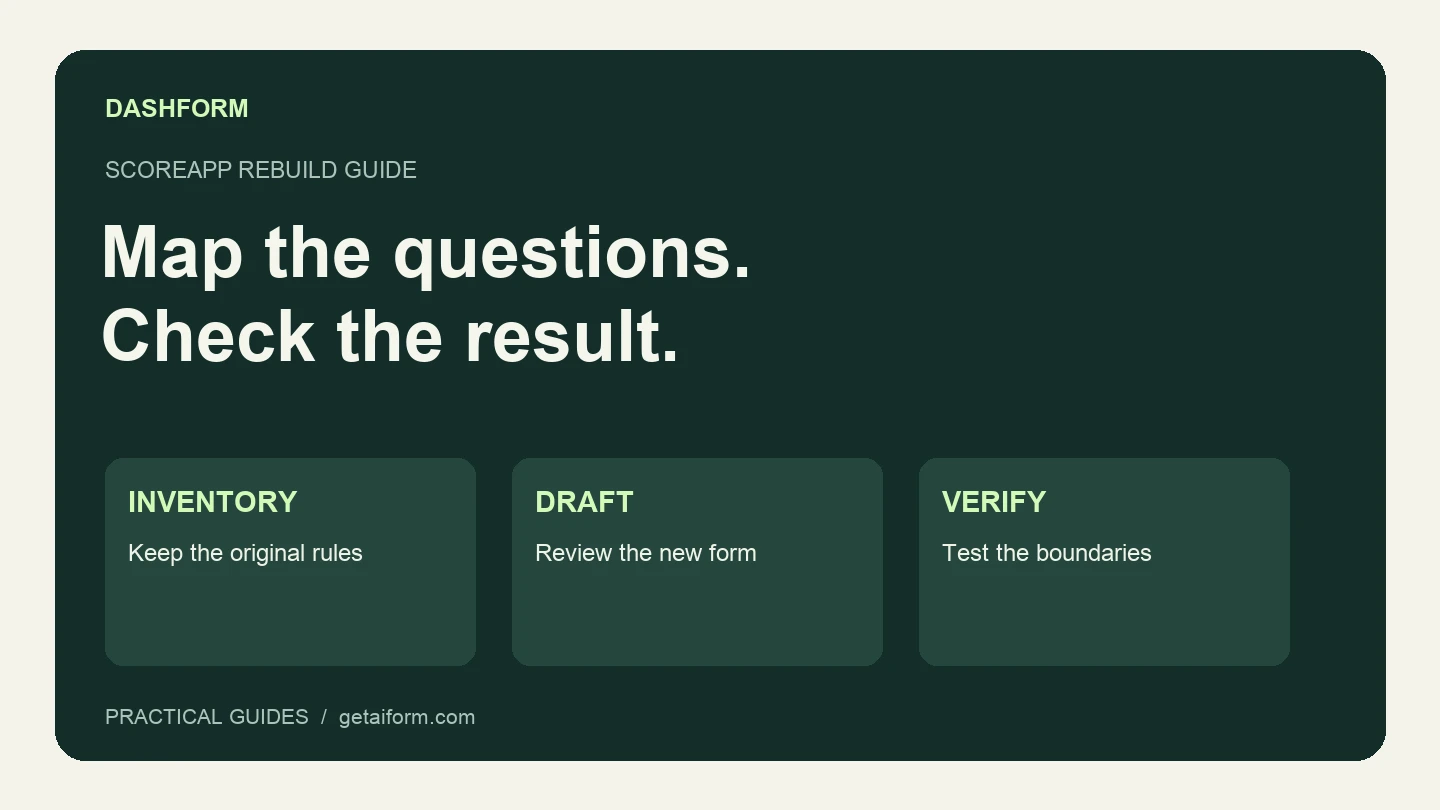
Map an existing ScoreApp assessment into a Dashform intake workflow, with a copyable brief, scoring worksheet, test cases, and clear migration limits.
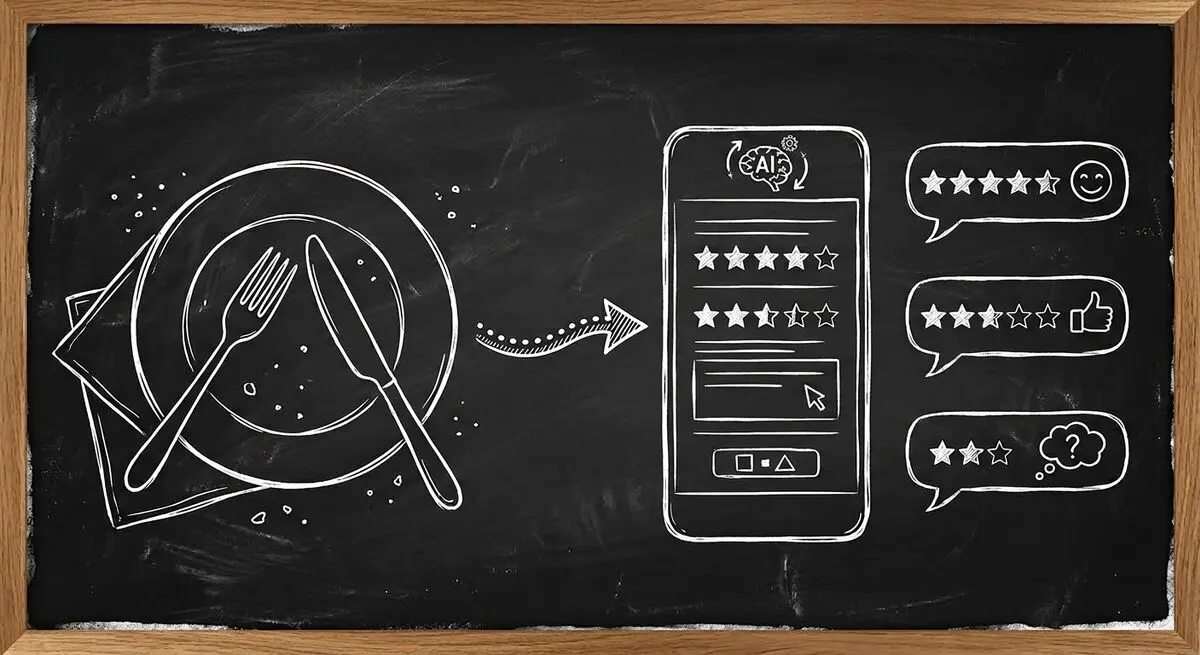
How restaurants use AI-powered feedback forms to capture customer sentiment in real time, resolve problems before they become public reviews, and bring guests back. A complete setup guide with QR code strategy.

Learn proven restaurant reputation management tips for handling online reviews. Discover how to respond to feedback professionally, manage negative reviews, and use AI-powered feedback forms to protect and grow your restaurant’s reputation.
Try the world's first AI-native form and turn every response into action instantly.