This form walks a DJ through collecting the details for an invoice in seven questions. It opens by collecting client name and contact information, then moves to event specifics — date, location, type, and hours — so the invoice is fully traceable. The "What DJ services were provided (music selection, MC duties, lighting, special effects, etc.)?" question and the "What equipment was used for this event (speakers, mixers, lights, microphones, etc.)?" question capture exactly what was delivered, giving the client a clear breakdown of what they're paying for. Charges, payment terms, and accepted payment methods follow in that order, so every financial detail is locked in before the DJ prepares the invoice separately. After submitting, the end screen acknowledges the invoice details and explains that a document must be prepared separately.
Try the conversation below to see how this template works
Trusted by over 10,000 customers and growing
Conversations Started
Questions Answered
Forms Created
Relies on the "What DJ services were provided (music selection, MC duties, lighting, special effects, etc.)?" question to document every deliverable and justify the total charge — especially useful when gigs vary widely in scope.
Uses the "What is the name and contact information of the client?" question and event details question together to keep invoices organized and client-specific across multiple bookings.
Depends on the "What equipment was used for this event (speakers, mixers, lights, microphones, etc.)?" question to itemize gear for events where equipment rental is a significant portion of the invoice.

AI builds and refines your form through natural conversation no templates, no complex logic, no coding. From a simple text prompt or URL, Dashform generates intelligent flows that adapt automatically.
Dashform turns traditional form-filling into a two-way dialogue. The AI understands intent, remembers context, and asks relevant follow-up questions just like a real human conversation.
Every response is transformed into structured, meaningful, and ready-to-use data. Integrate with your favorite tools.
Everything you need to create amazing forms
Everything you need to know about this template
Don't see exactly what you need? Use our AI Form Generator to create a custom form in seconds. Just describe what you want, and AI will build it for you.
Explore more templates to find the perfect fit
 Waiver
A five-step electronic waiver collecting COVID-19 symptom self-certification, contact history, risk acknowledgement, and a typed signature.
 Client Intake
Transfers COVID-19 patient records between acute and post-acute care facilities, capturing identity, status, and physician details.
 Application
Apply for financial relief scholarship support by describing your COVID-19 academic and financial impact.
 Tracking Log
A post-discharge health check for patients to report symptoms, well-being, and follow-up needs after leaving hospital with a COVID-19 vaccination.
 Signup
Sign up for a COVID-19 vaccine waitlist by sharing your contact details, health conditions, and occupation for priority placement.
 Payment
Outline payment preferences for an order or invoice without entering card numbers or making a charge.
Learn how to get the most out of your forms and templates
Use Dashform's MCP connection in a compatible AI client to draft and edit forms, review the saved result, and publish when ready.
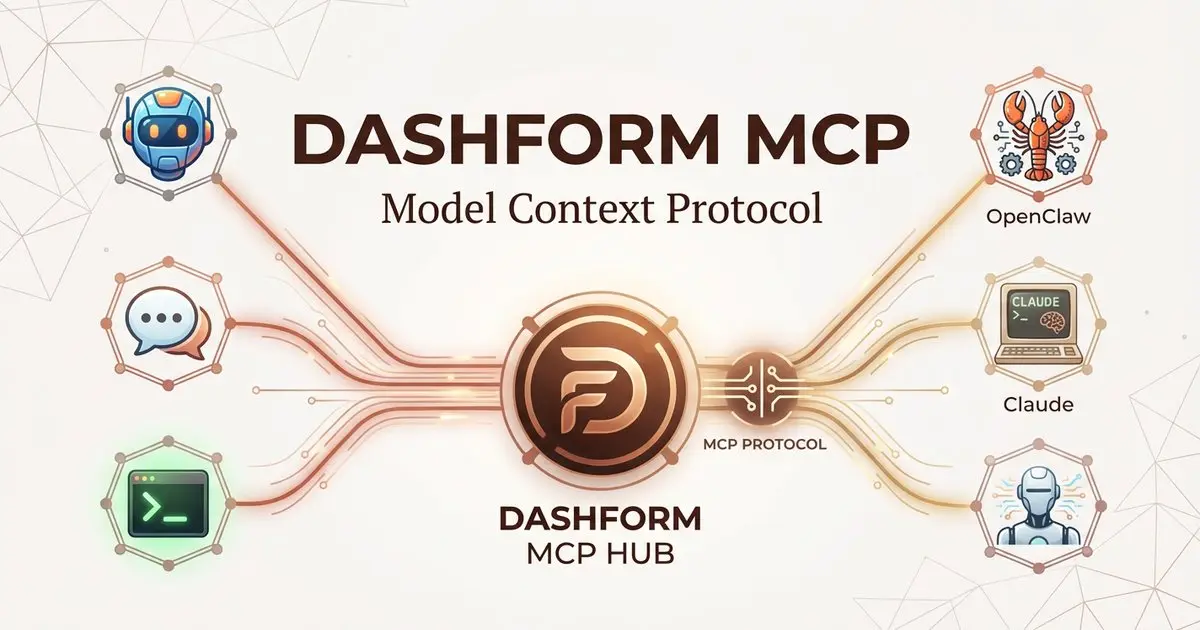
Dashform supports MCP. Connect OpenClaw, Claude Code, LangChain, or any MCP agent to build forms, surveys, and quiz funnels through getaiform.com/api/mcp.
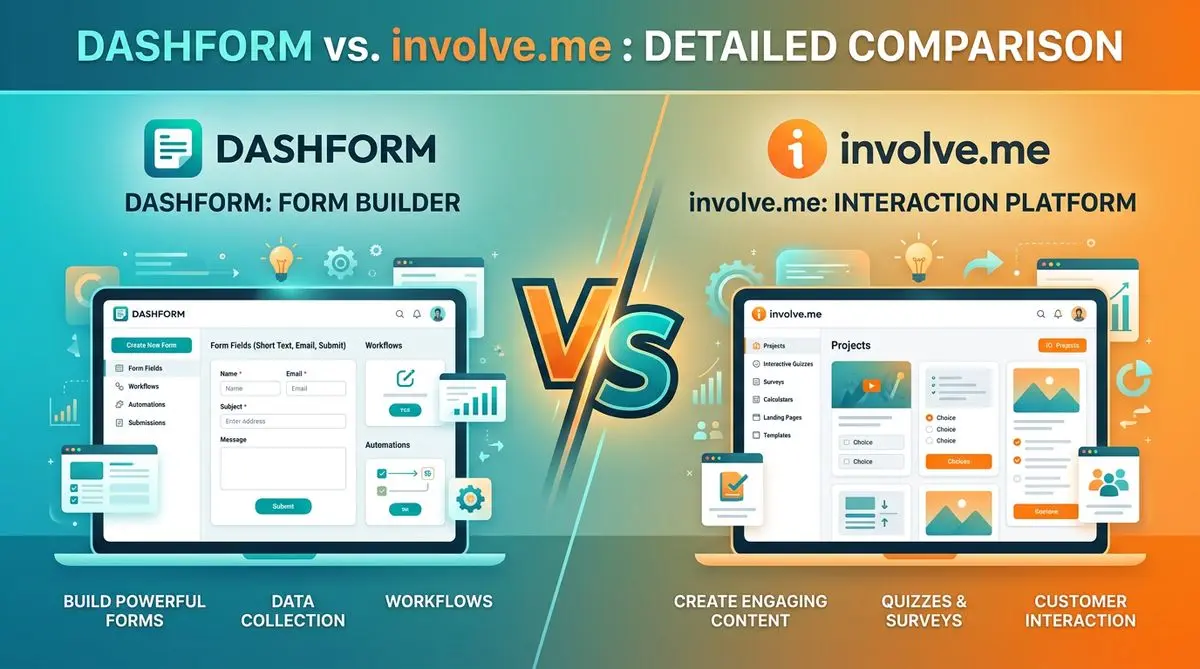
Dashform and involve.me side by side: pricing, AI generation, lead scoring, templates, and integrations, and which fits marketers, coaches, and agencies.
Try the world's first AI-native form and turn every response into action instantly.

