

The Small Estate Affidavit Form opens with a brief welcome explaining that the applicant is seeking legal rights as an executor or personal representative. It then collects the applicant's full legal name and their relationship to the deceased, establishing who is filing and on what basis. The next two questions gather the deceased's full legal name and date of death to identify the estate in question. A single-choice question asks why the applicant is seeking the affidavit — whether the primary executor has died, no will or executor was appointed, or another reason — which helps determine the legal grounds for the claim. The form then asks for an estimated estate value (optional) before closing with contact details: an email address for correspondence and an optional phone number. After submitting, respondents see a confirmation screen thanking them and confirming that their application has been received and will be processed by the appropriate authorities.
Try the conversation below to see how this template works
Trusted by over 10,000 customers and growing
Conversations Started
Questions Answered
Forms Created
Relies on the "What is your relationship to the deceased person?" and "Why are you applying for this affidavit?" questions to establish legal standing and grounds for the claim.
Uses the full set of identity and estate questions to gather everything needed to assess and process a client's small estate application in one place.
Depends on the deceased's name, date of death, and the applicant's contact details to route and follow up on submitted applications efficiently.

AI builds and refines your form through natural conversation no templates, no complex logic, no coding. From a simple text prompt or URL, Dashform generates intelligent flows that adapt automatically.
Dashform turns traditional form-filling into a two-way dialogue. The AI understands intent, remembers context, and asks relevant follow-up questions just like a real human conversation.
Every response is transformed into structured, meaningful, and ready-to-use data. Integrate with your favorite tools.
Everything you need to create amazing forms
Everything you need to know about this template
Don't see exactly what you need? Use our AI Form Generator to create a custom form in seconds. Just describe what you want, and AI will build it for you.
Explore more templates to find the perfect fit
 Product Order
Explore autumn nail strip designs, quantities, shipping details, and payment preference before a seller confirms an order.
 Client Intake
Collect family member details, presenting concerns, history, and therapy goals before the first session.
 Survey
Gather consumer insights on fashion preferences, shopping habits, and marketing engagement in one concise form.
 Satisfaction Survey
Six questions covering fast food preferences, chain loyalty, food quality, and service experience.
 General Survey
A structured ballot for electing President, Vice President, Secretary, and Treasurer, with a space for optional feedback.
 Preorder
Pre-order your February Matilda Jane pieces — choose sizes, quantities, and add any special notes.
Learn how to get the most out of your forms and templates

How hotels and tour operators can use OpenClaw AI agents with Dashform preference forms to personalize bookings, offer relevant upsells, and follow up after each trip.

GLP-1 medications like Ozempic are bringing new patients to med spas. How AI-powered lead qualification helps your clinic focus on high-value clients as the Ozempic face trend drives demand.
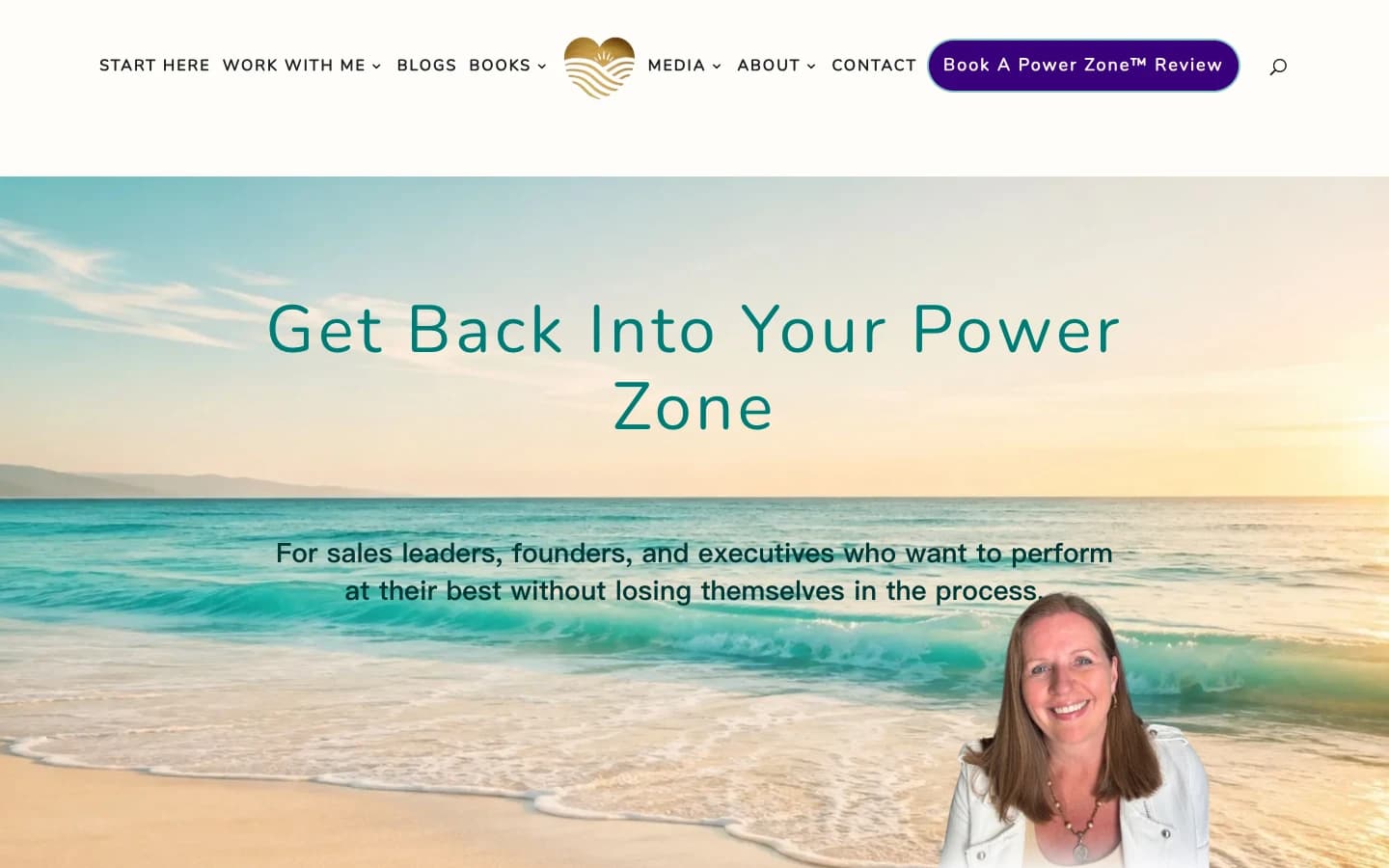
Leadership coach Pia Jansson shares how she turned her method into a personalized assessment, with four result sections and optional email signup.
Try the world's first AI-native form and turn every response into action instantly.