This seven-question pre-order form opens with contact details — full name, email, and an optional phone number for order updates — so the seller can reach each customer directly. It then moves through the three February collection items in sequence: a size selection for the Whimsical Daisy Dress, a quantity choice for the Enchanted Forest Leggings, and an optional size pick for the Spring Bloom Blouse for shoppers who want to add it. A final open-ended field lets respondents flag any special requests before they submit. After submitting, the end screen confirms the pre-order was received and lets customers know they'll be contacted shortly with confirmation and item details.
Try the conversation below to see how this template works
Trusted by over 10,000 customers and growing
Conversations Started
Questions Answered
Forms Created
Relies on the size and quantity questions to capture exactly which February collection pieces each customer wants before stock is allocated.
Uses the contact questions — name, email, and optional phone — to keep pre-order communication organised without a full e-commerce system.
Depends on the special requests field to handle one-off customer notes that would otherwise arrive scattered across messages and comments.

AI builds and refines your form through natural conversation no templates, no complex logic, no coding. From a simple text prompt or URL, Dashform generates intelligent flows that adapt automatically.
Dashform turns traditional form-filling into a two-way dialogue. The AI understands intent, remembers context, and asks relevant follow-up questions just like a real human conversation.
Every response is transformed into structured, meaningful, and ready-to-use data. Integrate with your favorite tools.
Everything you need to create amazing forms
Everything you need to know about this template
Don't see exactly what you need? Use our AI Form Generator to create a custom form in seconds. Just describe what you want, and AI will build it for you.
Explore more templates to find the perfect fit
 Client Intake
Collect patient identity, medical history, allergies, medications, blood type, and emergency contact details in one place.
 Assessment
Document a seafarer's medical examination results, vision, cardiovascular health, and fitness-for-duty determination in one structured form.
 Event Registration
Collect a patient's full medical background — medications, allergies, past diagnoses, and family history — before an appointment.
 Client Intake
Collect patient identity and insurance details for smooth, accurate coverage verification before care.
 General Survey
A structured form for medical professionals to document patient visits, symptoms, diagnoses, treatment plans, and follow-up instructions.
 Waiver
Collect participant and provider details, health disclosures, and explicit choices on separately supplied risks, waiver terms, and emergency authorization.
Learn how to get the most out of your forms and templates

Draft an AI quiz lead magnet in Dashform, review its branches and Endings, configure email delivery, and measure results against your current lead magnet.
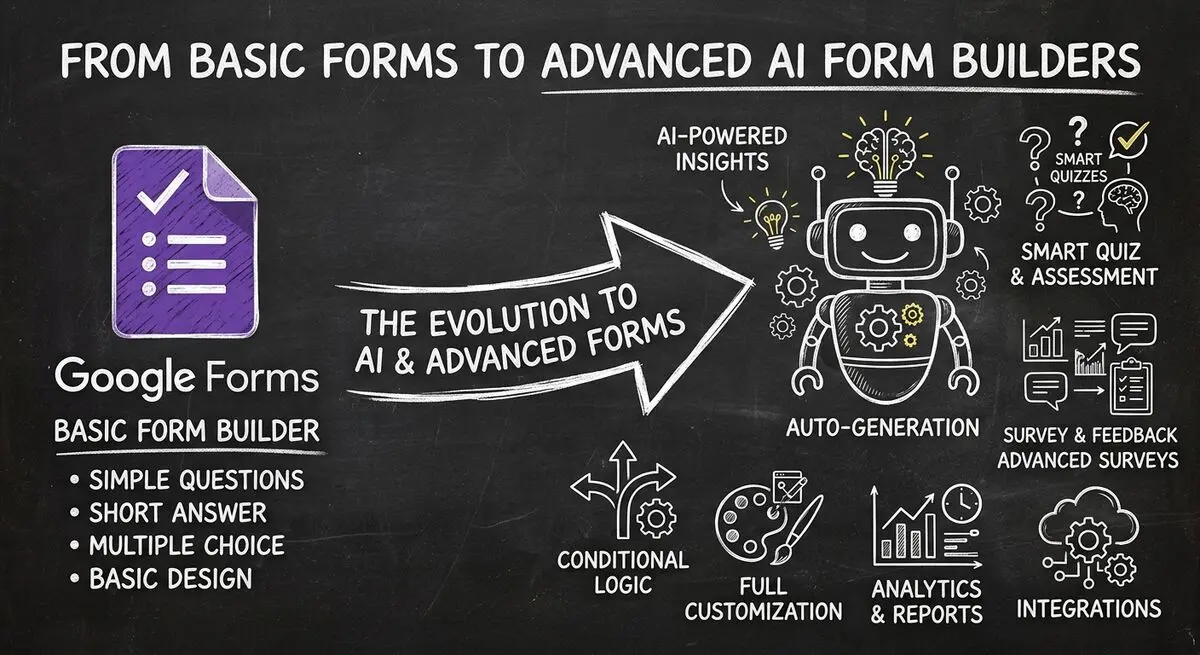
Set up a Google Forms quiz, configure answer keys and grade release, test the respondent experience, and evaluate alternatives for other quiz workflows.
View Google Form responses, link a Google Sheet, enable email notifications, and export a CSV. Compare these workflows with Dashform Reply review.
Try the world's first AI-native form and turn every response into action instantly.

