

This nine-question application form opens by collecting contact details — full name, email address, and phone number — so the nominating committee can follow up directly. It then asks for a professional biography and current role to establish the candidate's background at a glance, with an optional LinkedIn URL for anyone who wants to point to a fuller profile. The final three questions get to the heart of the application: why the candidate wants to join the board, what relevant experience they bring, and how available they are for meetings and activities — giving reviewers everything needed to assess fit and commitment in one place. After submitting, applicants see a confirmation message letting them know their application has been received and that the team will be in touch about next steps.
Try the conversation below to see how this template works
Trusted by over 10,000 customers and growing
Conversations Started
Questions Answered
Forms Created
Relies on the "Why are you interested in joining our Board of Directors?" and availability questions to gauge mission alignment and realistic commitment from volunteer board candidates.
Uses the current role and professional biography questions to verify that applicants meet any sector or professional criteria before the review process begins.
Depends on the "What relevant experience do you have that would benefit our organization's board?" question to surface transferable skills from candidates who may not have formal board experience.

AI builds and refines your form through natural conversation no templates, no complex logic, no coding. From a simple text prompt or URL, Dashform generates intelligent flows that adapt automatically.
Dashform turns traditional form-filling into a two-way dialogue. The AI understands intent, remembers context, and asks relevant follow-up questions just like a real human conversation.
Every response is transformed into structured, meaningful, and ready-to-use data. Integrate with your favorite tools.
Everything you need to create amazing forms
Everything you need to know about this template
Don't see exactly what you need? Use our AI Form Generator to create a custom form in seconds. Just describe what you want, and AI will build it for you.
Explore more templates to find the perfect fit
 Order
OrderSubmit subcontractor work orders with project details, scope, urgency, and contact info in one streamlined form.
 Agreement
Collect all key terms for a sublease — parties, dates, rent, deposit, and landlord consent — ready to draft an agreement.
 Subscription
Collect plan choices, billing preferences, and content interests from new subscribers in one clean form.
 Checklist
A step-by-step packing checklist covering documents, clothing, toiletries, and electronics for any trip type.
 General Application
Collect camper details, guardian contacts, health notes, and session choice in one tidy admission form.
 Other
OtherOrganize patient, insurer, provider, service-date, diagnosis-code, and procedure-fee details for clinician billing review.
Learn how to get the most out of your forms and templates
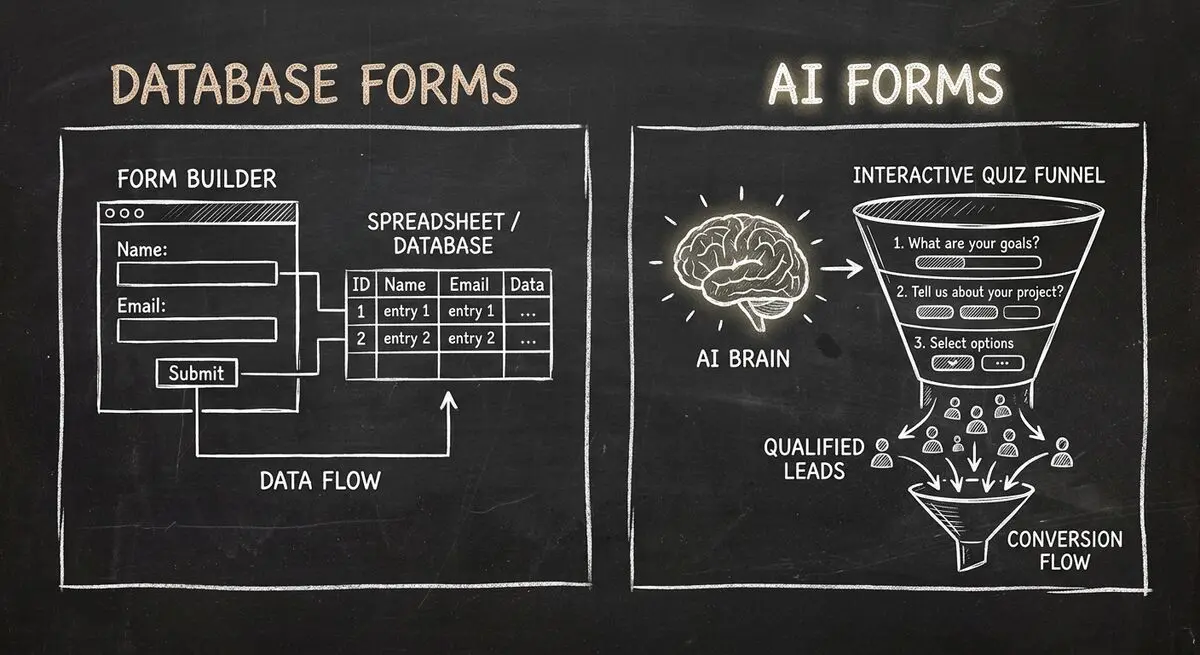
Compare Dashform and Fillout for lead intake, AI drafting, qualification, database connections, and the handoffs to test before switching.
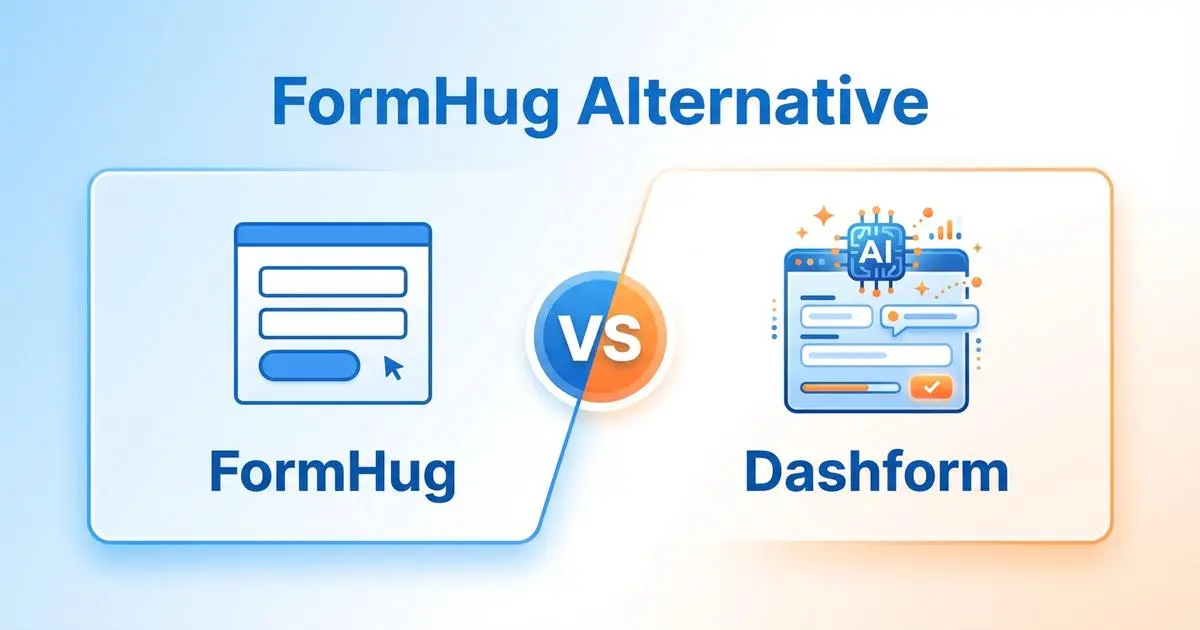
FormHug vs Dashform side by side: AI quiz funnels, lead scoring, and pricing. Where FormHug excels and where switching makes sense for agencies and coaches.

Compare GoHighLevel alternatives including Dashform, HubSpot, ClickFunnels, and more: what each is best for, its AI features, pros and cons, and which fits your business.
Try the world's first AI-native form and turn every response into action instantly.