

The Cumulative Record Collection form gathers eight pieces of structured information about a student in a logical order: identity first (name and ID number), then current grade level, then the academic, attendance, and behavioral details that make up the core of the record. The "Please enter the student's full legal name." and "Please provide the student's unique identification number." questions establish exactly which student the record belongs to before any other data is entered. Academic performance, attendance notes, and behavioral observations follow in sequence, mirroring how educators typically review a student's overall standing, with attendance and behavior marked optional to avoid blocking submission when nothing notable has occurred. The form closes with a parent/guardian e-signature and a submission date, creating a timestamped, acknowledged record. After submitting, respondents see a reminder to review the student information and guardian acknowledgment before using the record.
Try the conversation below to see how this template works
Trusted by over 10,000 customers and growing
Conversations Started
Questions Answered
Forms Created
Relies on the student name, ID number, and grade level questions to keep records organized and correctly attributed across a full school roster.
Uses the academic performance summary and behavioral observations questions to document progress and incidents in one structured place each reporting period.
Depends on the e-signature question to capture a formal, dated acknowledgment that a parent or guardian has reviewed the student's record entry.

AI builds and refines your form through natural conversation no templates, no complex logic, no coding. From a simple text prompt or URL, Dashform generates intelligent flows that adapt automatically.
Dashform turns traditional form-filling into a two-way dialogue. The AI understands intent, remembers context, and asks relevant follow-up questions just like a real human conversation.
Every response is transformed into structured, meaningful, and ready-to-use data. Integrate with your favorite tools.
Everything you need to create amazing forms
Everything you need to know about this template
Don't see exactly what you need? Use our AI Form Generator to create a custom form in seconds. Just describe what you want, and AI will build it for you.
Explore more templates to find the perfect fit
 Application
Apply to volunteer for the Christmas Cheer Program by sharing your contact details, motivation, role preferences, and availability.
 Registration
Gather Christmas giveaway contact details, a rule-agreement choice, and an optional prize-category preference.
 Membership Registration
Collect contact details, attendance history, and ministry interests from people joining your church community.
 Event Registration
Register for an upcoming church service or event, including date choice, group size, and any accessibility or childcare needs.
 Request
Let students formally submit concerns and suggestions to their Class Council with this structured petition form.
 Quote Request
Collect property details, cleaning needs, and scheduling preferences for a provider to review before preparing a proposal.
Learn how to get the most out of your forms and templates

Inspect five potential barriers to agent access, understand the limits of an AX Score, and test changes to your website.

Learn how automated form workflows reduce manual work and improve data accuracy. Discover how Dashform uses AI to generate forms, map fields, and automate workflows across your business tools.
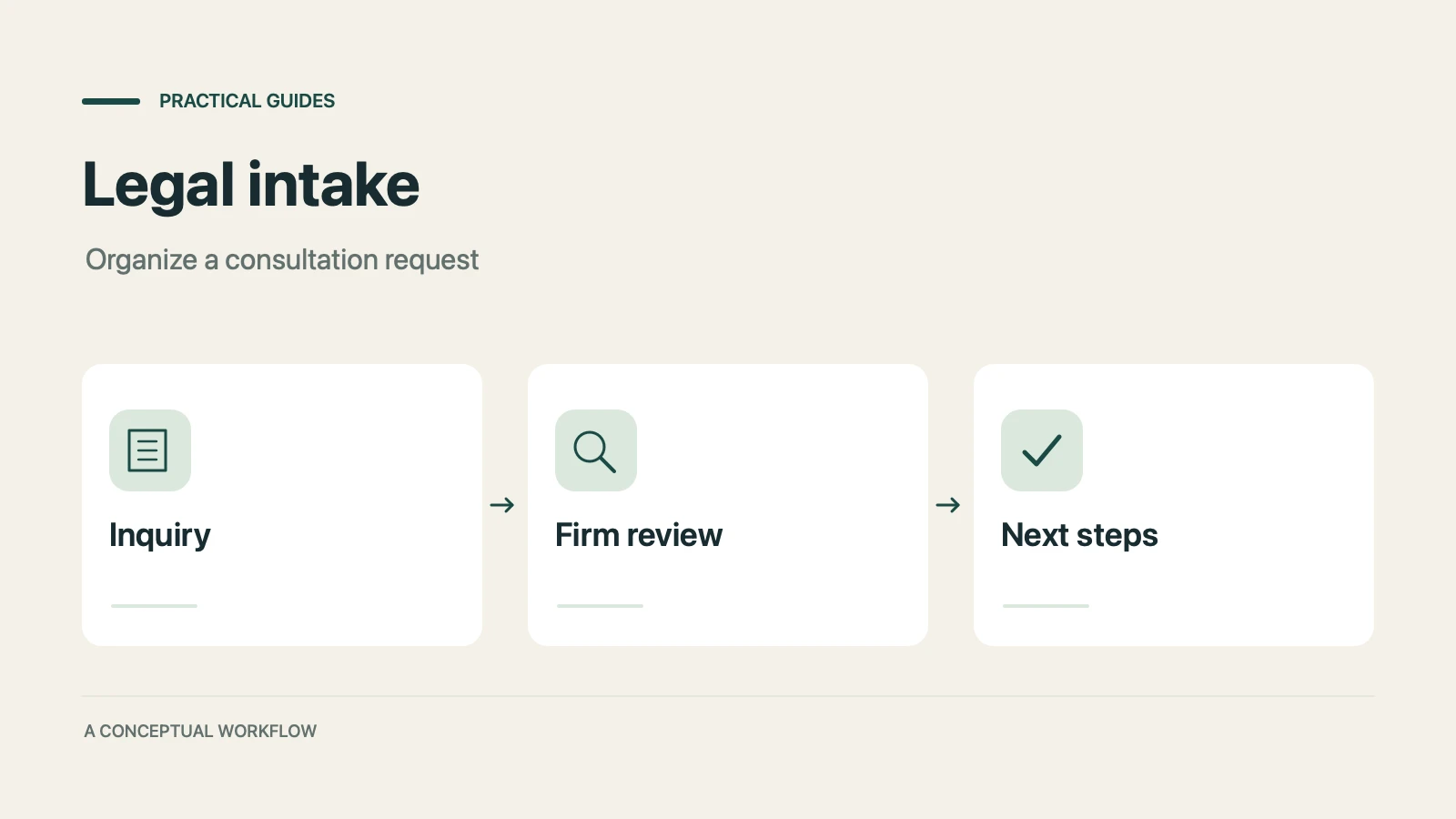
A proposed personal injury intake workflow for collecting inquiries, preparing attorney reviews, and gathering feedback, with clear boundaries for legal decisions, sensitive records, signatures, and external tools.
Try the world's first AI-native form and turn every response into action instantly.