

The Counseling Intake Form opens with a welcoming message that sets a calm, unhurried tone before walking new clients through ten questions. It collects contact details and date of birth first, then moves into the clinical picture: what brings the person to counseling, how long they've been experiencing it, and their history with therapy. A multiple-choice symptom checklist and a medication question give the counselor a fuller picture before the session begins. The form closes by asking for an emergency contact name and relationship, ensuring the practice has a safety reference on file. After submitting, clients see a reassuring end screen letting them know their counselor will review their responses ahead of the first session and may follow up if anything needs clarifying.
Try the conversation below to see how this template works
Trusted by over 10,000 customers and growing
Conversations Started
Questions Answered
Forms Created
Relies on the "What brings you to counseling at this time?" question and the symptom checklist to give solo practitioners a detailed brief before a first session, without a separate phone consultation.
Uses the contact fields, medication question, and emergency contact to meet the administrative and safety documentation requirements common in community mental health settings.
Depends on the therapy history and duration questions to quickly triage new referrals and assign them to the most appropriate counselor or service level.

AI builds and refines your form through natural conversation no templates, no complex logic, no coding. From a simple text prompt or URL, Dashform generates intelligent flows that adapt automatically.
Dashform turns traditional form-filling into a two-way dialogue. The AI understands intent, remembers context, and asks relevant follow-up questions just like a real human conversation.
Every response is transformed into structured, meaningful, and ready-to-use data. Integrate with your favorite tools.
Everything you need to create amazing forms
Everything you need to know about this template
Don't see exactly what you need? Use our AI Form Generator to create a custom form in seconds. Just describe what you want, and AI will build it for you.
Explore more templates to find the perfect fit
 Professions
Request a hair salon appointment by sharing your contact details, preferred time, services needed, and any stylist preferences.
 Waiver
A seven-question hair service waiver capturing client details, risk acknowledgement, and electronic consent before an appointment.
 Registration
Register for a Halloween Candy Buy Back Program and choose your incentive in exchange for leftover candy.
 Product Order
Order custom Halloween candy grams by choosing treats, adding a personal note, and providing delivery details.
 Event Registration
Register your rider and horse for a Halloween equestrian show, pick your classes, and share your costume theme.
 Quiz
QuizA five-question Halloween quiz mixing personal reflection, activity knowledge, and origin history — with an optional rating and costume favourite.
Learn how to get the most out of your forms and templates
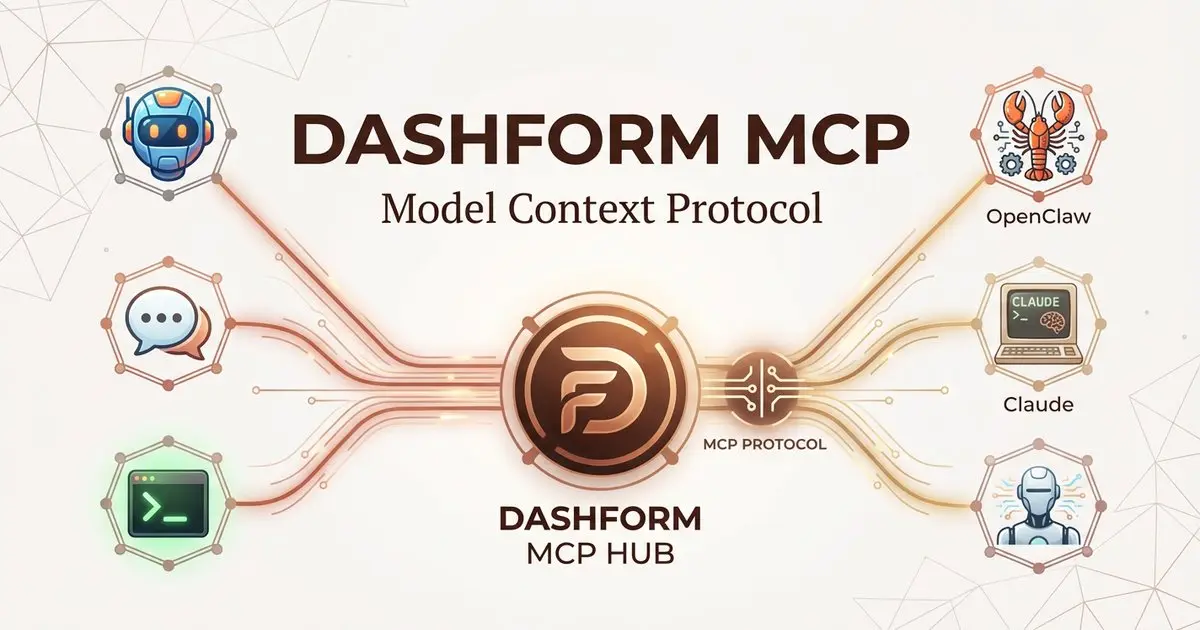
Dashform now supports the Model Context Protocol (MCP). Connect OpenClaw, Claude Code, LangChain, or any MCP-compatible AI agent to create AI-powered forms, surveys, and quiz funnels programmatically through getaiform.com/api/mcp.
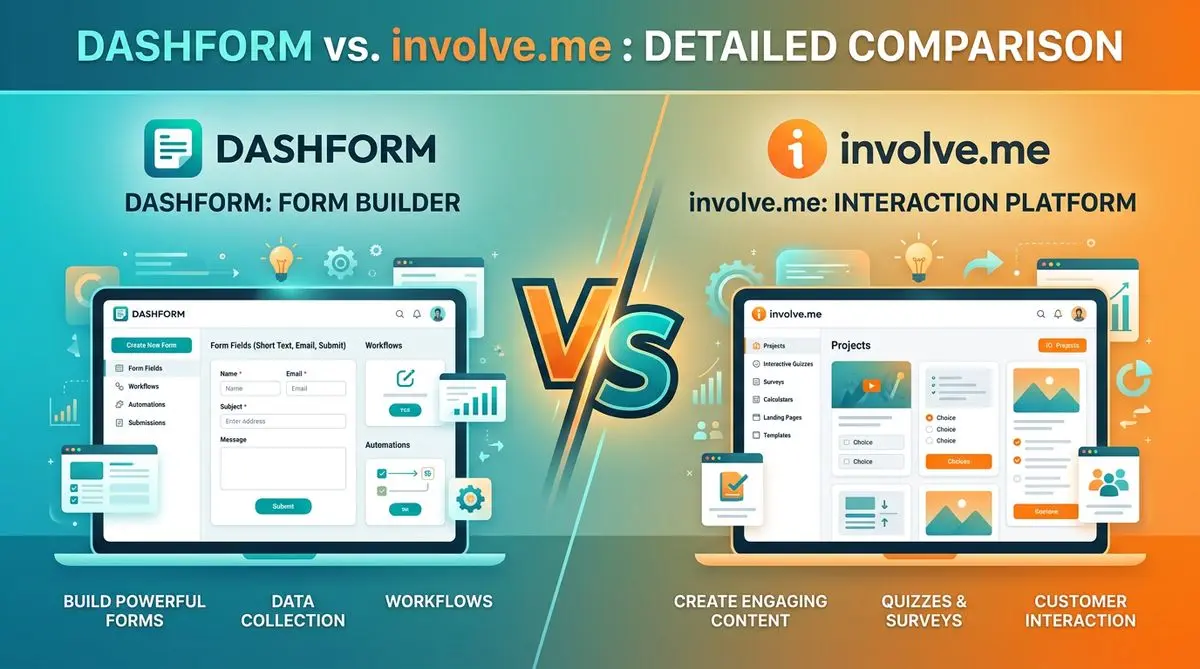
Dashform and involve.me side by side: pricing, AI generation, lead scoring, templates, and integrations, and which fits marketers, coaches, and agencies.
Dashform and LeadQuizzes side by side: templates, AI generation, white-label, lead scoring, and pricing, and which fits marketers and small businesses.
Try the world's first AI-native form and turn every response into action instantly.