This seven-question registration form collects everything a dental practice or organizer needs to run a Halloween Candy Buy Back event. It opens by gathering the participant's name, email, and optional phone number, then asks for age group so organizers can plan appropriately for families and individuals of all ages. The "What incentive would you prefer for your candies?" question lets each participant choose between cash, coupons, a hygiene kit, or dental products, so the right rewards are ready on the day. An optional question about how they heard about the program helps organizers understand which outreach channels are working. The form closes with a terms-and-conditions agreement before submission, after which participants see a confirmation screen letting them know event details will follow by email.
Try the conversation below to see how this template works
Trusted by over 10,000 customers and growing
Conversations Started
Questions Answered
Forms Created
Relies on the age group and preferred incentive questions to prepare the right rewards — such as dental products or hygiene kits — for patients of every age.
Uses the name, email, and optional phone fields to build a confirmed attendee list and follow up with event-day logistics.
Depends on the registration and contact questions to coordinate candy donations destined for troops, while tracking participation numbers through age group data.

AI builds and refines your form through natural conversation no templates, no complex logic, no coding. From a simple text prompt or URL, Dashform generates intelligent flows that adapt automatically.
Dashform turns traditional form-filling into a two-way dialogue. The AI understands intent, remembers context, and asks relevant follow-up questions just like a real human conversation.
Every response is transformed into structured, meaningful, and ready-to-use data. Integrate with your favorite tools.
Everything you need to create amazing forms
Everything you need to know about this template
Don't see exactly what you need? Use our AI Form Generator to create a custom form in seconds. Just describe what you want, and AI will build it for you.
Explore more templates to find the perfect fit
 Event Registration
A nine-question loan application for small businesses to formally request funding and share their financial background.
 General Survey
Collect customer contact details, discover how they found you, and learn what products they want to shop for.
 Event Registration
Collect legal name, address, contact details, and registration purpose from any new or existing business in one short form.
 Event Registration
Gather ticket requests, contact details, quantities, and terms acceptance before arranging payment with the organizer.
 Patient Feedback
An eight-question child healthcare feedback example covering access, communication, staff courtesy, waiting time, and recommendations.
 General Request
Collect a caller's name, phone number, preferred time slot, and reason for inquiry in one simple form.
Learn how to get the most out of your forms and templates
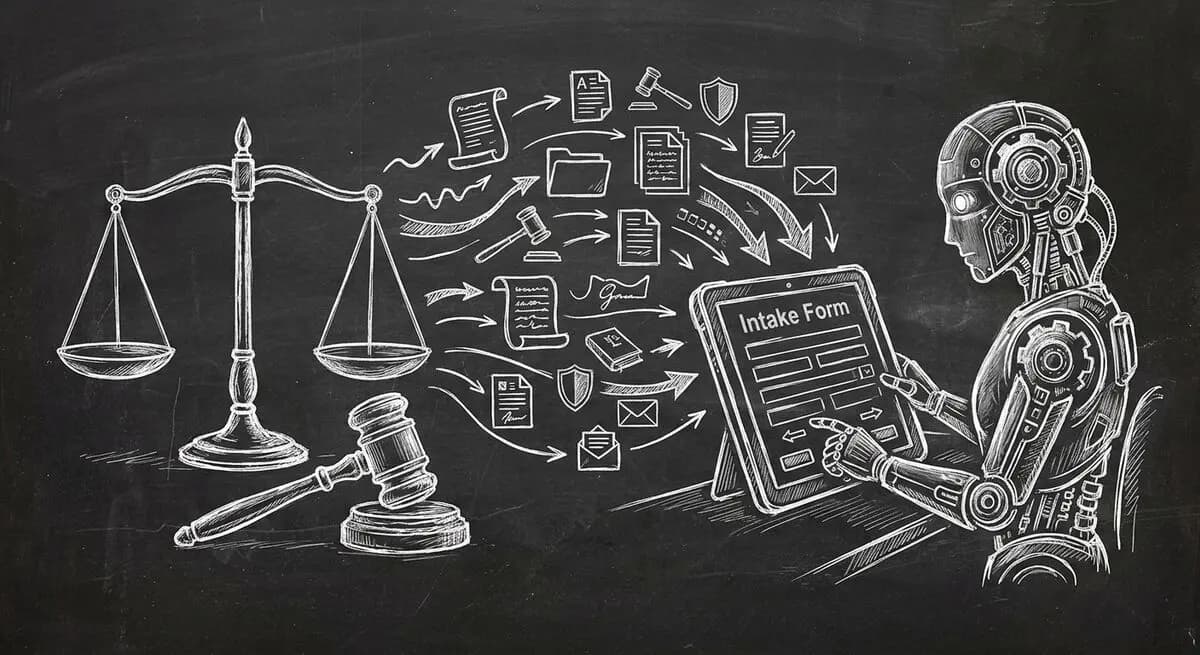
How solo and mid-size firms can use OpenClaw and Dashform to qualify case intake around the clock, so consultations go to viable cases. Step-by-step setup.
How real estate teams can use OpenClaw and Dashform to qualify inbound leads around the clock and fill calendars with serious buyers.
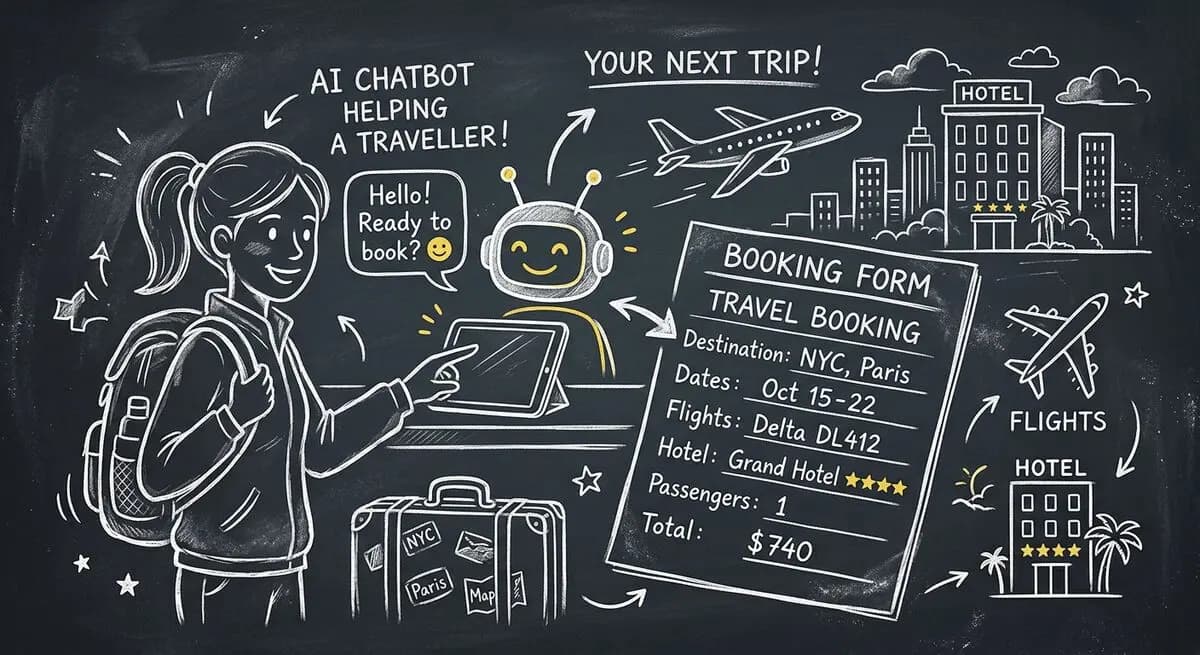
How hotels and tour operators can pair OpenClaw AI agents with Dashform preference forms to personalize bookings, offer upsells, and follow up after trips.
Try the world's first AI-native form and turn every response into action instantly.

