

This Halloween Candy Gram Order Form opens by collecting the sender's name and email address so the organizer knows who placed the order and how to follow up. It then asks for the recipient's name, full delivery address, and desired delivery date to nail down the logistics of each gram. The candy selection question lets senders mix and match from five treat options — assorted chocolates, gummy worms, lollipops, sour candies, and caramel apples — before two optional fields invite a personalized message and any special delivery instructions. After submitting, respondents see a confirmation screen thanking them for their order and wishing them a spooktacular Halloween.
Try the conversation below to see how this template works
Trusted by over 10,000 customers and growing
Conversations Started
Questions Answered
Forms Created
Relies on the delivery address and candy selection questions to coordinate bulk classroom or staff-room drop-offs without chasing down individual preferences.
Uses the recipient name, delivery address, and special instructions questions to route grams accurately across departments, floors, or remote locations.
Depends on the email, delivery date, and personalized message questions to manage custom orders, schedule fulfillment, and deliver the right note with each gram.

AI builds and refines your form through natural conversation no templates, no complex logic, no coding. From a simple text prompt or URL, Dashform generates intelligent flows that adapt automatically.
Dashform turns traditional form-filling into a two-way dialogue. The AI understands intent, remembers context, and asks relevant follow-up questions just like a real human conversation.
Every response is transformed into structured, meaningful, and ready-to-use data. Integrate with your favorite tools.
Everything you need to create amazing forms
Everything you need to know about this template
Don't see exactly what you need? Use our AI Form Generator to create a custom form in seconds. Just describe what you want, and AI will build it for you.
Explore more templates to find the perfect fit
 Tracking Log
Log every detail of a book in your personal collection, from title and author to format, rating, and your own notes.
 General Request
Request a personal shopping session by sharing your style, budget, and availability in one quick form.
 Professions
Collect health history, fitness goals, and availability from new PT clients before their first session.
 Product Order
Collect customer contact info, phone model, accessories, quantities, and shipping address in one straightforward order form.
 Consent
Collect clear, documented photo and media consent from individuals or parents and guardians of minors.
 Professions
Request a photography session by sharing your session type, date, location, group size, and any special requirements.
Learn how to get the most out of your forms and templates
Considering Dashform as a Heyflow alternative? Compare lead qualification, AI assistance, tracking requirements, and a practical pilot before switching.
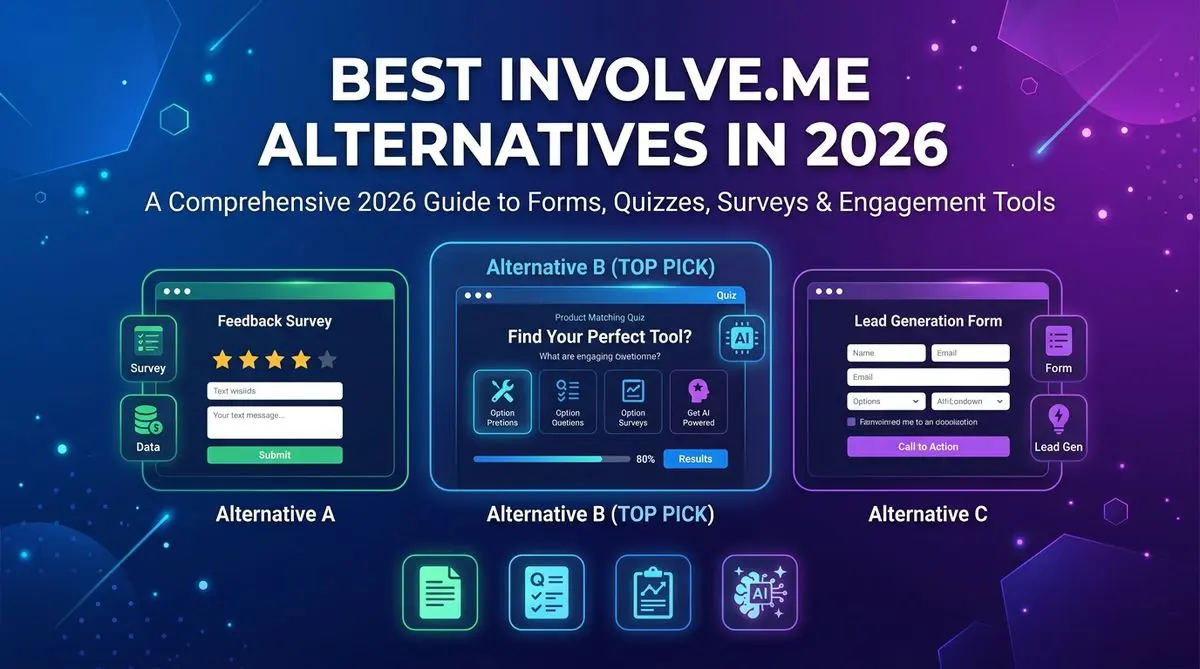
7 involve.me alternatives compared on AI quiz generation, lead scoring, pricing, and templates. Includes Outgrow, LeadQuizzes, Dashform, and 4 others — head-to-head ranking.
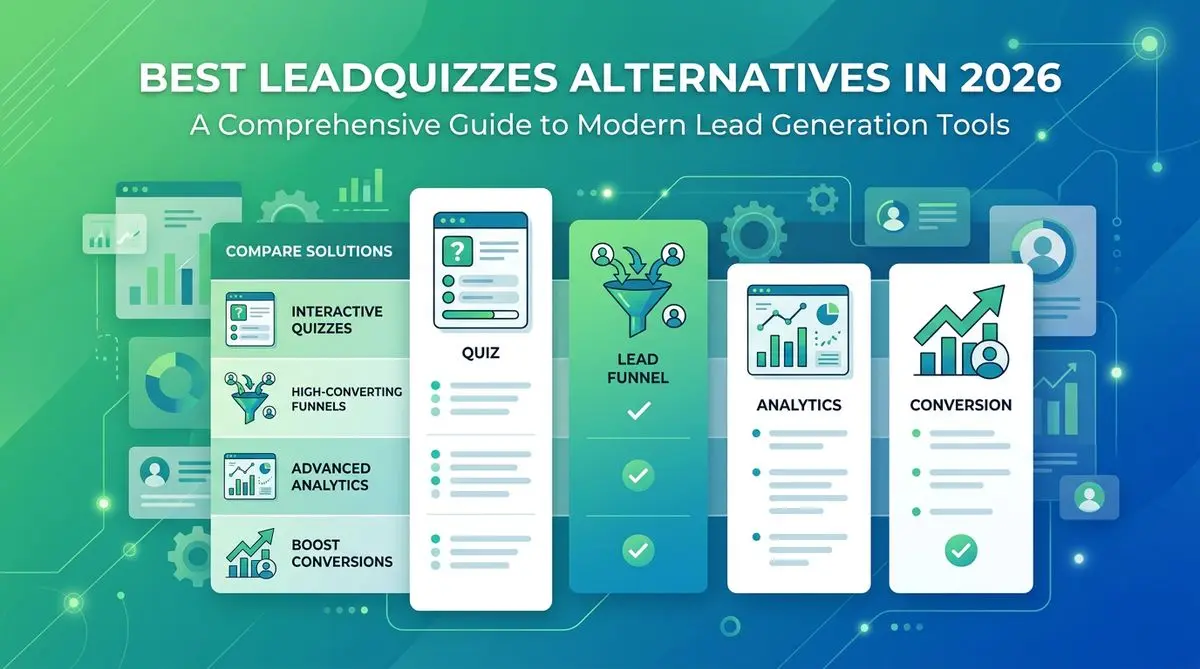
LeadQuizzes' interface is dated and its plans cap responses. 7 alternatives with AI quiz generation, automatic lead scoring, and modern UX, compared.
Try the world's first AI-native form and turn every response into action instantly.