
If you’re trying to grow an audience, capture leads, or increase engagement on Facebook, quizzes are one of the most underrated tools you can use.
You’ve probably seen posts like these while scrolling:
- “What are your skincare preferences? Take this quiz.”
- “What kind of entrepreneur are you?”
- “Which travel style fits your personality?”
These aren’t just fun posts. They’re Facebook quizzes, and they work because they feel personal, interactive, and effortless for the user.
In this guide, you’ll learn:
- What a Facebook quiz is
- Why creating a Facebook quiz is so effective
- How to create a free Facebook quiz
- How to design a high-converting Facebook quiz that actually gets results
What Is a Facebook Quiz?
A Facebook quiz is an interactive questionnaire shared on Facebook that lets users answer a few questions and instantly receive a personalized result.
From the user’s perspective, it’s entertainment. From a business perspective, it’s a powerful engagement and lead-generation tool.
A typical Facebook quiz:
- States its purpose and keeps questions focused
- Feels tailored to the individual
- Encourages sharing and interaction
- Can collect emails, preferences, or insights naturally
Why Create a Facebook Quiz?
1. Give Readers a Clear Reason to Participate
Use the post to explain:
- What the quiz asks
- What result the participant will receive
- Whether contact details are required
Measure reach and participation in your own campaign; a quiz does not guarantee additional organic distribution.
2. Quizzes Lower the Barrier to Entry
People don’t like being sold to, but they love learning about themselves.
A quiz feels like:
“Let me discover something about myself.”
Not:
“Someone is trying to sell me something.”
Make the purpose and any marketing opt-in clear so participation is an informed choice.
3. Facebook Quizzes Help You Segment Your Audience
Every answer reveals something valuable about the user.
With the right questions, you can instantly understand:
- Beginner vs. advanced users
- Needs, pain points, or preferences
- Which product or solution fits them best
This makes follow-ups, recommendations, and marketing much more effective.
Create a Great Facebook Quiz Without Overthinking It
The problem is that creating a good quiz usually takes time.
You have to:
- Come up with the right topic
- Write engaging questions
- Design logical result paths
- Make sure everything flows naturally
This is where Dashform Free AI Quiz Generator comes in.
Instead of starting from a blank page, you simply describe what you want.
For example:
“Create a Facebook quiz to help small businesses understand which marketing strategy fits them best.”
Dashform’s AI automatically:
- Generates quiz questions
- Creates answer options
- Builds personalized result descriptions
- Structures the quiz for engagement and conversion
You can draft without writing code, but should review and test the generated logic and Endings.
How to Use Dashform Free AI Quiz Generator to Create a Facebook Quiz
Read the Dashform quiz creation guide for the draft, review, and Publish workflow.
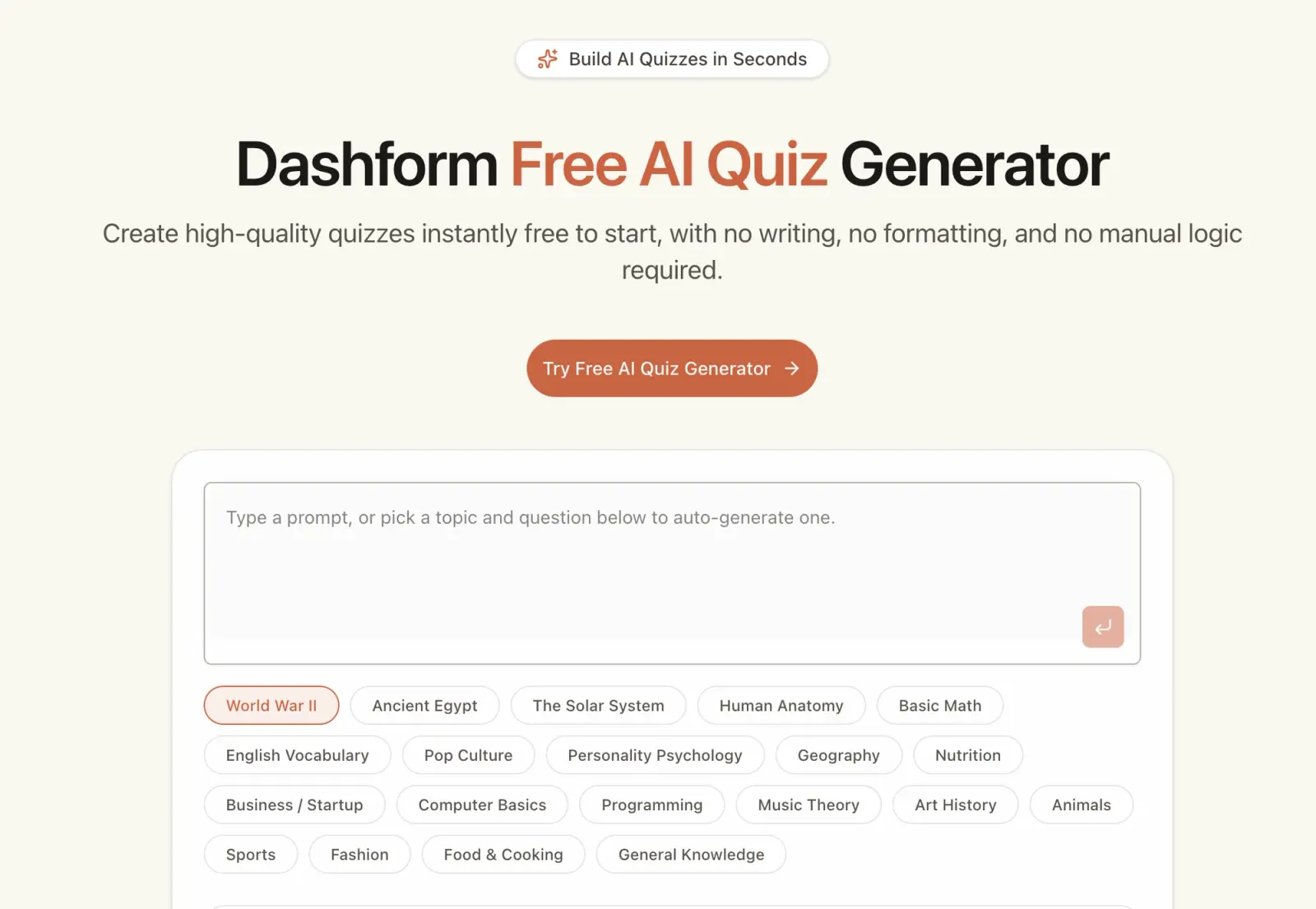
- Enter a short prompt describing your quiz idea
- Let the AI generate the full quiz structure
- Review or tweak the questions if needed
- Publish the quiz and get a shareable link
Once published, you can:
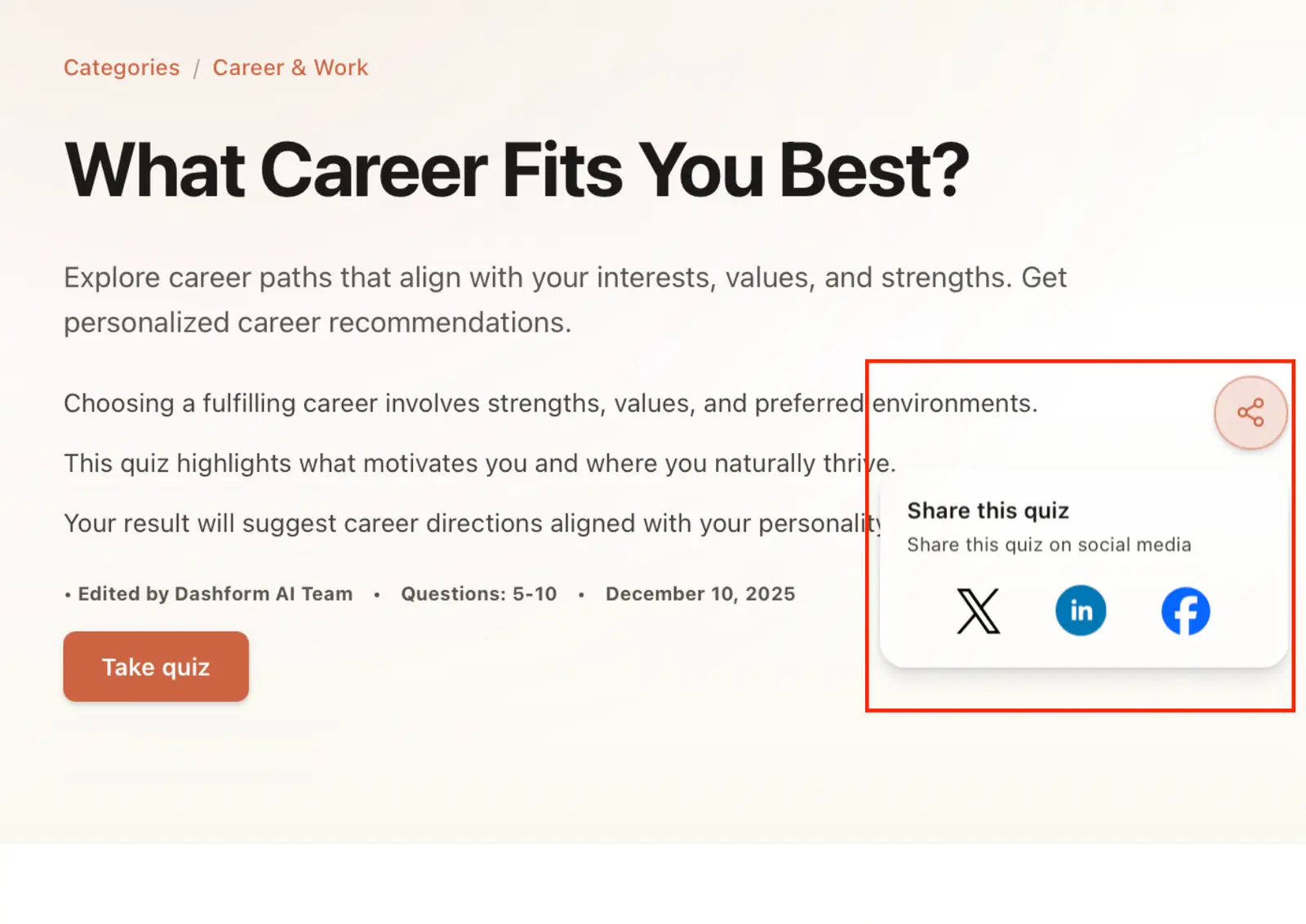
- Share the link directly in a Facebook post
- Pin it to your Facebook page
- Use it in Facebook groups or ads
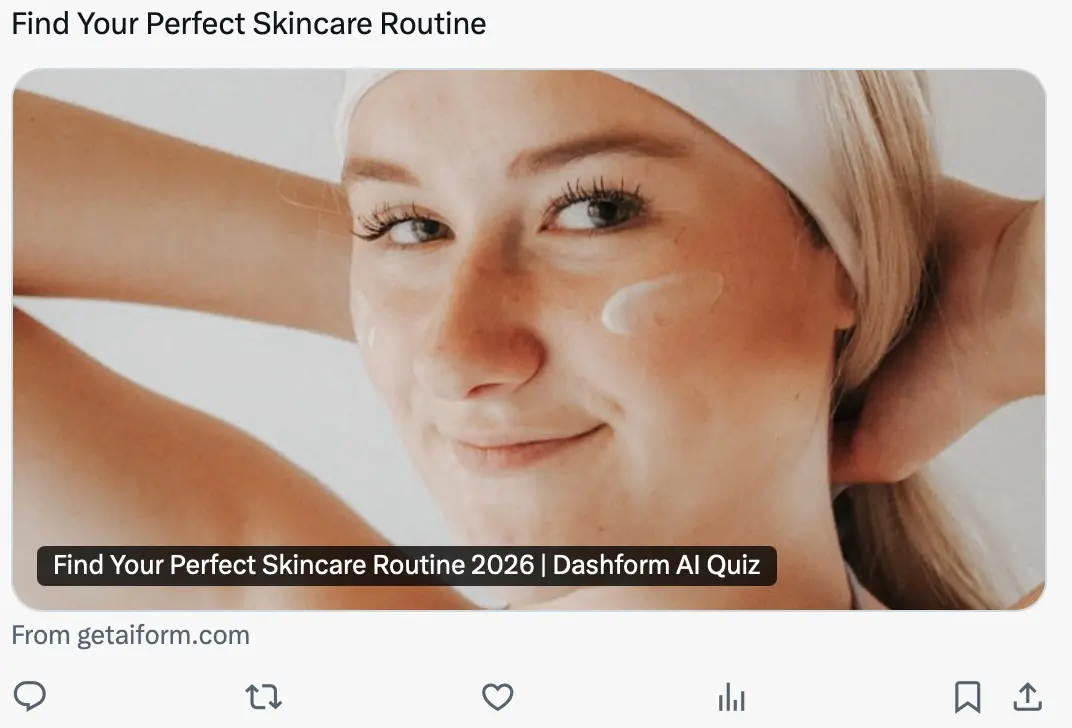
No embedding, no setup, no technical work.
Let AI Do the Heavy Lifting
AI can propose a starting point. You still need to review question wording, logic, and results.
Dashform’s AI is designed to create quizzes that:
- Feel natural to answer
- Keep users engaged
- Deliver results that feel written for the individual
This means you can focus on sharing and growing your audience, while the AI handles quiz creation for you.
Final Thoughts
A Facebook quiz is one of the easiest ways to turn passive scrollers into active participants.
Use Dashform’s AI quiz generator to draft the content, then allow time for review and testing. Check current plan allowances before publishing.
Describe your idea, generate your quiz, share the link, and let the quiz do the work.
Related Reading
How to Create a High-Converting AI Quiz Lead Magnet
How Content Creators Use AI Quizzes to Grow and Engage