

This dermaplaning consent form opens by identifying the client with the "Please enter your full legal name." question and the "Please provide your date of birth." question, anchoring each submission to a specific individual. It then walks through two understanding checks — one confirming the client knows a sterile blade is used to remove dead skin cells and fine facial hair, and one confirming they have been briefed on side effects such as redness, dryness, and minor irritation — so the practitioner has a clear record of informed consent. The "Have you disclosed all relevant medical conditions, allergies, and medications to the practitioner?" question gives clients a moment to flag anything they may have missed in conversation, and the "Do you voluntarily consent to undergo the dermaplaning procedure after having all your questions answered to your satisfaction?" question captures their explicit agreement. A typed-name signature closes the form, and the end screen thanks the client and confirms their responses have been recorded.
Try the conversation below to see how this template works
Trusted by over 10,000 customers and growing
Conversations Started
Questions Answered
Forms Created
Relies on the procedure-understanding and risk-acknowledgment questions to document that each client was briefed before treatment, protecting the practitioner if a side effect is later disputed.
Uses the open-ended medical disclosure question and the typed-name signature to meet the documentation standards that clinical settings typically require before any blade-based facial treatment.
Depends on the date-of-birth and dual-name fields to build a reliable client record without a front-desk intake process, keeping paperwork consistent across different locations.

AI builds and refines your form through natural conversation no templates, no complex logic, no coding. From a simple text prompt or URL, Dashform generates intelligent flows that adapt automatically.
Dashform turns traditional form-filling into a two-way dialogue. The AI understands intent, remembers context, and asks relevant follow-up questions just like a real human conversation.
Every response is transformed into structured, meaningful, and ready-to-use data. Integrate with your favorite tools.
Everything you need to create amazing forms
Everything you need to know about this template
Don't see exactly what you need? Use our AI Form Generator to create a custom form in seconds. Just describe what you want, and AI will build it for you.
Explore more templates to find the perfect fit
 Client Intake
Log client details, case status, attorney assignment, and next steps in one structured form.
 Incident Report
Collect structured patient case details — from onset date and diagnosis to treatments and co-existing conditions.
 Request
A structured employee form for requesting reimbursements, advances, final pay, or other payments from an employer.
 Event Registration
Register for Casino Night by confirming attendance, party size, dietary needs, and favourite games in one quick form.
 Survey
A seven-question survey covering a cat's age, diet, activity level, behavior, and vet visit history.
 Professions
Tell a caterer your event type, guest count, service style, and dietary needs so they can send back a tailored proposal.
Learn how to get the most out of your forms and templates
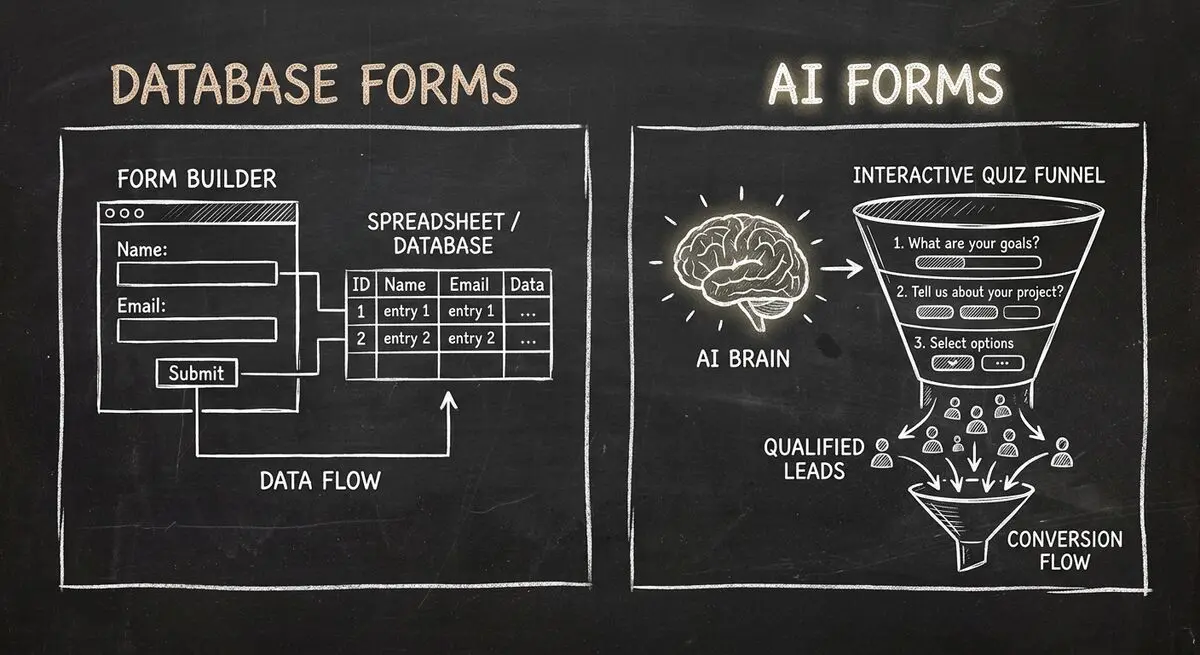
Compare Dashform and Fillout for lead intake, AI drafting, qualification, database connections, and the handoffs to test before switching.
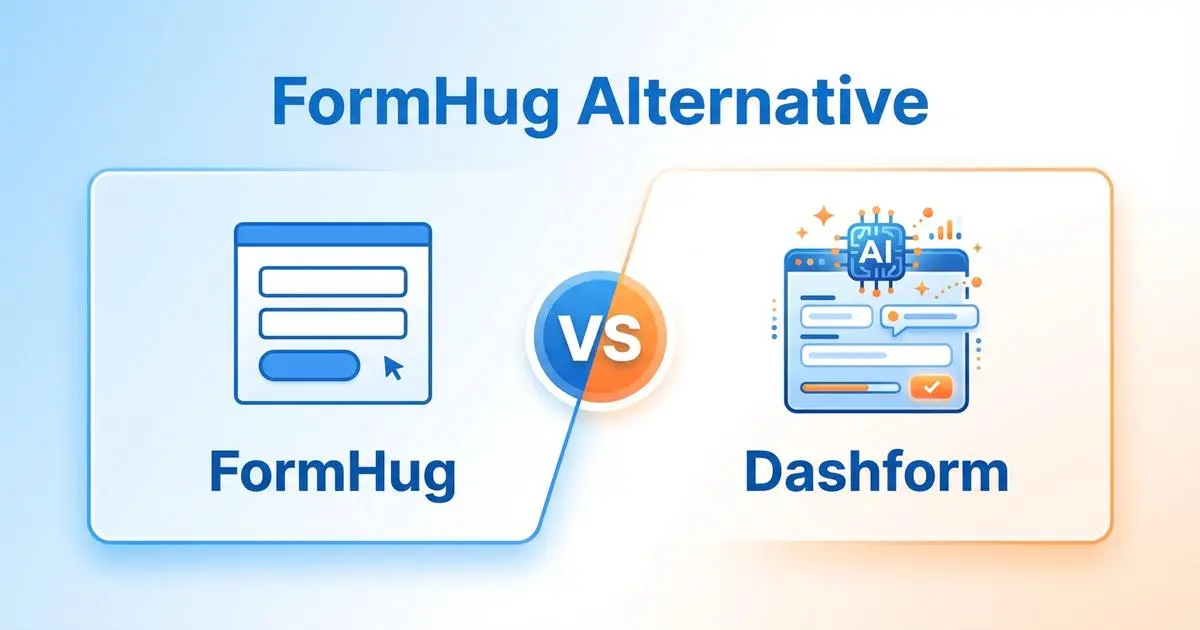
FormHug vs Dashform side by side: AI quiz funnels, lead scoring, and pricing. Where FormHug excels and where switching makes sense for agencies and coaches.

Compare GoHighLevel alternatives including Dashform, HubSpot, ClickFunnels, and more: what each is best for, its AI features, pros and cons, and which fits your business.
Try the world's first AI-native form and turn every response into action instantly.