This seven-question form collects the core personal and contextual details an organization needs before handling someone's confidential information. It opens by establishing identity — full legal name, contact email, and phone number — then moves to date of birth and residential address to complete the individual's profile. The "Please briefly describe the purpose for which this information is being provided." question gives the respondent a chance to document their own reason for submission, creating a clear paper trail for both parties. The form closes with the "Do you consent to the use of your provided data for the stated purpose?" question, ensuring explicit, informed agreement before any data is used. After submitting, respondents see a confirmation screen thanking them for their cooperation.
Try the conversation below to see how this template works
Trusted by over 10,000 customers and growing
Conversations Started
Questions Answered
Forms Created
They rely on the "Please enter your full legal name." and "Do you consent to the use of your provided data for the stated purpose?" questions to build an auditable record of identity verification and informed consent.
They use the date of birth, residential address, and contact details questions to gather the verified personal information needed to set up employee or contractor records from day one.
They depend on the "Please briefly describe the purpose for which this information is being provided." question to capture each client's specific reason for submitting, keeping intake records accurate and context-specific.

AI builds and refines your form through natural conversation no templates, no complex logic, no coding. From a simple text prompt or URL, Dashform generates intelligent flows that adapt automatically.
Dashform turns traditional form-filling into a two-way dialogue. The AI understands intent, remembers context, and asks relevant follow-up questions just like a real human conversation.
Every response is transformed into structured, meaningful, and ready-to-use data. Integrate with your favorite tools.
Everything you need to create amazing forms
Everything you need to know about this template
Don't see exactly what you need? Use our AI Form Generator to create a custom form in seconds. Just describe what you want, and AI will build it for you.
Explore more templates to find the perfect fit
 Order
Place a food order online by choosing menu items, quantities, delivery details, and a preferred time.
 Other
Collect football pool picks, a tiebreaker prediction, reported payment status, and a choice about organizer-supplied rules.
 Exit Interview
Collect honest exit feedback from departing employees across experience, reasons for leaving, and improvement suggestions.
 Appointment Booking
Schedule a personalized 1-on-1 coaching session by sharing your contact details, coaching focus, and availability.
 Booking
Collect contact details, service needs, and scheduling preferences to book a free, no-obligation client consultation.
 General Request
Collect project details, budget breakdowns, and expected outcomes from funding applicants in one structured form.
Learn how to get the most out of your forms and templates
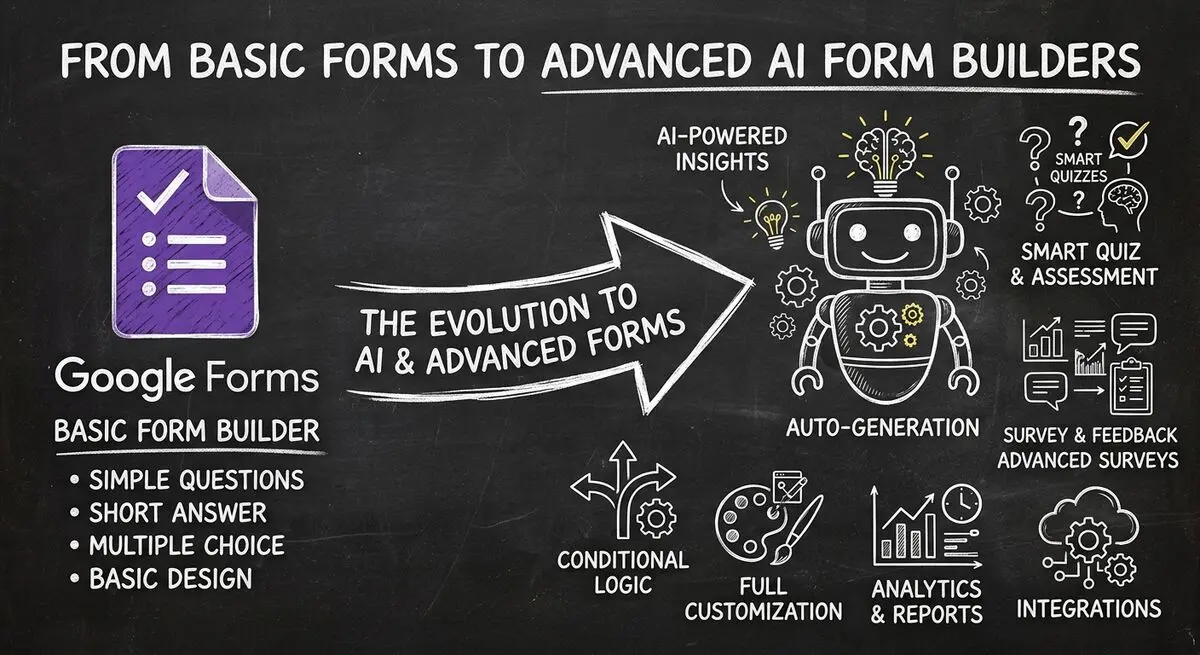
View Google Form responses, link a Google Sheet, enable email notifications, and export a CSV. Compare these workflows with Dashform Reply review.
A guide to sharing and closing Google Forms, checking the controls available in your account, and comparing Dashform sharing workflows.
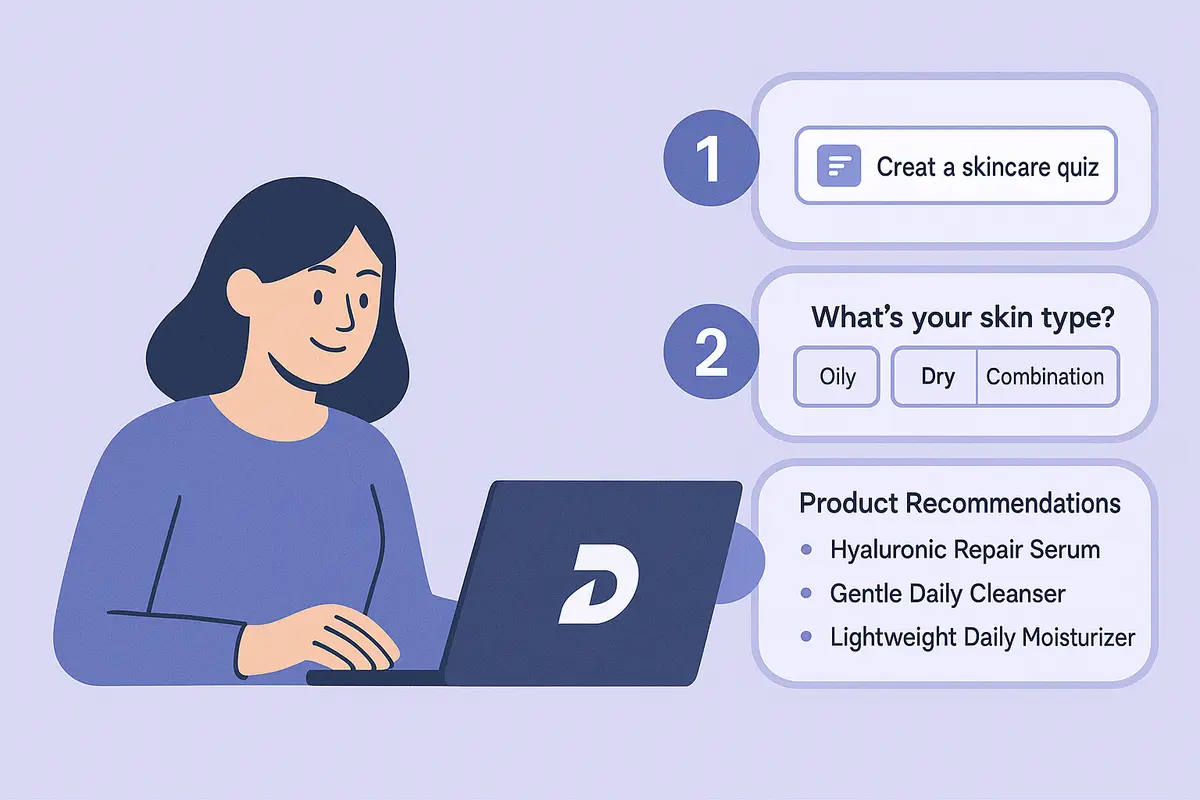
Build a high-converting AI product recommendation quiz in Dashform, with conditional logic, branding, and CRM integrations. A step-by-step guide, no code.
Try the world's first AI-native form and turn every response into action instantly.

