The Hospital Patient Release Form opens with a welcome screen explaining that the form captures consent for medical treatment, specific procedures, or the release of protected health information. It first collects the patient's full legal name and date of birth to correctly identify the record, then asks the "What is the primary purpose of this release?" question so the form owner knows exactly what is being authorized. The "Which types of information are you authorizing for release or treatment? (Select all that apply)" question follows, letting the patient define the precise scope — from general records to sensitive categories like psychiatric or HIV/AIDS information — before an optional free-text field invites the patient to name an authorized recipient if information is being shared externally. The "How long is this authorization valid?" question pins down the time boundary, and the form closes with a direct consent confirmation question. After submitting, respondents see a confirmation screen acknowledging that their consent has been recorded.
Try the conversation below to see how this template works
Trusted by over 10,000 customers and growing
Conversations Started
Questions Answered
Forms Created
They rely on the "What is the primary purpose of this release?" question to route the form correctly — whether it covers general treatment consent, a named procedure, or a records request.
They depend on the "Which types of information are you authorizing for release or treatment? (Select all that apply)" question and the optional recipient field to know exactly what to share and with whom.
They use the "How long is this authorization valid?" question and the explicit consent confirmation question to verify that every release has a defined time boundary and a documented, voluntary agreement.

AI builds and refines your form through natural conversation no templates, no complex logic, no coding. From a simple text prompt or URL, Dashform generates intelligent flows that adapt automatically.
Dashform turns traditional form-filling into a two-way dialogue. The AI understands intent, remembers context, and asks relevant follow-up questions just like a real human conversation.
Every response is transformed into structured, meaningful, and ready-to-use data. Integrate with your favorite tools.
Everything you need to create amazing forms
Everything you need to know about this template
Don't see exactly what you need? Use our AI Form Generator to create a custom form in seconds. Just describe what you want, and AI will build it for you.
Explore more templates to find the perfect fit
 Evaluation Survey
Collect structured graduate student feedback on course quality, instructor delivery, and learning materials.
 Rsvp
Collect graduate attendance confirmations and guest counts for your graduation ceremony in one simple form.
 Event Registration
A simple RSVP form for graduation party guests to confirm attendance, share guest counts, and flag dietary needs.
 Survey
A seven-question survey collecting graduating students' ratings, post-graduation plans, and program feedback.
 Request
Collect project type, description, specs, content, brand guidelines, and deadline for any graphic design request.
 Product Order
Order groceries online by selecting delivery timing, product categories, and providing your address in one simple form.
Learn how to get the most out of your forms and templates
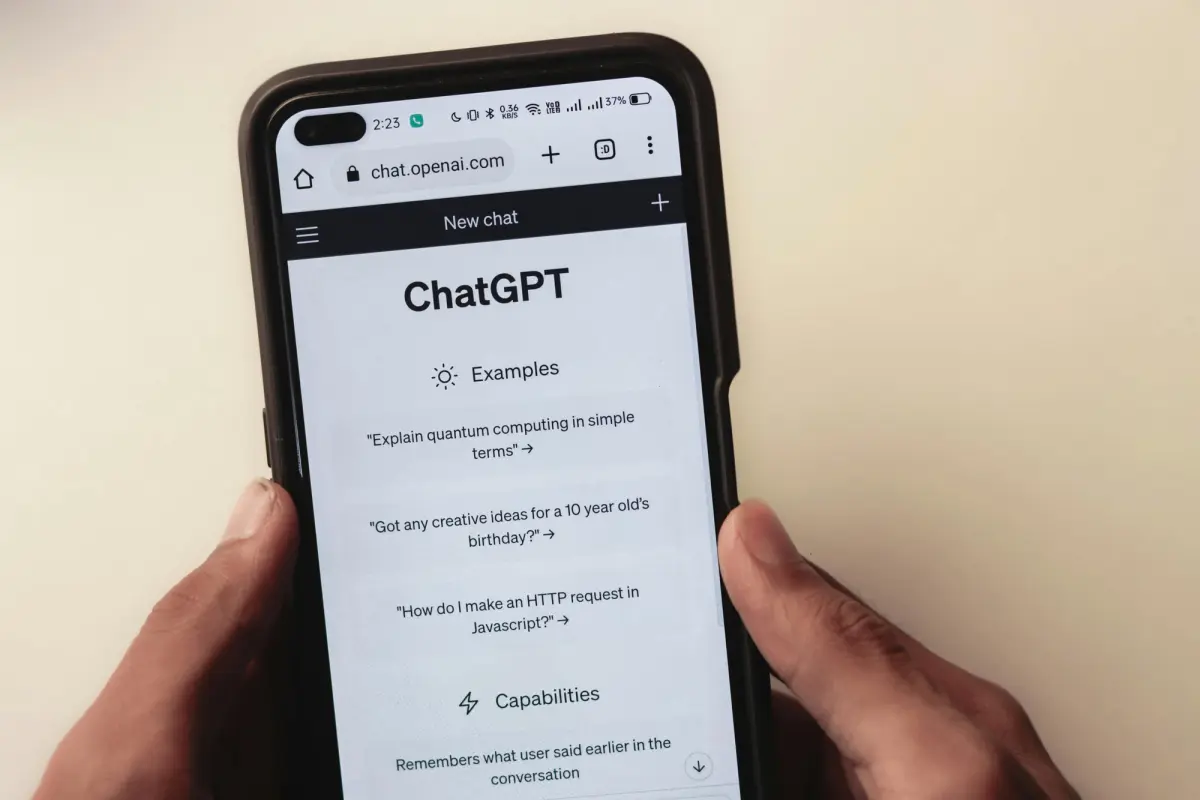
Discover 50 Dashform AI prompts for creating forms and surveys, and learn to generate better survey questions and streamline data collection with AI.

Explore eight contractor form templates for project inquiries, estimates, inspections, work orders, and follow-up, with practical setup and review advice.

8 law firm intake form templates: case evaluation, conflict check, retainer agreement, and more, as free AI-powered forms.
Try the world's first AI-native form and turn every response into action instantly.

