This ten-question form gathers all the details needed to prepare official adoption records and certificates. It opens by collecting the child's post-adoption legal name and date of birth, then moves through the adoptive parents' full names — with an optional second-parent field for single-parent adoptions — before asking about the type of adoption from six clearly defined options. The four questions that follow pin down the key legal timeline: placement date, finalization date, the court name and location, and optional fields for the agency's contact information and the court case or reference number. After submitting, respondents see a confirmation screen noting that their information will be used to prepare official adoption records and certificates.
Try the conversation below to see how this template works
Trusted by over 10,000 customers and growing
Conversations Started
Questions Answered
Forms Created
Relies on the court name and location, finalization date, and case number questions to pull together the legal details needed to draft court-ready documentation.
Uses the adoption type and placement date questions to distinguish between case types and confirm the correct timeline before preparing agency records.
Depends on both parent name fields and the child's legal name question to ensure all parties are accurately identified across official certificates and records.

AI builds and refines your form through natural conversation no templates, no complex logic, no coding. From a simple text prompt or URL, Dashform generates intelligent flows that adapt automatically.
Dashform turns traditional form-filling into a two-way dialogue. The AI understands intent, remembers context, and asks relevant follow-up questions just like a real human conversation.
Every response is transformed into structured, meaningful, and ready-to-use data. Integrate with your favorite tools.
Everything you need to create amazing forms
Everything you need to know about this template
Don't see exactly what you need? Use our AI Form Generator to create a custom form in seconds. Just describe what you want, and AI will build it for you.
Explore more templates to find the perfect fit
 Client Intake
Gather contact details, dispute background, goals, and readiness from clients before their mediation session.
 Medical
Collect patient consent for medical treatment, covering identity, procedure details, risk acknowledgment, and electronic signature.
 Client Intake
Collect patient identity, medical history, allergies, medications, blood type, and emergency contact details in one place.
 Assessment
Document a seafarer's medical examination results, vision, cardiovascular health, and fitness-for-duty determination in one structured form.
 Event Registration
Collect a patient's full medical background — medications, allergies, past diagnoses, and family history — before an appointment.
 Client Intake
Collect patient identity and insurance details for smooth, accurate coverage verification before care.
Learn how to get the most out of your forms and templates
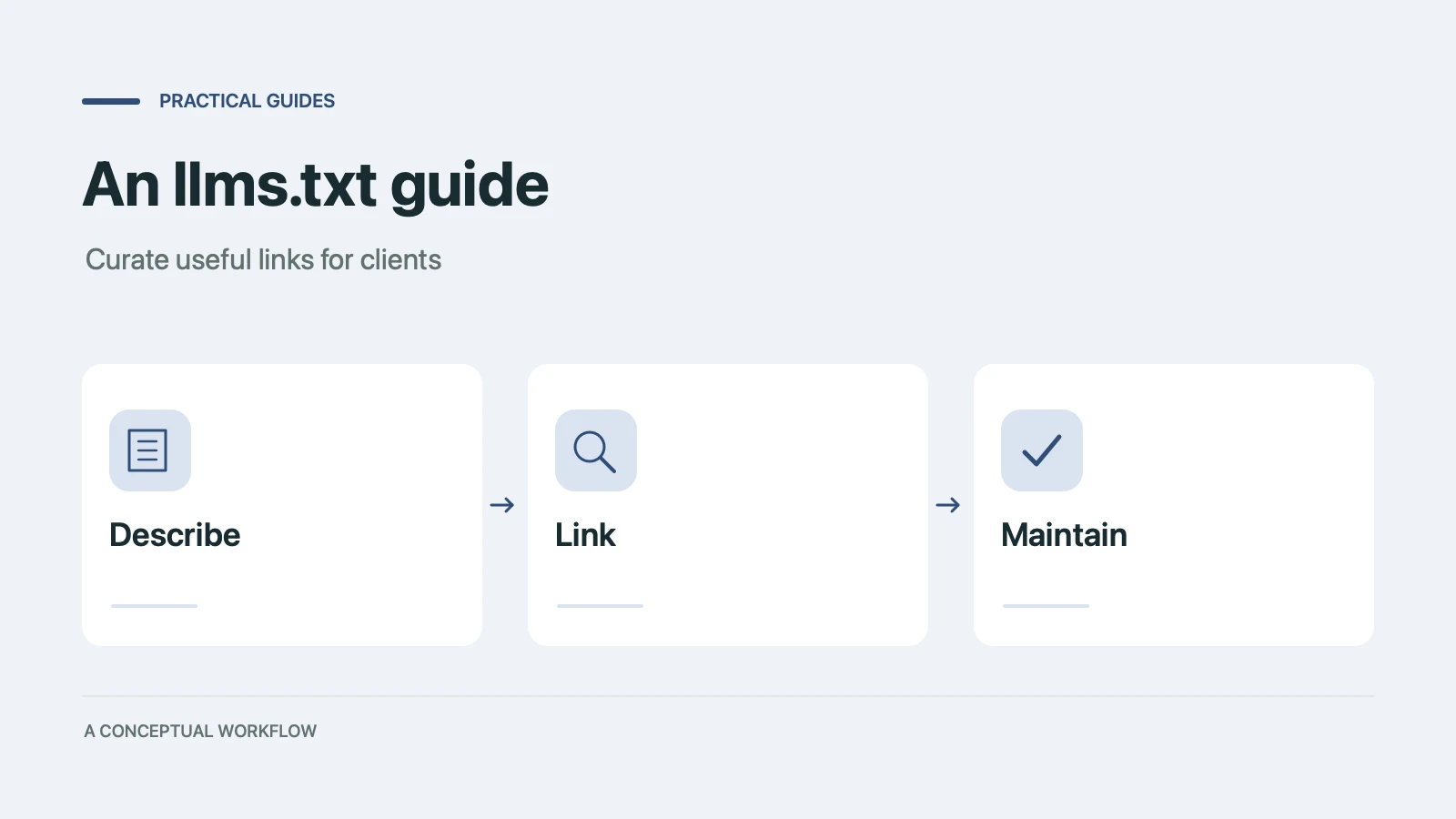
Learn the proposed llms.txt format, see illustrative industry content, and test an optional site summary without assuming broad AI support or a lift.

Evaluate Dashform alongside GoHighLevel for lead intake, configured qualification, and CRM handoffs without assuming a complete platform replacement.
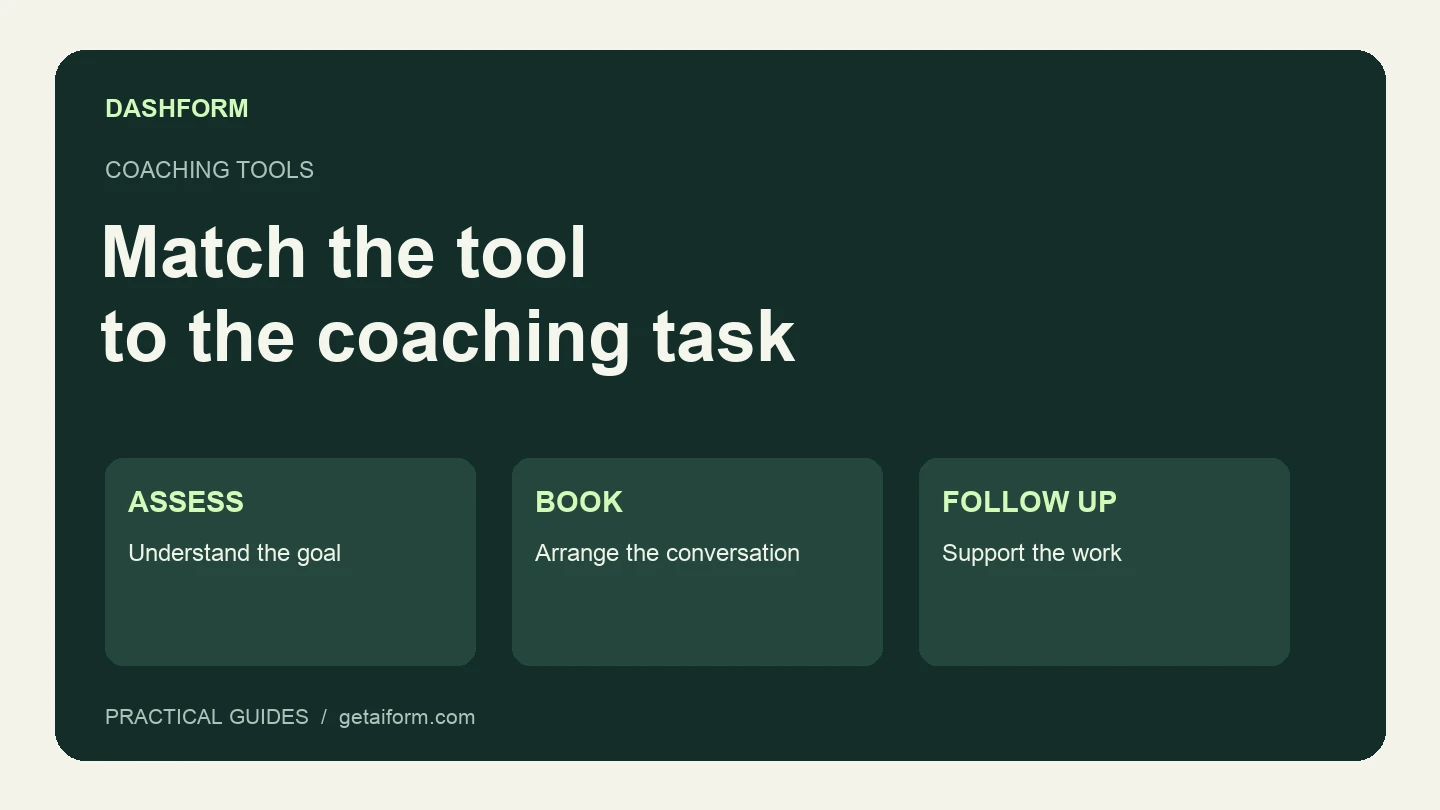
Compare 10 coaching assessment and intake tools, from ScoreApp and Typeform to Paperbell and Calendly, by the job each does and what to check first.
Try the world's first AI-native form and turn every response into action instantly.

