The VIP Event Invitation Form opens with a warm welcome and moves through seven questions to confirm attendance and collect everything an event organiser needs before the day. It starts with two required questions — full name (as it should appear on a badge) and email address — so organisers can prepare materials and send communications straight away. A guest count question with three clear options follows, letting the team finalise headcount, while optional questions about dietary restrictions and special accommodations ensure every attendee is comfortable. A final multiple-choice question asks how respondents heard about the event, giving organisers useful insight into which invitation channels are working. After submitting, respondents see a confirmation message letting them know a follow-up email with event details is on its way.
Try the conversation below to see how this template works
Trusted by over 10,000 customers and growing
Conversations Started
Questions Answered
Forms Created
Rely on the guest count and company affiliation questions to manage seating plans, badge printing, and delegate lists well ahead of the event.
Use the dietary restrictions and special accommodations questions to plan menus and venue arrangements without chasing attendees individually.
Draw on the "How did you hear about this exclusive event?" question to measure which invitation channels — social media, direct outreach, colleague referrals — drove the most RSVPs.

AI builds and refines your form through natural conversation no templates, no complex logic, no coding. From a simple text prompt or URL, Dashform generates intelligent flows that adapt automatically.
Dashform turns traditional form-filling into a two-way dialogue. The AI understands intent, remembers context, and asks relevant follow-up questions just like a real human conversation.
Every response is transformed into structured, meaningful, and ready-to-use data. Integrate with your favorite tools.
Everything you need to create amazing forms
Everything you need to know about this template
Don't see exactly what you need? Use our AI Form Generator to create a custom form in seconds. Just describe what you want, and AI will build it for you.
Explore more templates to find the perfect fit
 Application
Apply to sponsor an animal by sharing your contact details, preferred animal type, and the kind of support you can offer.
 Product Order
Place a bulk order for one or more product or service bundles, with quantity, delivery date, and special instructions.
 Event Registration
A nine-question loan application for small businesses to formally request funding and share their financial background.
 General Survey
Collect customer contact details, discover how they found you, and learn what products they want to shop for.
 Event Registration
Collect legal name, address, contact details, and registration purpose from any new or existing business in one short form.
 Event Registration
Gather ticket requests, contact details, quantities, and terms acceptance before arranging payment with the organizer.
Learn how to get the most out of your forms and templates
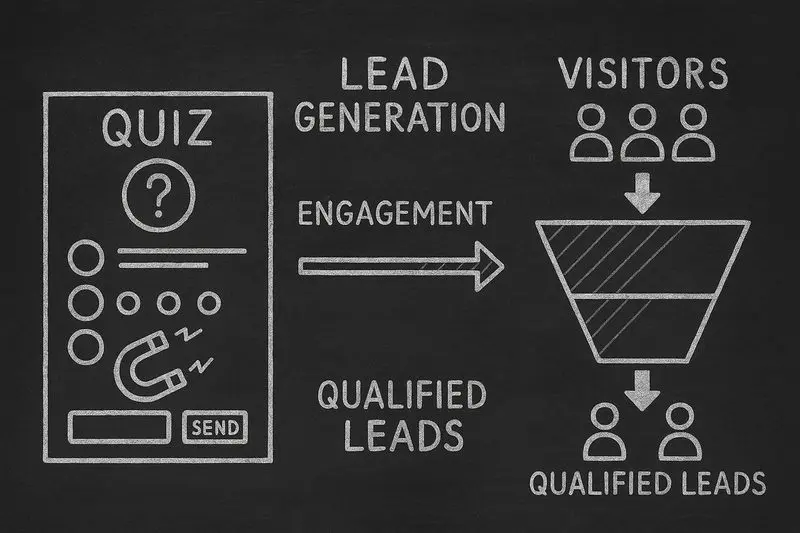
How lead generation quizzes work, 5 quiz types for different goals, a design framework, and an email-capture playbook, with Interact quiz report data.
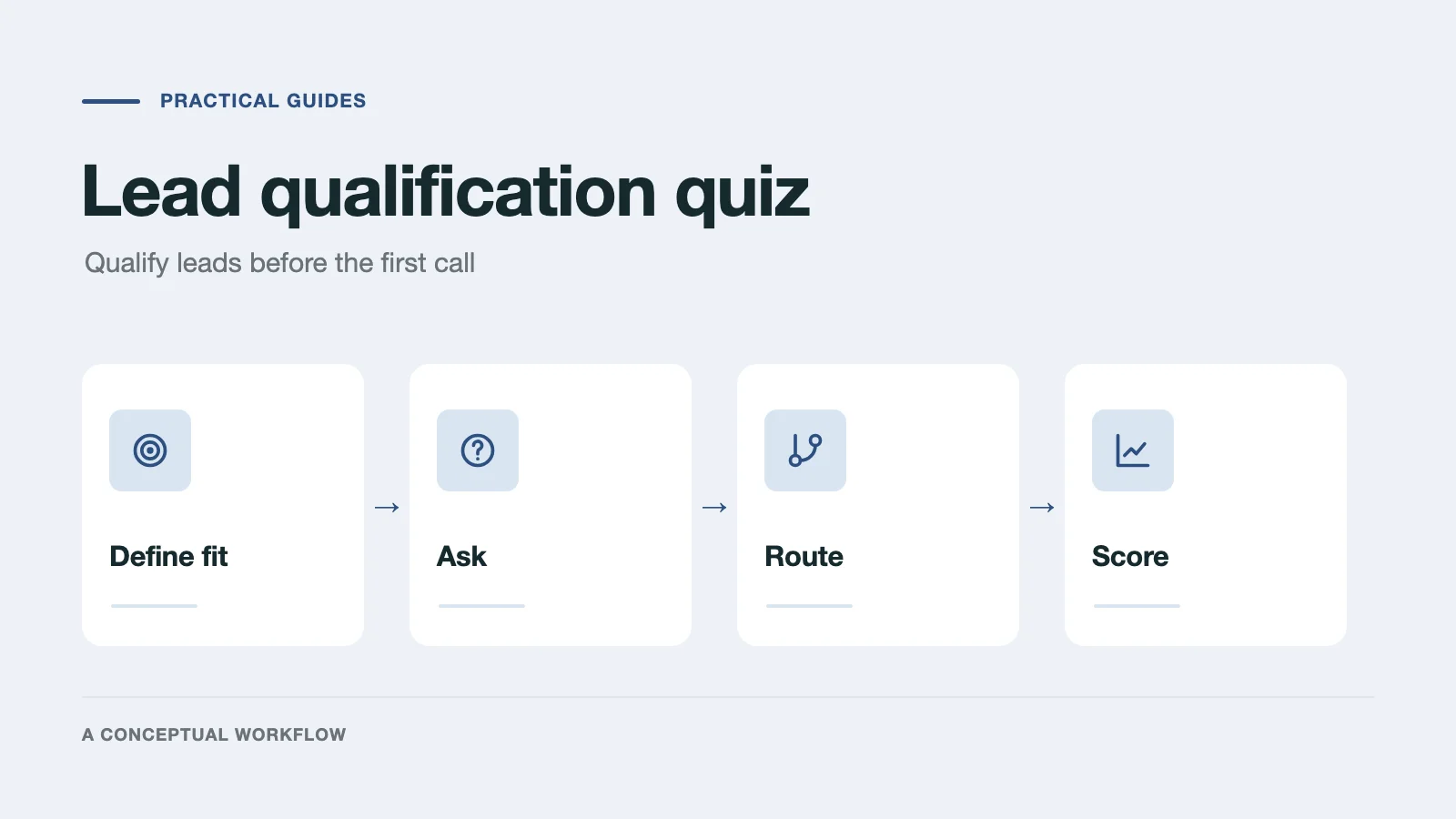
Build a lead qualification quiz: define who qualifies, ask questions that reveal fit, route each answer to a next step, and score every reply.
A practical guide to testing whether an authorized AI agent can find your service details and send an inquiry, with separate setup for confirmed bookings.
Try the world's first AI-native form and turn every response into action instantly.

