The Tuition Waiver Form opens by clarifying that it is open to eligible students, faculty, and staff applying for a partial or full fee waiver. It collects identity and contact details first — full legal name, email address, and ID number — so the reviewing department can locate the applicant's record and follow up. The applicant then confirms their institutional affiliation and selects the waiver type they need, whether partial, full, or limited to a specific course, which lets the department route the request to the right team. A free-text reason field gives applicants space to explain their circumstances in their own words, and a final terms-and-conditions agreement question ensures informed consent before submission. After submitting, applicants see a confirmation that their request has been received and will be reviewed, with a promise of follow-up contact on its status.
Try the conversation below to see how this template works
Trusted by over 10,000 customers and growing
Conversations Started
Questions Answered
Forms Created
Rely on the "What is your current affiliation with the institution?" and "Which type of tuition waiver are you applying for?" questions to triage and route each submission to the correct department without back-and-forth.
Use the "Briefly explain the reason for your tuition waiver request." question to present their personal or financial circumstances clearly and make a compelling case for a partial, full, or course-specific waiver.
Depend on the ID number and affiliation questions to match applications against employment records quickly, keeping the review process accurate and auditable.

AI builds and refines your form through natural conversation no templates, no complex logic, no coding. From a simple text prompt or URL, Dashform generates intelligent flows that adapt automatically.
Dashform turns traditional form-filling into a two-way dialogue. The AI understands intent, remembers context, and asks relevant follow-up questions just like a real human conversation.
Every response is transformed into structured, meaningful, and ready-to-use data. Integrate with your favorite tools.
Everything you need to create amazing forms
Everything you need to know about this template
Don't see exactly what you need? Use our AI Form Generator to create a custom form in seconds. Just describe what you want, and AI will build it for you.
Explore more templates to find the perfect fit
 Attendance
Collect guest names, contact details, attendance confirmation, headcount, and dietary needs ahead of your event.
 Job Application
A clean, eight-question application covering contact details, role interest, availability, and resume link.
 Assessment
A six-question form that captures a candidate's technical skills, problem-solving approach, teamwork, learning habits, and communication style.
 Survey
Understand your clients' skin types, concerns, routines, and goals with this seven-question skin care survey.
 Client Intake
Collect skin type, concerns, product history, and allergies before a client's first appointment.
 Agreement
Collect client details, health disclosures, and treatment consent before a skincare appointment.
Learn how to get the most out of your forms and templates
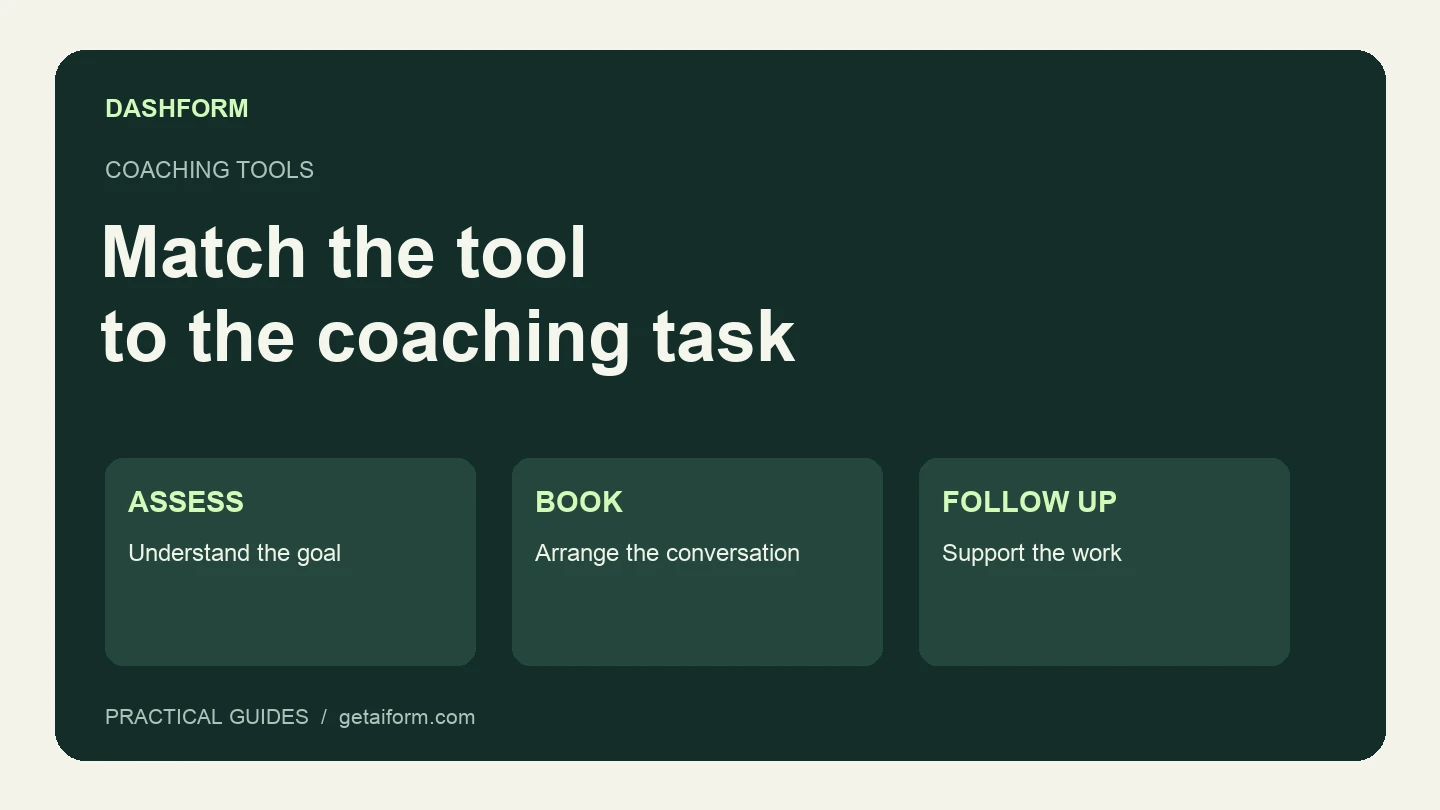
Compare 10 coaching assessment and intake tools, from ScoreApp and Typeform to Paperbell and Calendly, by the job each does and what to check first.

Ten intake form templates for private practice therapists: family intake, PHQ-9, medical history, consent, telehealth, booking, and client feedback.

Twelve event planning form templates for registration, RSVPs, volunteers, webinars, waivers, and feedback, grouped by event stage with setup notes.
Try the world's first AI-native form and turn every response into action instantly.

