

This straightforward job application form opens by asking for contact basics — full name, email address, and an optional phone number — before moving into role-specific questions: which position the applicant wants and why they're interested, including their relevant experience. A required date question then pins down their earliest start date, followed by an optional link to a resume or LinkedIn profile and a final question about how they heard about the opening, which helps the hiring team track their outreach. The Ending thanks applicants for completing the application and explains that the employer handles hiring decisions and follow-up separately.
Try the conversation below to see how this template works
Trusted by over 10,000 customers and growing
Conversations Started
Questions Answered
Forms Created
Relies on the "Which position are you applying for?" and "When could you start?" questions to quickly triage candidates without needing a dedicated HR system.
Uses the "Why are you interested in this role, and what relevant experience do you bring?" question to get a first read on fit before scheduling any interviews.
Leans on the contact questions and the optional phone number to build a reachable list of interested candidates with minimal friction to apply.

AI builds and refines your form through natural conversation no templates, no complex logic, no coding. From a simple text prompt or URL, Dashform generates intelligent flows that adapt automatically.
Dashform turns traditional form-filling into a two-way dialogue. The AI understands intent, remembers context, and asks relevant follow-up questions just like a real human conversation.
Every response is transformed into structured, meaningful, and ready-to-use data. Integrate with your favorite tools.
Everything you need to create amazing forms
Everything you need to know about this template
Don't see exactly what you need? Use our AI Form Generator to create a custom form in seconds. Just describe what you want, and AI will build it for you.
Explore more templates to find the perfect fit
 Other
OtherEnter raffle ticket preferences and a requested quantity for an organizer to review separately.
 Hr
HrNominate a colleague for recognition by describing their achievement, its impact, and the category that fits best.
 Survey
A seven-question student survey on reading frequency, enjoyment, genre preferences, and classroom barriers.
 General Survey
Eight questions mapping genre tastes, reading frequency, format preferences, and barriers to help improve literacy programs.
 Client Intake
Log a new real estate lead with contact details, property type, budget, timeline, lead source, and pipeline status.
 Agreement
Submit a formal property offer with buyer details, purchase price, financing type, contingencies, and closing date.
Learn how to get the most out of your forms and templates
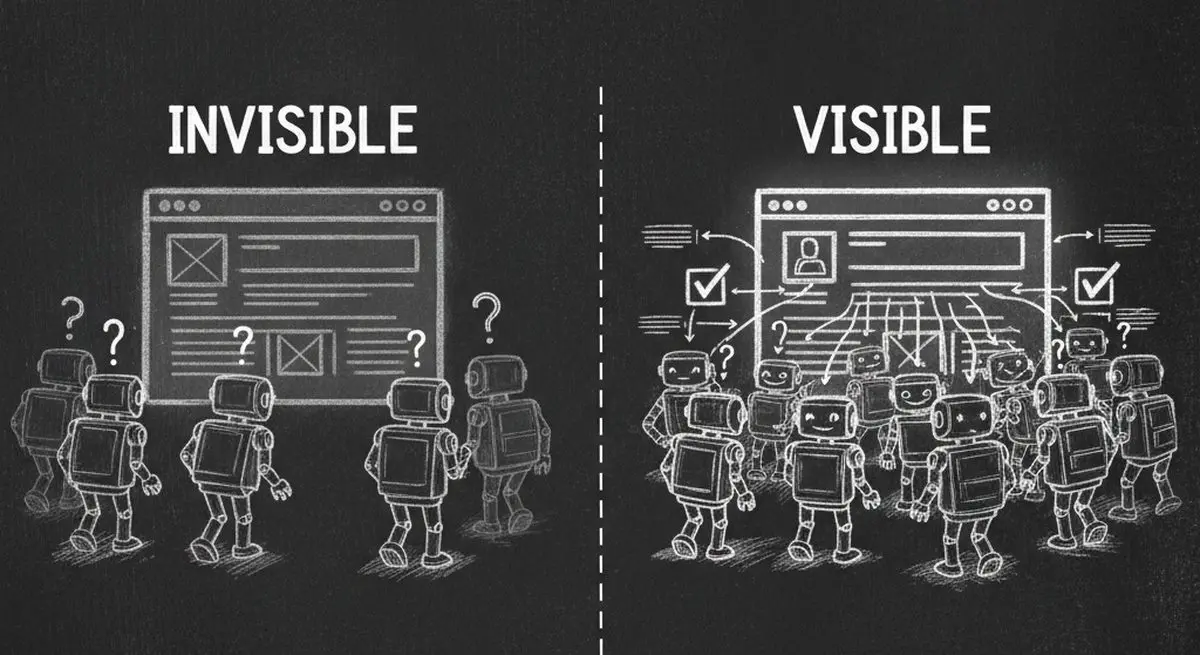
Inspect five potential barriers to agent access, understand the limits of an AX Score, and test changes to your website.

Learn how automated form workflows reduce manual work and improve data accuracy. Discover how Dashform uses AI to generate forms, map fields, and automate workflows across your business tools.
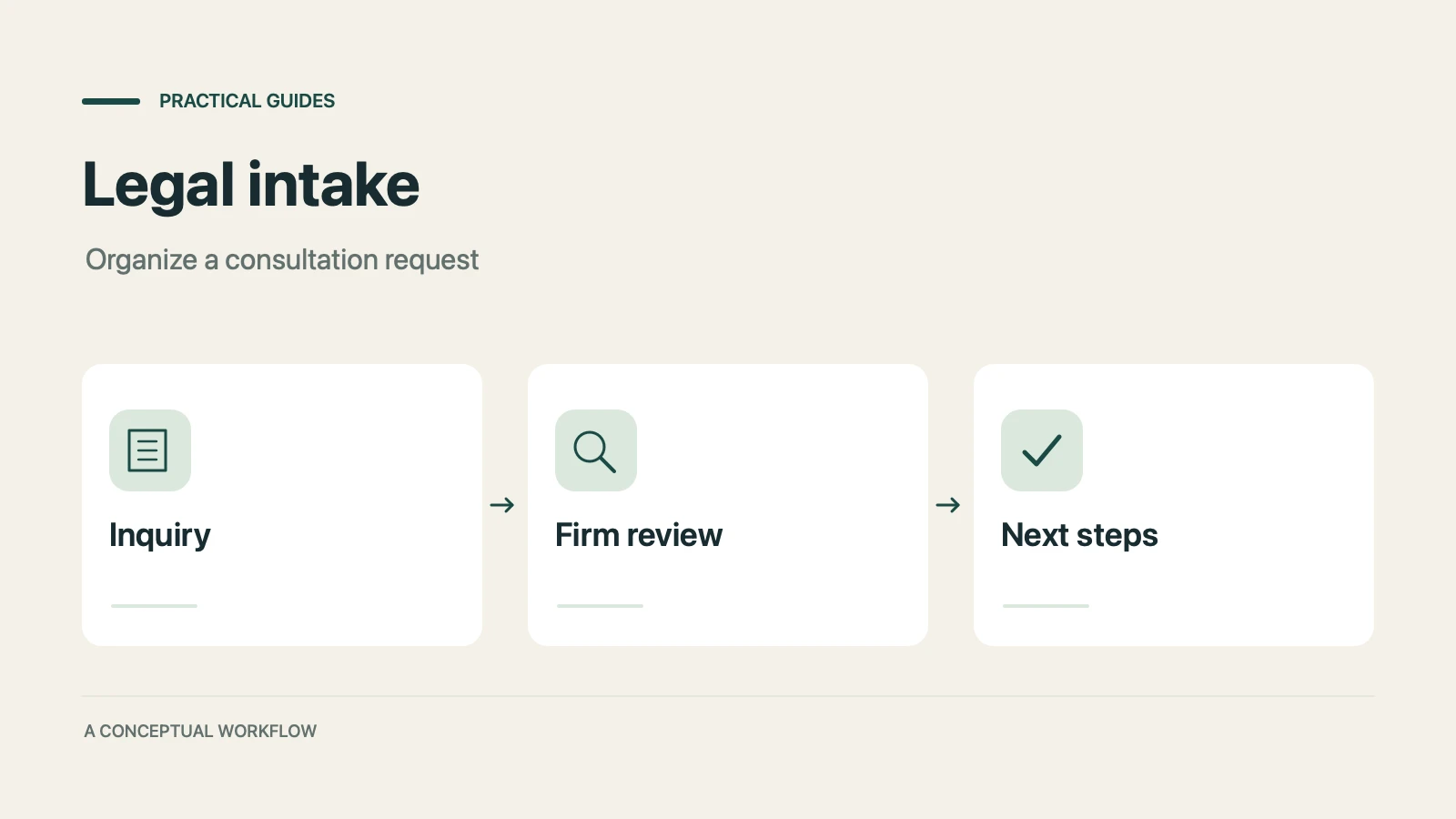
A proposed personal injury intake workflow for collecting inquiries, preparing attorney reviews, and gathering feedback, with clear boundaries for legal decisions, sensitive records, signatures, and external tools.
Try the world's first AI-native form and turn every response into action instantly.