

The Training Application Form opens by collecting contact details — full name, email address, and an optional phone number — before asking which program the applicant wants to join. It then moves into eligibility and motivation, with questions on goals, prior experience, and whether funding information is needed, finishing by asking how they heard about the program. The order mirrors a real admissions conversation: who you are, what you want, what you bring, and how to support you. After submitting, applicants see a confirmation message thanking them and confirming their reply will be used to process the request and keep records accurate.
Try the conversation below to see how this template works
Trusted by over 10,000 customers and growing
Conversations Started
Questions Answered
Forms Created
Relies on the "Which training program are you interested in applying for?" question to sort incoming applications by program before any manual review begins.
Uses the "Do you have any prior experience or qualifications relevant to this training?" question to group employees by experience level and assign them to the right course tier.
Depends on the "Are you seeking information regarding funding or financial aid for this program?" question to identify applicants who need financial support before enrolment decisions are made.

AI builds and refines your form through natural conversation no templates, no complex logic, no coding. From a simple text prompt or URL, Dashform generates intelligent flows that adapt automatically.
Dashform turns traditional form-filling into a two-way dialogue. The AI understands intent, remembers context, and asks relevant follow-up questions just like a real human conversation.
Every response is transformed into structured, meaningful, and ready-to-use data. Integrate with your favorite tools.
Everything you need to create amazing forms
Everything you need to know about this template
Don't see exactly what you need? Use our AI Form Generator to create a custom form in seconds. Just describe what you want, and AI will build it for you.
Explore more templates to find the perfect fit
 Client Intake
Capture new client contact details, service interests, project description, timeline, and referral source in one tidy form.
 Registration
Collect a new horse's profile, owner contacts, vet details, vaccinations, and feeding schedule before arrival.
 Satisfaction Survey
Five quick questions to gauge subscriber satisfaction, content preferences, and ideal send frequency for your newsletter.
 Rsvp
RsvpCollect attendee details, guest counts, and dietary needs for a non-profit charity dinner in one tidy form.
 Consent
Outline the parties, proposed authority, dates, limits, and revocation terms before separate legal review or notarization.
 Professions
Collects health history, goals, diet preferences, and lifestyle habits so a nutrition coach can prepare a personalised plan before the first session.
Learn how to get the most out of your forms and templates

Med spa website examples with clear service pages, strong calls to action, mobile-friendly layouts, and lead capture that works.
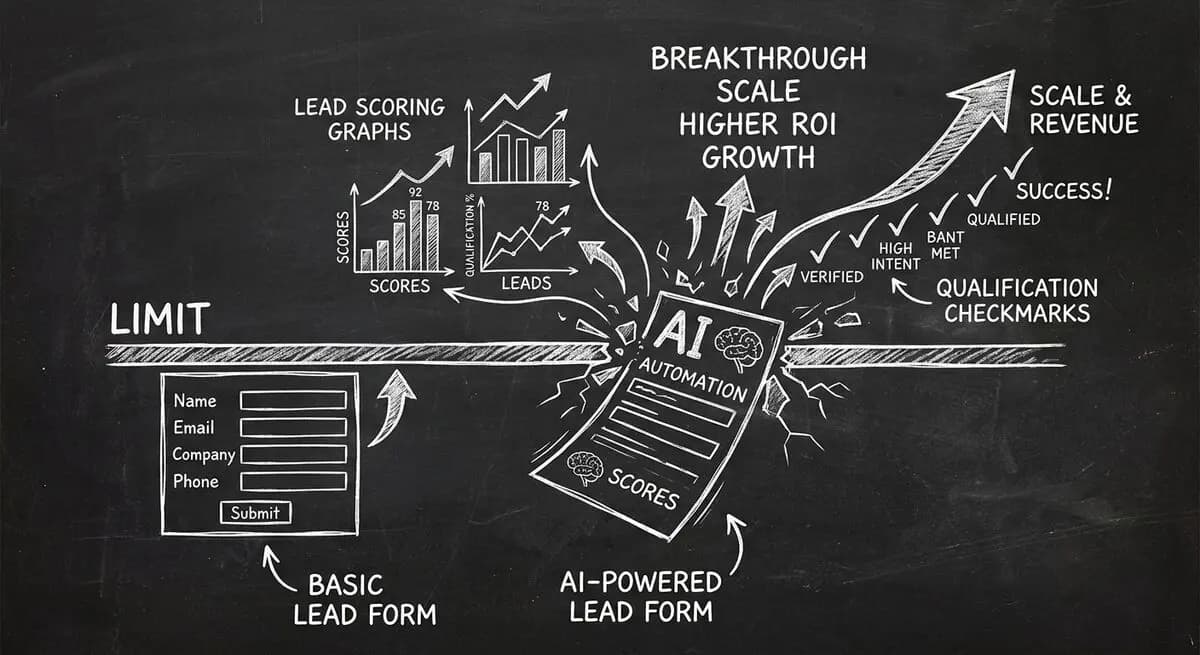
Compare Dashform and Tally for AI drafting, form logic, lead review, and integrations, with a practical checklist for evaluating a switch.
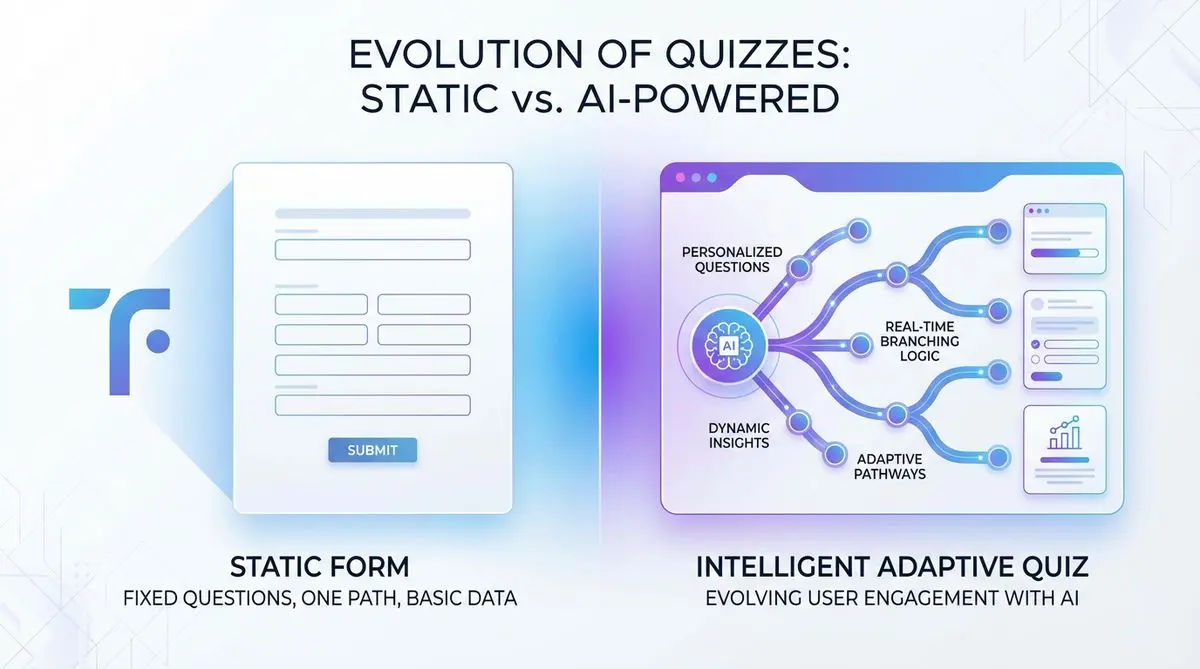
Compare Dashform and Typeform for question drafting, qualification, results, and configured CRM or scheduling handoffs.
Try the world's first AI-native form and turn every response into action instantly.