This clothing designer application form opens with a welcome message before collecting contact details — full name, email address, and optionally phone number — followed by a required portfolio link so the hiring team can review the applicant's work straight away. The "How many years of professional clothing design experience do you have?" question and the "Which areas of clothing design are your specialties? (Select all that apply)" question then give the team a quick read on seniority and fit across eight design disciplines. The "Please tell us why you're a great fit for this role." question gives applicants space to make their case in their own words, and the "What is your earliest available start date?" question helps with scheduling before the applicant submits. After submitting, applicants see a confirmation message letting them know their details are under review and that the team will be in touch shortly.
Try the conversation below to see how this template works
Trusted by over 10,000 customers and growing
Conversations Started
Questions Answered
Forms Created
Relies on the "Which areas of clothing design are your specialties? (Select all that apply)" question to quickly filter candidates by the specific disciplines the brand needs covered.
Uses the required "Please provide a link to your online portfolio." question to assess creative style and craftsmanship before committing time to an interview.
Depends on the "How many years of professional clothing design experience do you have?" and "Please tell us why you're a great fit for this role." questions to weigh both experience level and cultural fit at the same time.

AI builds and refines your form through natural conversation no templates, no complex logic, no coding. From a simple text prompt or URL, Dashform generates intelligent flows that adapt automatically.
Dashform turns traditional form-filling into a two-way dialogue. The AI understands intent, remembers context, and asks relevant follow-up questions just like a real human conversation.
Every response is transformed into structured, meaningful, and ready-to-use data. Integrate with your favorite tools.
Everything you need to create amazing forms
Everything you need to know about this template
Don't see exactly what you need? Use our AI Form Generator to create a custom form in seconds. Just describe what you want, and AI will build it for you.
Explore more templates to find the perfect fit
 Job Application
Collect applicant contact details, a CV, data-processing consent, and the source of a job referral.
 Consent
Collect informed GDPR consent and acknowledgment from respondents in five structured steps.
 Contact
A clean six-question form for capturing general inquiries, including contact details, subject, message, and preferred follow-up method.
 Survey
Collect neighborhood residents' perceptions of urban change, housing affordability, and community involvement in local planning.
 Other
Outline a recipient, gift value or service, message, proposed expiry, and issuing business for separate certificate preparation.
 Checklist
Organize reported condition observations and safety-check status for separate review by a qualified inspector.
Learn how to get the most out of your forms and templates
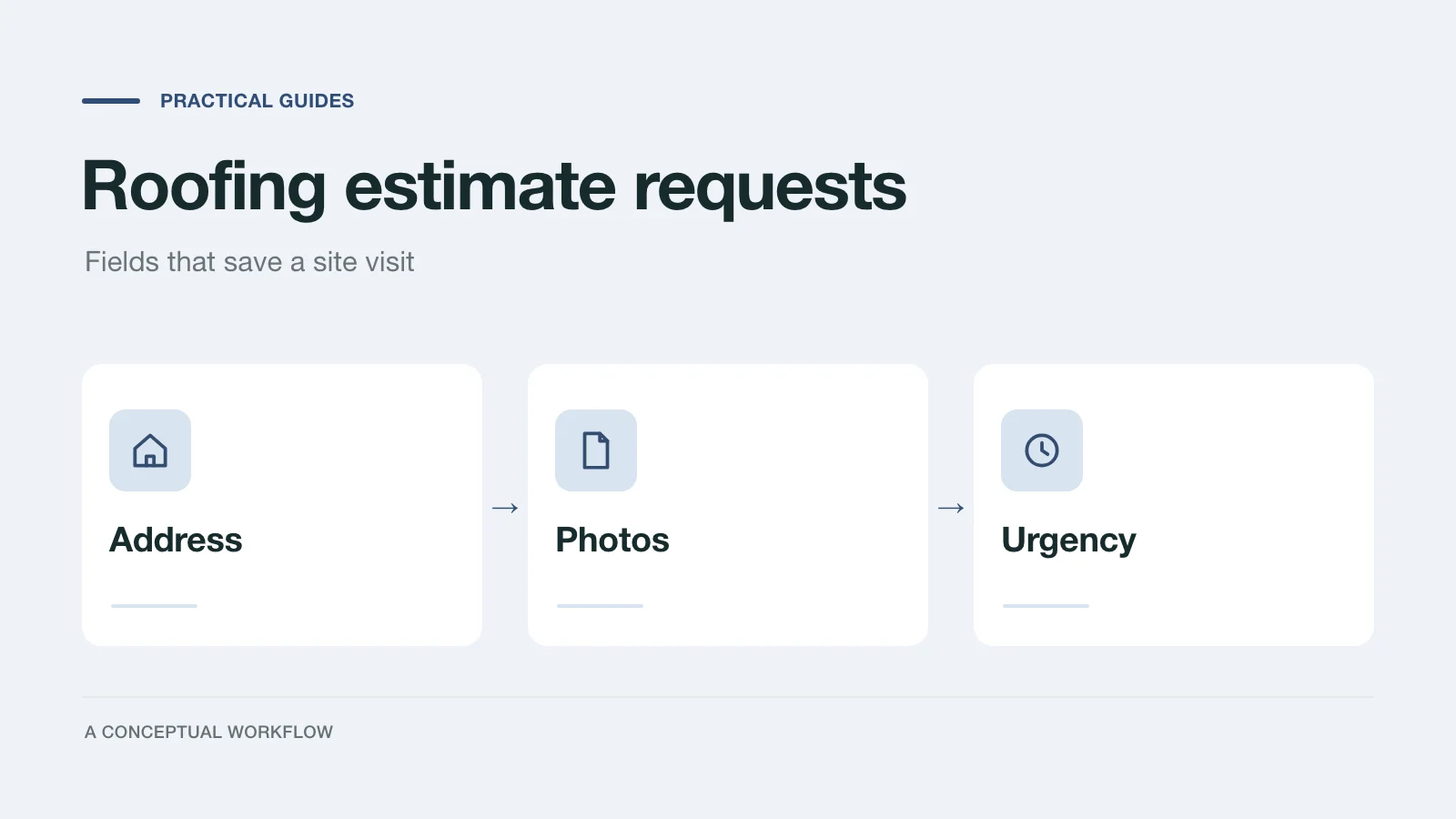
Copy a roofing estimate request form field list, a triage rule for emergency leaks versus planned replacements, and a prompt to build the form in Dashform.
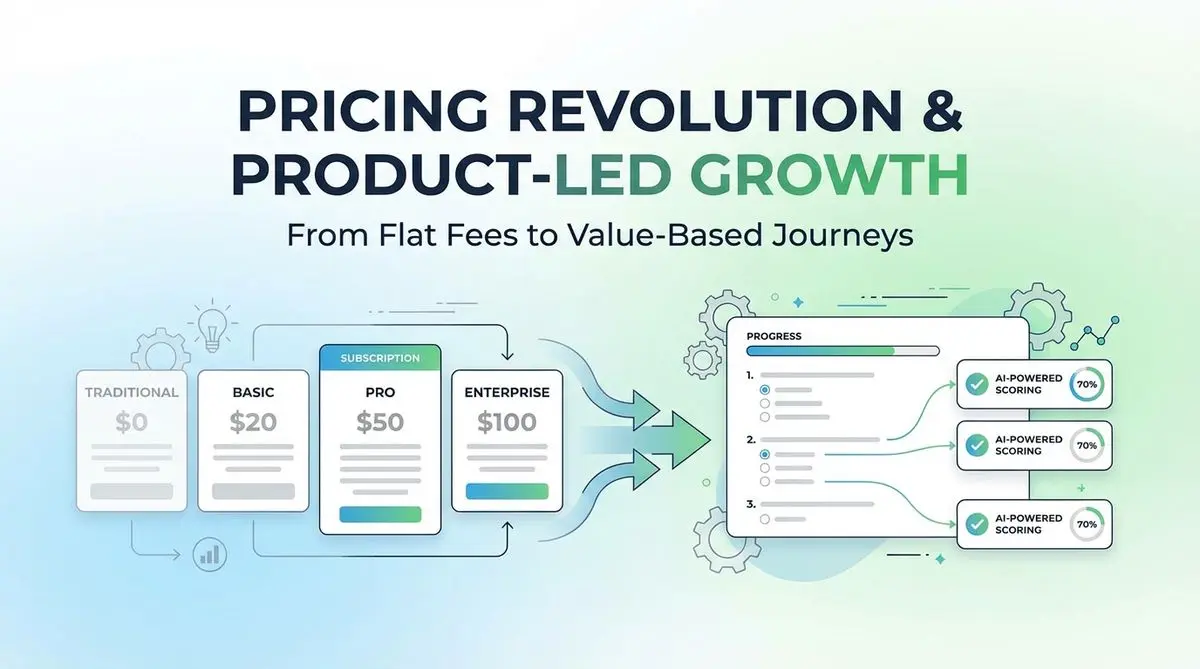
A proposed SaaS intake quiz can collect use case, budget, and timeline before a trial. Test its effect on signups, activation, and paying customers.
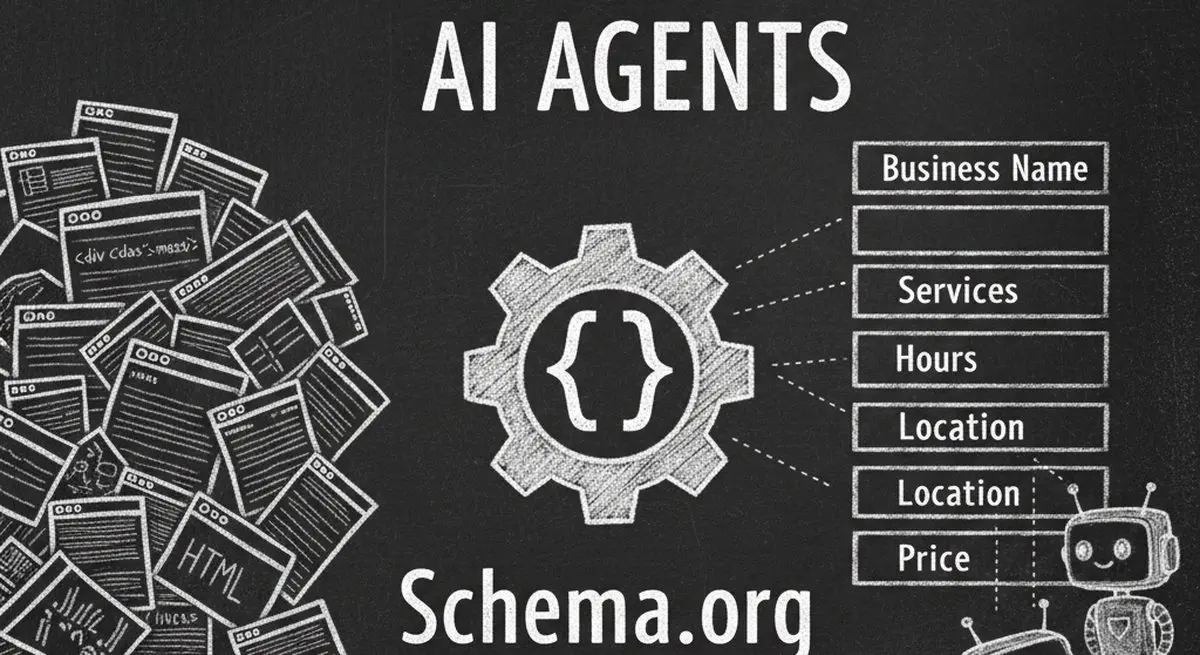
Seven Schema.org types for describing business details accurately. Structured data can aid parsing, but won't guarantee discovery, citations, or bookings.
Try the world's first AI-native form and turn every response into action instantly.

