

The Repair Quote Form opens by asking for contact details — the "Full Name", "Email Address", and "Phone Number" questions — so the repair team knows exactly who to follow up with and how. It then moves into the job itself: the "Item Category" question narrows down the type of repair needed across seven categories, while "Item Description" and "Nature of the Damage or Fault" give technicians the specifics they need to prepare an accurate quote. The "How long have you had this issue?" question helps assess urgency and the extent of the problem, before "Preferred Service Type" lets the respondent choose between dropping off the item, having it collected, or receiving a technician visit. Finally, "Preferred Appointment or Quote Date" and "Additional Notes or Special Requirements" round off the form with scheduling preferences and any extra context. After submitting, respondents see a confirmation screen letting them know the team will review their details and respond with a tailored quote within one to two business days.
Try the conversation below to see how this template works
Trusted by over 10,000 customers and growing
Conversations Started
Questions Answered
Forms Created
They rely on "Item Category", "Item Description", and "Nature of the Damage or Fault" to assess jobs and prepare accurate quotes before a customer even walks in.
The "Preferred Service Type" and "Preferred Appointment or Quote Date" questions let them capture service logistics and scheduling preferences upfront, reducing back-and-forth.
The 'Plumbing or Electrical' category option and the "Additional Notes or Special Requirements" question allow clients to flag the nature and location of a fault clearly from the start.

AI builds and refines your form through natural conversation no templates, no complex logic, no coding. From a simple text prompt or URL, Dashform generates intelligent flows that adapt automatically.
Dashform turns traditional form-filling into a two-way dialogue. The AI understands intent, remembers context, and asks relevant follow-up questions just like a real human conversation.
Every response is transformed into structured, meaningful, and ready-to-use data. Integrate with your favorite tools.
Everything you need to create amazing forms
Everything you need to know about this template
Don't see exactly what you need? Use our AI Form Generator to create a custom form in seconds. Just describe what you want, and AI will build it for you.
Explore more templates to find the perfect fit
 Payment
Collect all banking details, transfer amounts, and urgency levels needed to process an outgoing wire transfer.
 Hr
HrCollect employee acknowledgement, comprehension, and commitment for a workplace contact quarantine notification.
 Waiver
A concise yoga liability waiver collecting health details, risk acknowledgment, and a typed signature before class.
 Booking
Collect contact details, date, time zone, duration, purpose, and feature needs to schedule a Zoom meeting in one tidy form.
 Event Registration
Collect names, emails, and topic interests for a Zoom webinar; arrange Zoom registration and joining-link delivery separately.
 Client Intake
A friendly, seven-question form that collects basic personal details and contact preferences from anyone you need to get to know.
Learn how to get the most out of your forms and templates
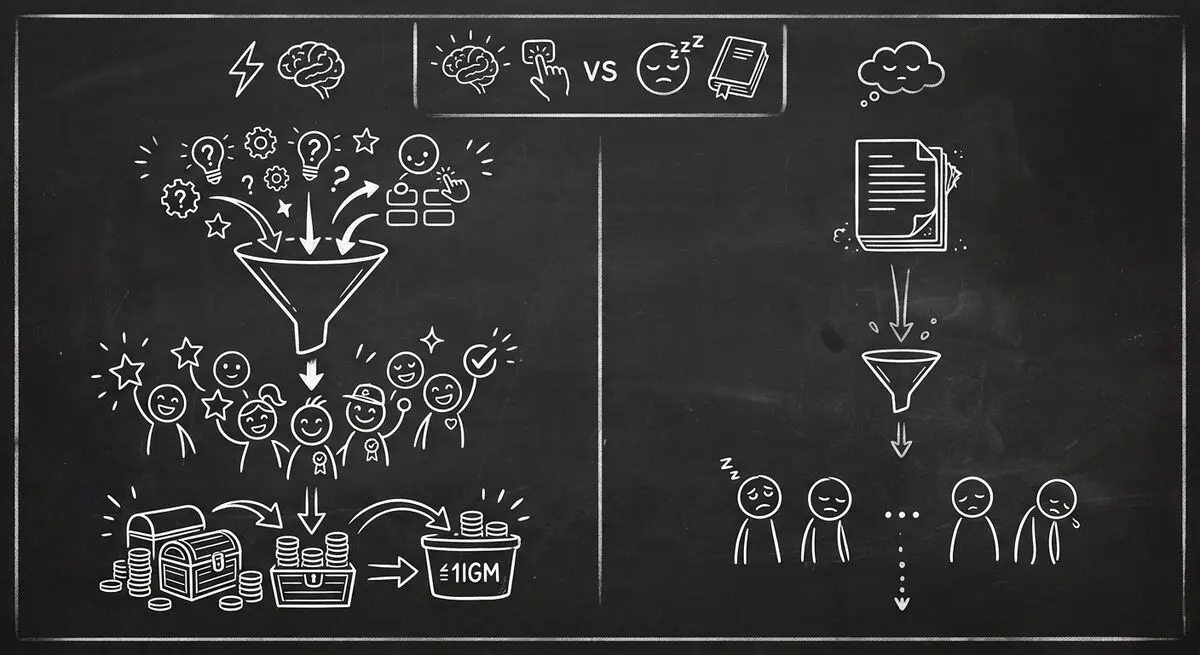
Compare quiz funnels and downloadable resources, interpret platform-specific conversion data, and design a test using your own audience.
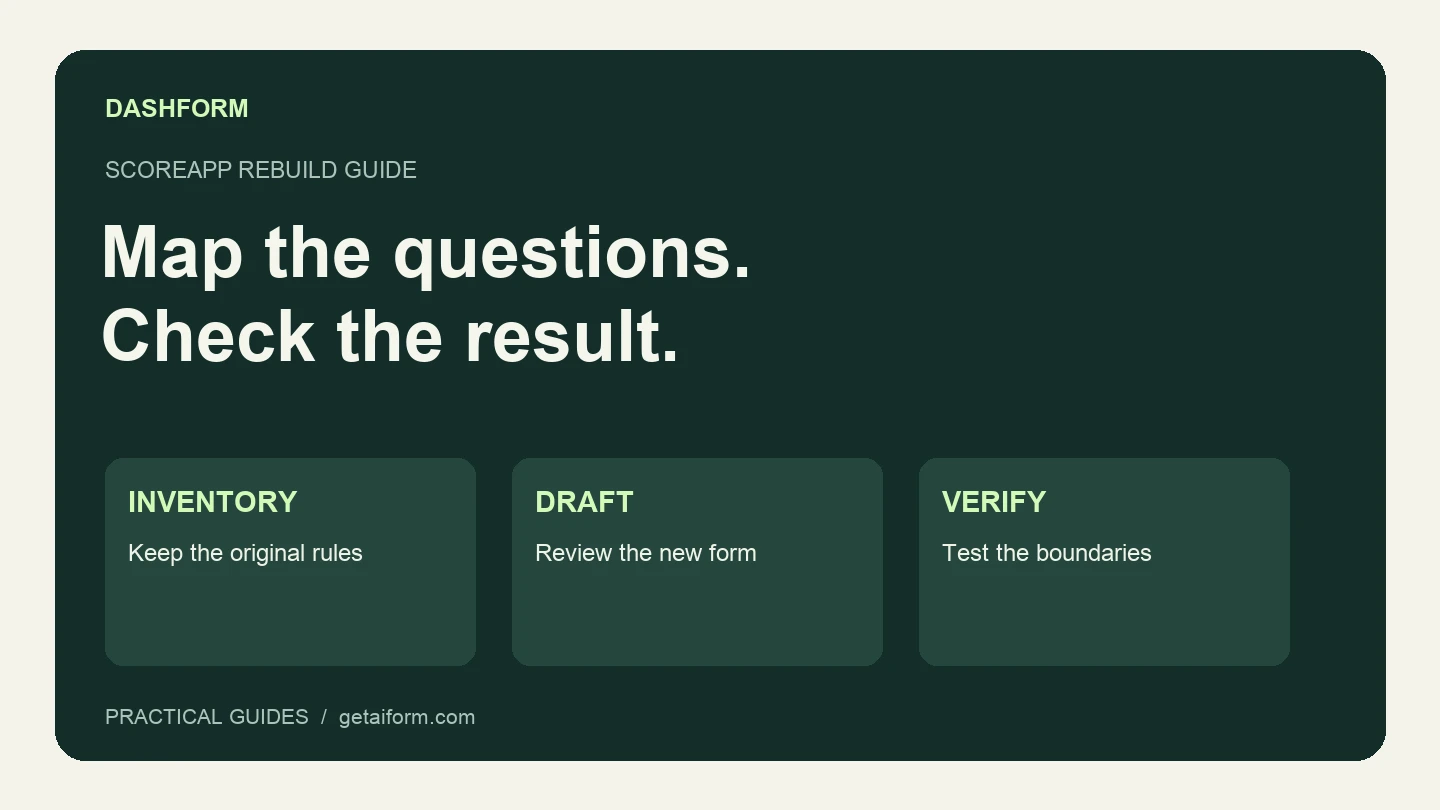
Map an existing ScoreApp assessment into a Dashform intake workflow, with a copyable brief, scoring worksheet, test cases, and clear migration limits.
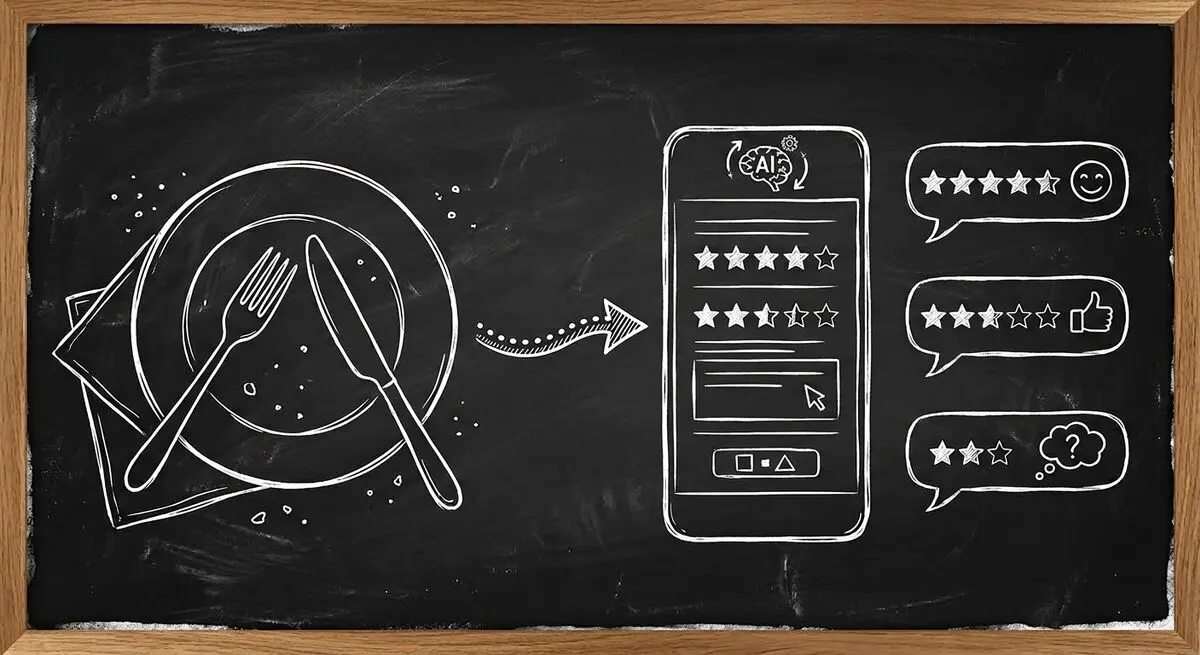
How restaurants use AI feedback forms and QR codes to read guest sentiment live, fix problems before they become public reviews, and win guests back.
Try the world's first AI-native form and turn every response into action instantly.