

This four-question form collects webinar sign-ups, beginning with the "Please enter your full name." and "Please enter your email address." questions. These details give the host a contact list; the form does not register attendees in Zoom or send joining links by itself. The host must arrange registration in Zoom and deliver joining details manually or configure and test an automated workflow. The optional "How did you hear about this webinar?" question identifies which marketing channels are driving sign-ups. Finally, the optional "What topics are you most interested in learning about during the webinar? (Select all that apply)" question lets registrants flag their priorities across five content areas, helping the host shape the agenda or Q&A. The Ending acknowledges the sign-up and explains that joining details are handled separately by the host.
Try the conversation below to see how this template works
Trusted by over 10,000 customers and growing
Conversations Started
Questions Answered
Forms Created
Relies on the "What topics are you most interested in learning about during the webinar? (Select all that apply)" question to gauge attendee appetite for 'Product Features' vs. 'Best Practices' before shaping the session agenda.
Depends on the "How did you hear about this webinar?" question to measure which channels — email newsletter, social media, or word of mouth — are converting the most registrations.
Use the required "Please enter your email address." question to build a sign-up list. Arrange Zoom registration and send joining details manually, or configure and test a separate automated workflow.

AI builds and refines your form through natural conversation no templates, no complex logic, no coding. From a simple text prompt or URL, Dashform generates intelligent flows that adapt automatically.
Dashform turns traditional form-filling into a two-way dialogue. The AI understands intent, remembers context, and asks relevant follow-up questions just like a real human conversation.
Every response is transformed into structured, meaningful, and ready-to-use data. Integrate with your favorite tools.
Everything you need to create amazing forms
Everything you need to know about this template
Don't see exactly what you need? Use our AI Form Generator to create a custom form in seconds. Just describe what you want, and AI will build it for you.
Explore more templates to find the perfect fit
 Request
A structured employee form for requesting reimbursements, advances, final pay, or other payments from an employer.
 Event Registration
Register for Casino Night by confirming attendance, party size, dietary needs, and favourite games in one quick form.
 Survey
A seven-question survey covering a cat's age, diet, activity level, behavior, and vet visit history.
 Professions
Tell a caterer your event type, guest count, service style, and dietary needs so they can send back a tailored proposal.
 Feedback
Collect staff ratings, cleanliness scores, and suggestions to keep the office coffee machine running at its best.
 General Application
Collect, categorize, and prioritize incoming service requests with contact details, service type, and urgency level.
Learn how to get the most out of your forms and templates
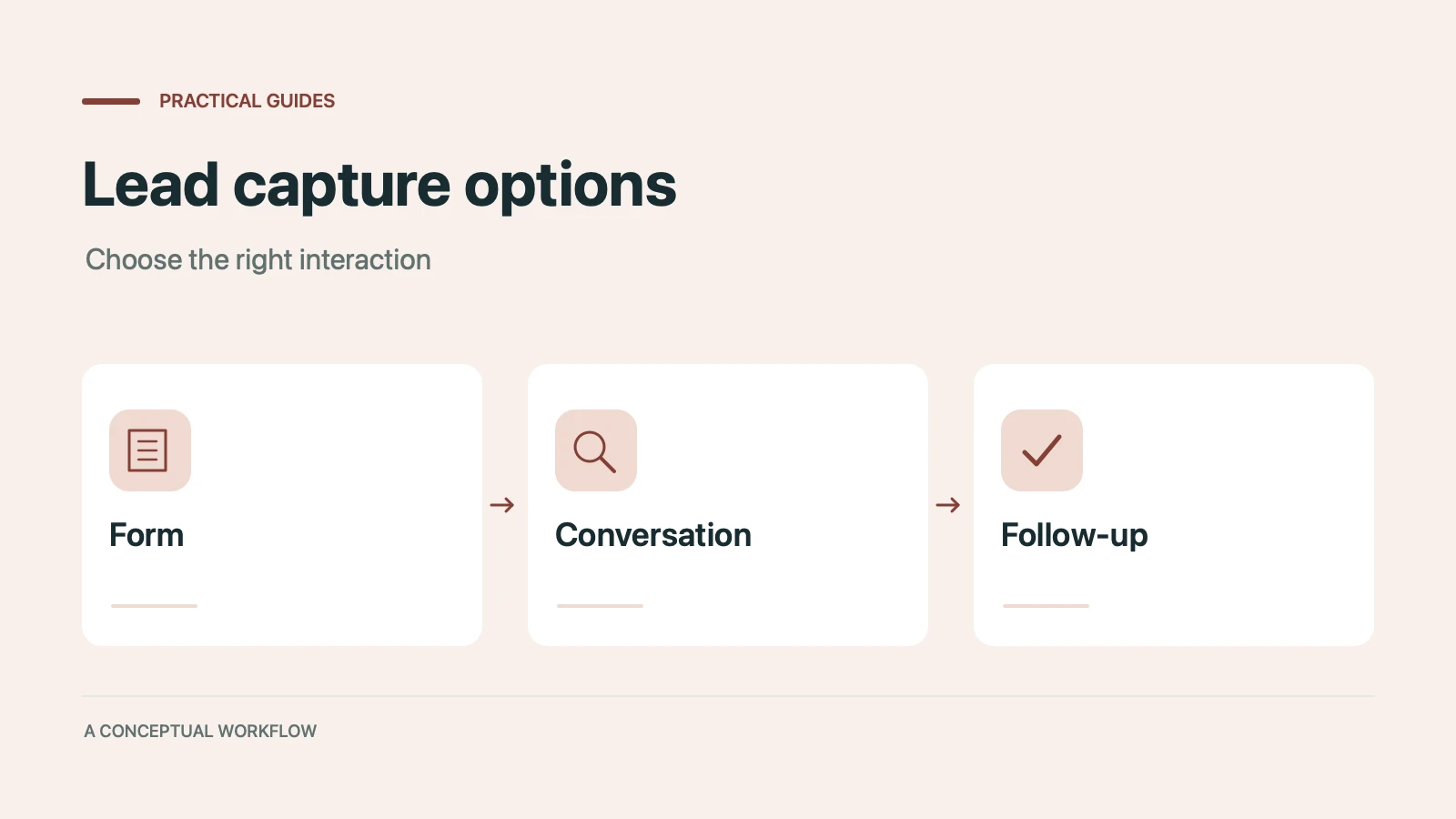
Static forms, AI chatbots, and conversational AI forms compared for lead capture: where each works, where each breaks, and the hybrid stack that combines them.
Call-to-action button examples grouped by goal, with best practices for placement, color, copy, and A/B testing.
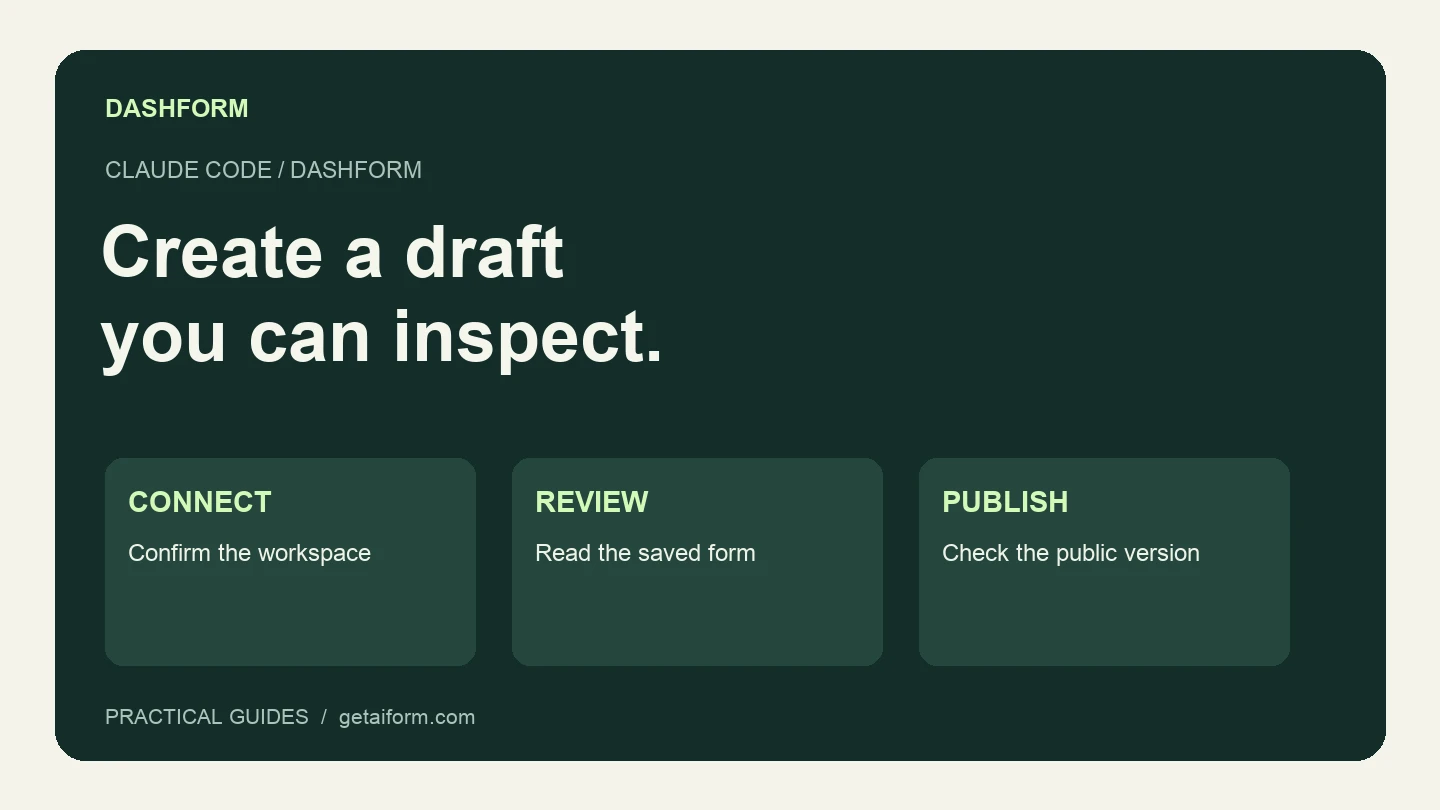
Connect Claude Code to Dashform, create and inspect a form draft, and understand the difference between reusable skills, MCP access, and publishing.
Try the world's first AI-native form and turn every response into action instantly.