

This form opens with a brief welcome screen explaining that the employee may have been exposed to a contagious disease at work and that their cooperation is needed. It then asks four questions in a logical order: first, the "Do you acknowledge receipt of this Workplace Contact Quarantine Notification?" question confirms the employee has seen the notice; second, the "Do you understand the quarantine procedures and guidelines outlined in this notification?" question checks comprehension before asking for commitment; third, the optional "Do you have any questions or concerns regarding this notification or the outlined procedures? Please specify." question gives employees a channel to flag confusion or raise concerns; and finally, the "Do you commit to following the quarantine guidelines and procedures as instructed?" question records a formal commitment. After submitting, employees see a confirmation screen thanking them for their acknowledgement and reaffirming that their cooperation protects everyone in the workplace.
Try the conversation below to see how this template works
Trusted by over 10,000 customers and growing
Conversations Started
Questions Answered
Forms Created
HR teams rely on the "Do you acknowledge receipt of this Workplace Contact Quarantine Notification?" question to maintain a timestamped record that every affected employee was formally notified.
Safety officers use the "Do you commit to following the quarantine guidelines and procedures as instructed?" question to quickly identify employees who may need additional guidance before returning to work.
Managers benefit from the optional "Do you have any questions or concerns regarding this notification or the outlined procedures? Please specify." question, which surfaces individual concerns they can address directly before any confusion spreads.

AI builds and refines your form through natural conversation no templates, no complex logic, no coding. From a simple text prompt or URL, Dashform generates intelligent flows that adapt automatically.
Dashform turns traditional form-filling into a two-way dialogue. The AI understands intent, remembers context, and asks relevant follow-up questions just like a real human conversation.
Every response is transformed into structured, meaningful, and ready-to-use data. Integrate with your favorite tools.
Everything you need to create amazing forms
Everything you need to know about this template
Don't see exactly what you need? Use our AI Form Generator to create a custom form in seconds. Just describe what you want, and AI will build it for you.
Explore more templates to find the perfect fit
 Inquiry
Capture construction project inquiries with contact details, project type, description, timeline, and referral source.
 Progress Tracking
A structured weekly or periodic update form for construction teams to report phase, progress, challenges, next steps, and schedule status.
 Quote Request
Collect project scope, materials, timeline, budget, and permitting details to build an accurate construction proposal.
 Document Submission
Submit proposed materials, equipment, shop drawings, or work methods for project team review and approval.
 Registration
Collect a child's legal name, date of birth, parent/guardian contact, emergency contact, and medical notes in one tidy form.
 Contact
A clean, paper-themed contact form that captures name, email, subject, message, and contact preferences.
Learn how to get the most out of your forms and templates
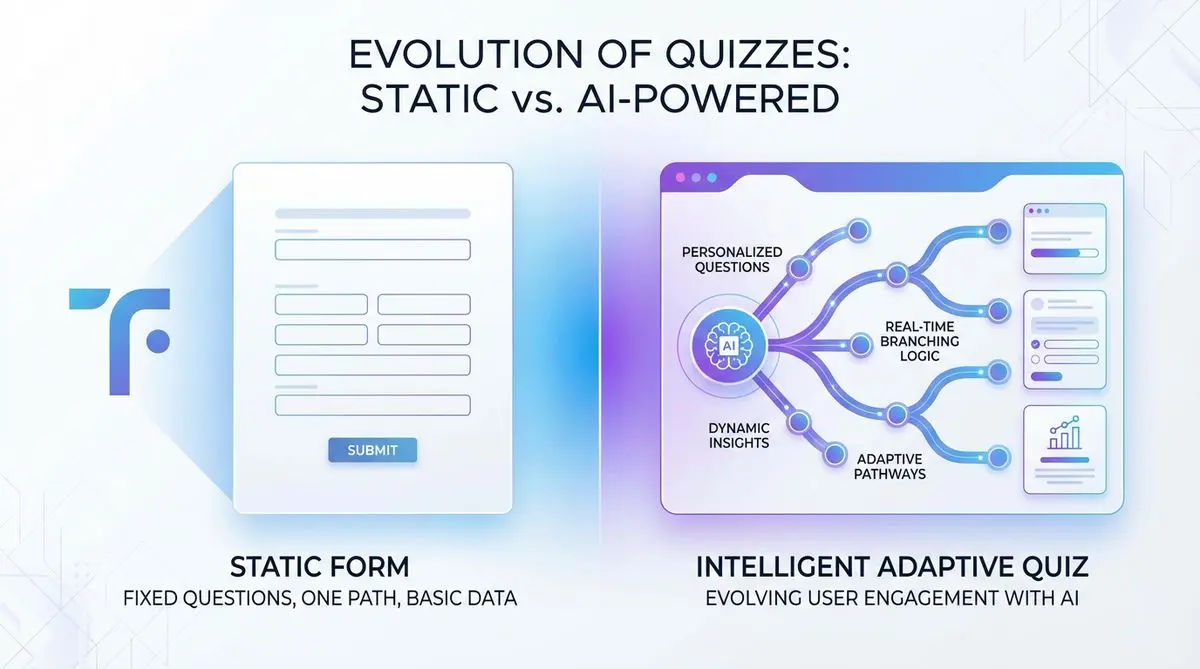
Compare Dashform and Typeform for question drafting, qualification, results, and configured CRM or scheduling handoffs.

Eight Botox marketing ideas to evaluate: dedicated landing pages, consultation requests, seasonal promotions, local SEO, and configured follow-ups.
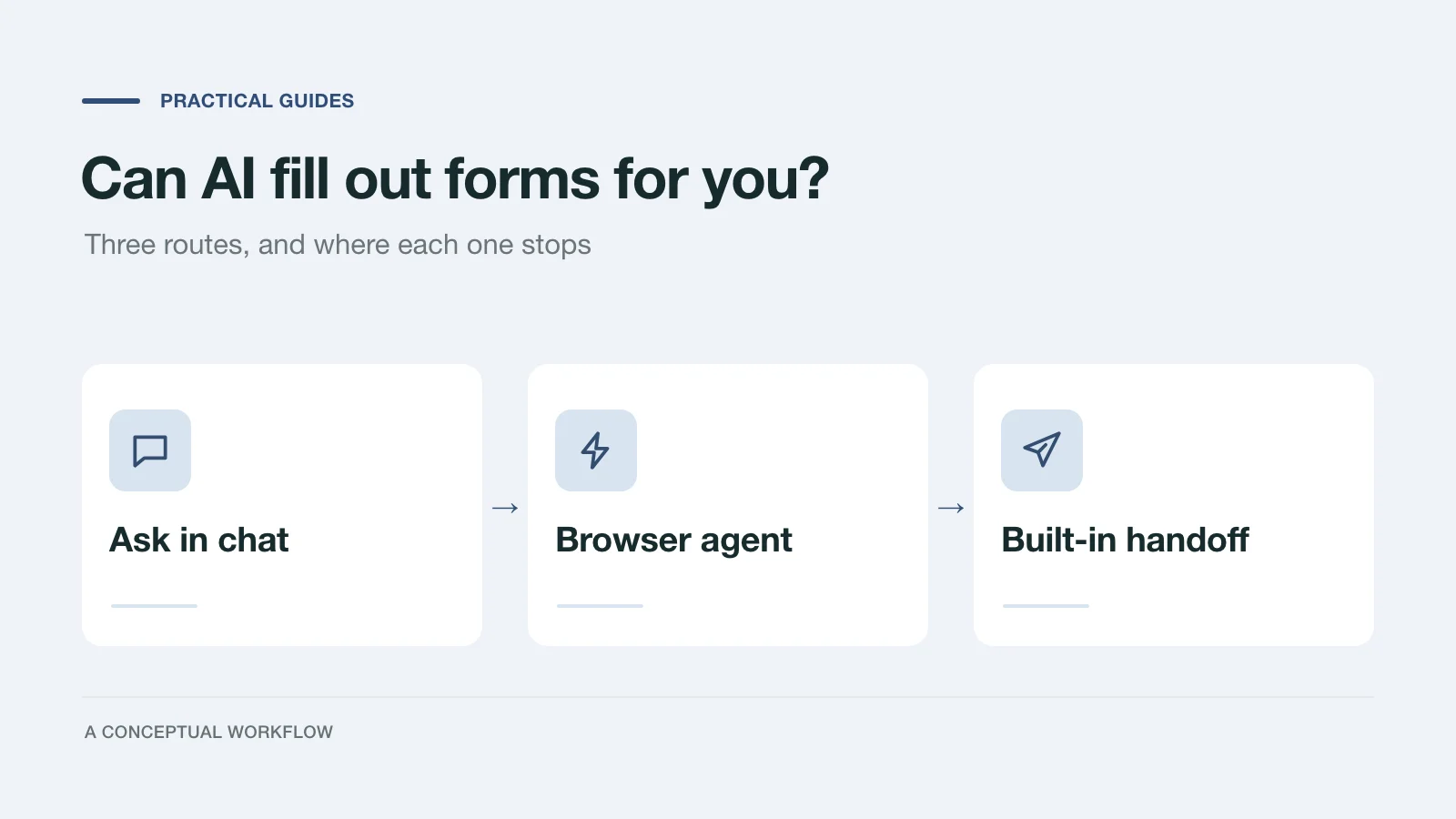
Yes, in three different ways: answers you paste in, a browser agent that clicks for you, or a form built for assistants. What each one handles and where it stops.
Try the world's first AI-native form and turn every response into action instantly.