

The Daily Tracking Log Form opens by asking for your full name, email address, and the log date, anchoring each entry to a specific person and day. It then asks what you worked on and how many planned tasks you completed — a single-choice question with options ranging from 'All of them' to 'None — unexpected issues arose' — giving owners a quick snapshot of output without requiring manual calculation. A rating question captures your overall productivity feel for the day, and a dedicated blocker question separates clean days from ones where obstacles got in the way, with follow-up space to describe them in detail. The form closes by asking for tomorrow's top priorities, keeping momentum from one entry to the next. After submitting, respondents see a short encouragement screen reminding them that every entry adds to a longer-term picture of their progress.
Try the conversation below to see how this template works
Trusted by over 10,000 customers and growing
Conversations Started
Questions Answered
Forms Created
They rely on the "Did you encounter any blockers or obstacles?" question and its follow-up to spot unresolved issues across the team before they compound.
They use the "How many of your planned tasks did you complete?" question alongside the productivity rating to build a personal record they can reference when reviewing workload or billing.
They track the "What are your top priorities for tomorrow?" question over time to see whether clients follow through from one day to the next and where patterns of delay appear.

AI builds and refines your form through natural conversation no templates, no complex logic, no coding. From a simple text prompt or URL, Dashform generates intelligent flows that adapt automatically.
Dashform turns traditional form-filling into a two-way dialogue. The AI understands intent, remembers context, and asks relevant follow-up questions just like a real human conversation.
Every response is transformed into structured, meaningful, and ready-to-use data. Integrate with your favorite tools.
Everything you need to create amazing forms
Everything you need to know about this template
Don't see exactly what you need? Use our AI Form Generator to create a custom form in seconds. Just describe what you want, and AI will build it for you.
Explore more templates to find the perfect fit
 Payment
Record loan repayments with borrower details, payment date, amount, method, and an optional reference number.
 General Survey
Collect structured feedback on lockdown communication, safety, helpful resources, and emotional impact to improve future procedures.
 Incident Report
Report a lost or found item on your premises with this eight-question form that captures descriptions, locations, and contact details.
 Quiz
QuizCollect loungewear preferences across comfort, fabric, style, daily activities, and interest in trends.
 Survey
Gather reader demographics, reading habits, content ratings, and recommendations to guide your magazine's editorial direction.
 Agreement
Capture property details, service scope, frequency, and contract length to draft a maintenance service agreement.
Learn how to get the most out of your forms and templates
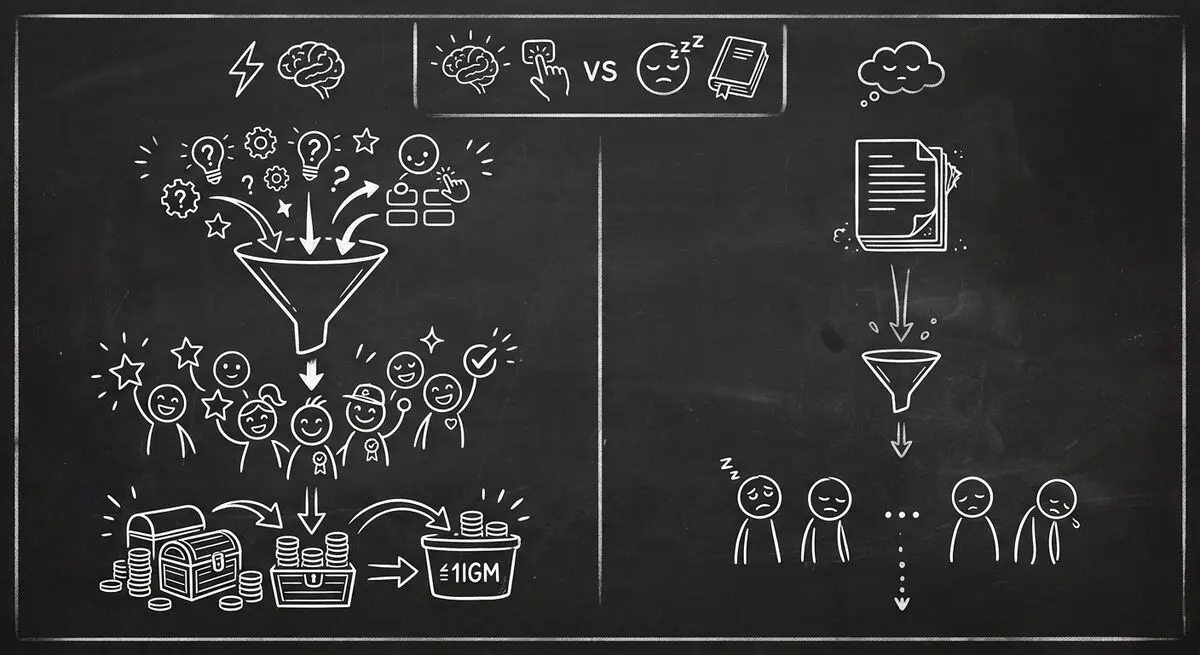
Compare quiz funnels and downloadable resources, interpret platform-specific conversion data, and design a test using your own audience.
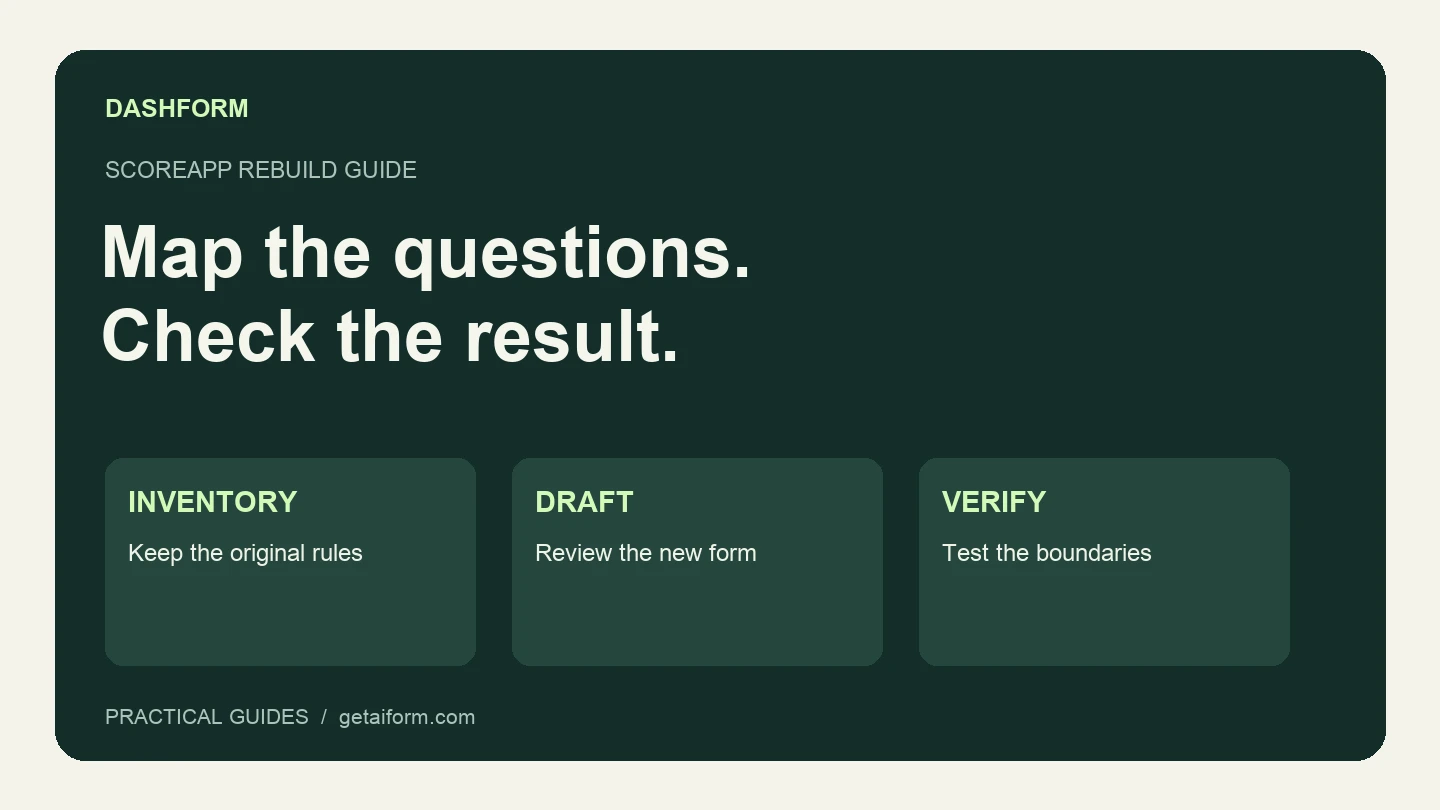
Map an existing ScoreApp assessment into a Dashform intake workflow, with a copyable brief, scoring worksheet, test cases, and clear migration limits.

How restaurants use AI-powered feedback forms to capture customer sentiment in real time, resolve problems before they become public reviews, and bring guests back. A complete setup guide with QR code strategy.
Try the world's first AI-native form and turn every response into action instantly.